By Manny Fernandez

August 30, 2022

Re-Arming your Windows Server after the 180 day expiration

Re-Arming your Windows Server after the 180 day expiration

Have you ever installed a Windows server to do some testing and don’t register it because it is a lab environment?  Here is a quick and easy way to re-arm the licenses.

NOTE: This can only be run 5 times on the server and then you are….. as THEY say….. Out of Gas.

Run Command Prompt with Administrator Privileges and run following command:

slmgr.vbs -rearm

 

Outlook CVE-2026-124194: Patch the Zero-Day That Leaks NTLM Hashes

Outlook CVE-2026-124194: Patch the Zero-Day That Leaks NTLM Hashes

Outlook CVE-2026-124194 leaks NTLMv2 hashes from one opened .msg file. Check fixed builds, force the Office update, and block SMB egress on FortiGate.

Read More
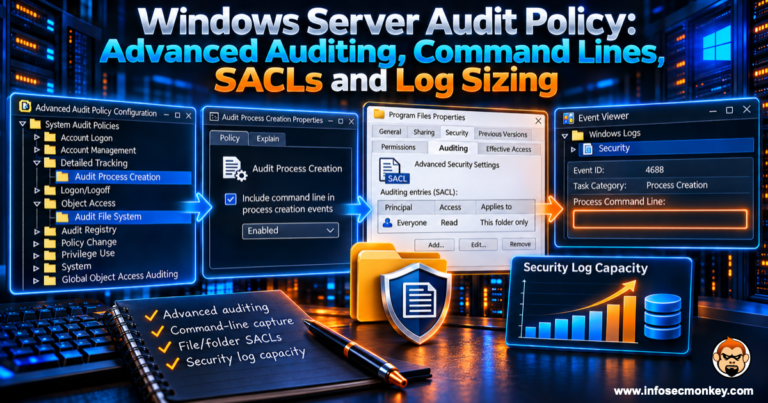
Windows Server Audit Policy: Advanced Auditing, Command Lines, SACLs and Log Sizing

Windows Server Audit Policy: Advanced Auditing, Command Lines, SACLs and Log Sizing

Build a Windows Server audit policy that logs what investigators need: advanced subcategories, 4688 command lines, file SACLs and log sizing.

Read More
Chrome CVE-2026-11660: New Tab Page Sandbox Escape, Verify and Enforce the Patch

Chrome CVE-2026-11660: New Tab Page Sandbox Escape, Verify and Enforce the Patch

Chrome CVE-2026-11660 is a New Tab Page sandbox escape. Verify fixed Chrome and Edge builds and force relaunch on Windows, macOS and Linux.

Read More