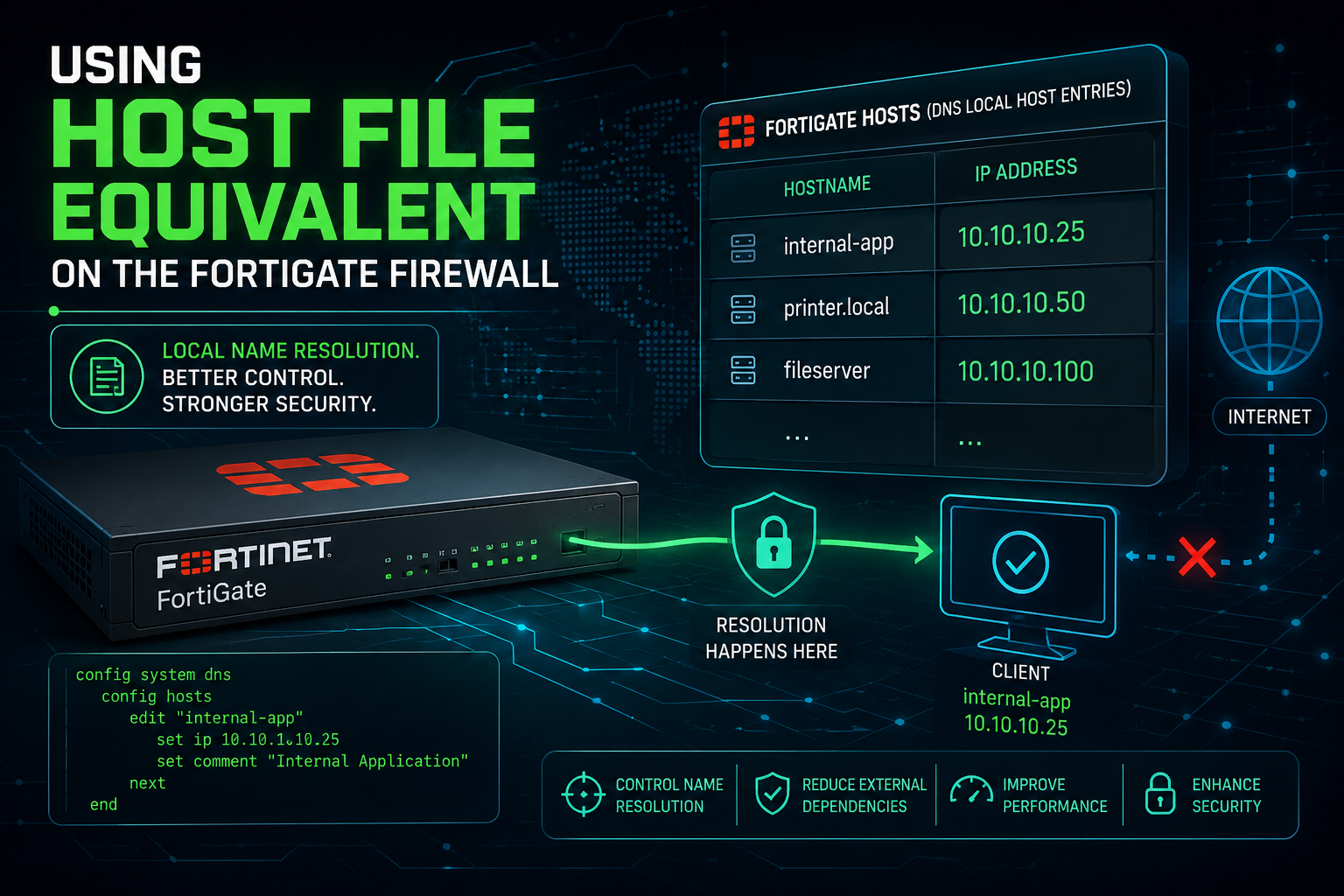
Have you ever wanted to do some testing on a FortiGate using an FQDN verses an IP address? While FortiOS doesn’t expose a raw /etc/hosts text file, adding a master DNS zone directly on the FortiGate forces the device to look at its own local table first before querying any upstream DNS servers.
Here is how you set it up via the CLI and the GUI.
Method 1: The CLI Way (Quickest)
This is the closest equivalent to Cisco’s ip host command. You create a local zone (like local or matching the specific domain) and map the hostname to the IP.
config system dns-database
edit "local_hosts"
set domain "infosecmonkey.net"
set authoritative disable
config dns-entry
edit 1
set hostname "fac01"
set ip 10.1.106.128
next
end
next
end
> Note: Setting set authoritative disable is key. It tells the FortiGate that if it doesn’t find the specific hostname in this local list, it should still go ahead and ask your regular upstream DNS servers rather than giving up.
Method 2: The GUI Way
If you prefer the web interface, you can manage this visually, though you may need to toggle the feature visibility first.
1. Enable the DNS Database Feature: System Settings.
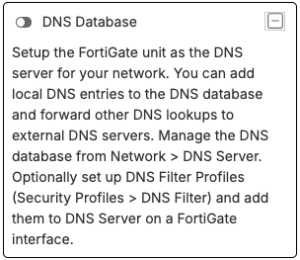
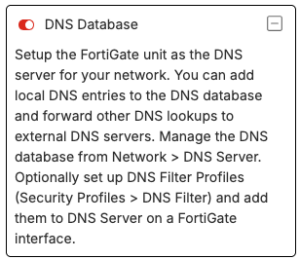
Go to System > Feature Visibility. Scroll down to Additional Features, toggle on DNS Database, and click Apply.
2. Create a New DNS Zone: Network Settings.
Navigate to Network > DNS Servers. Under theDNS Database section, click Create New.
3. Configure the Zone Zone Properties: Matching Cisco/Hosts setup.
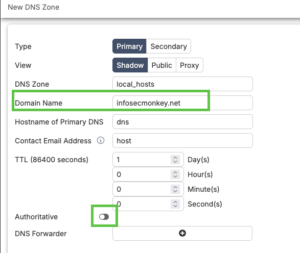
Set the Type to Primary, give it a zone name, and enter the Domain Name (e.g., local or the actual domain you are overriding). Ensure Authoritative is turned off so unresolved queries still forward to the internet.
4. Add your IP Mappings: DNS Entries.
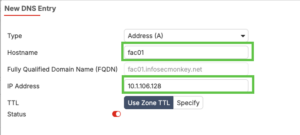
In the DNS Entries table at the bottom of that window, click Create New. Set the type to A (or AAAA for IPv6), type your hostname (e.g., fac01), enter the IP address, and hit OK.
One important catch for FortiGate traffic
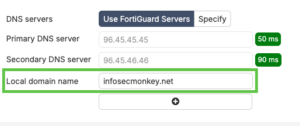
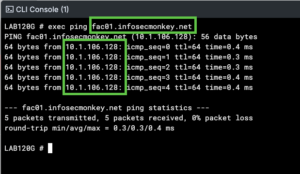
By default, when you type a command like exec ping fac01.infosecmonkey.net directly into the FortiGate CLI, it uses the system DNS settings. To ensure the local FortiGate processes its own local DNS database for its own generated traffic, make sure your system DNS (config system dns) includes 127.0.0.1 or the FortiGate’s own interface IP as one of its servers, or ensure a local DNS service is running on the interface you are managing it from.