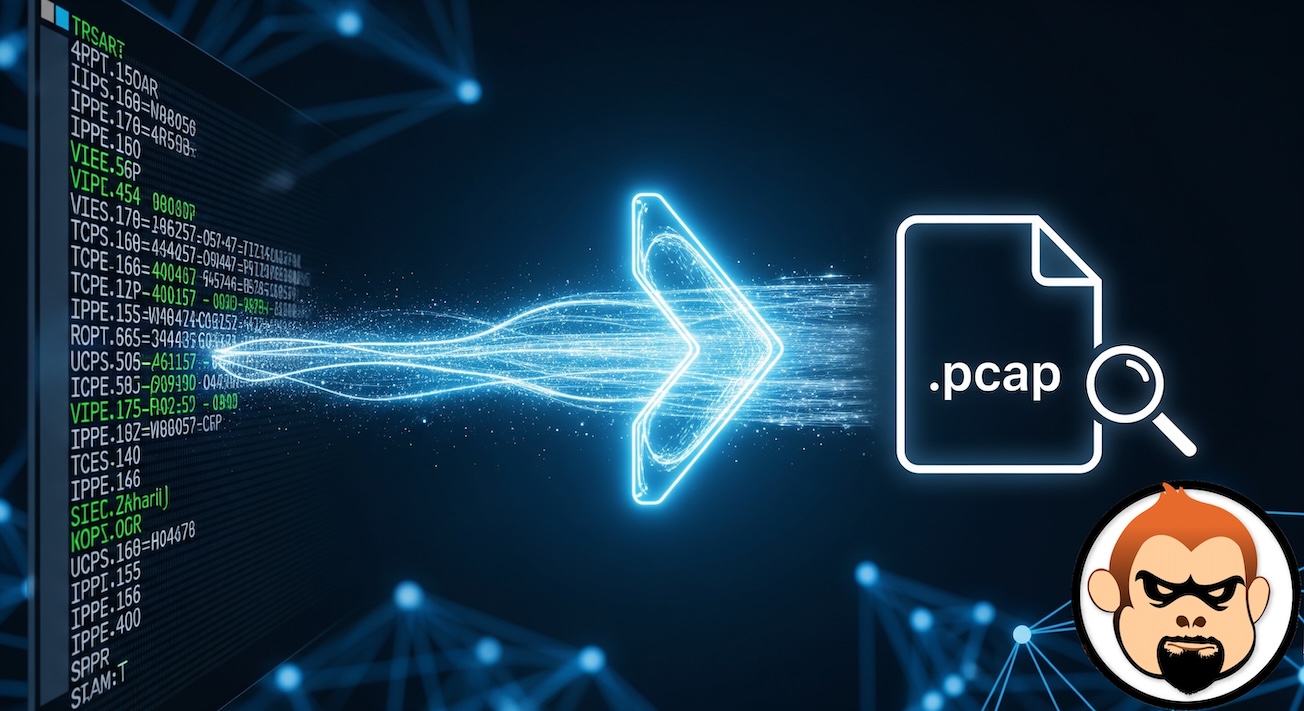
In 2024, I wrote an article about converting a diag sniffer packet capture with a verbosity of 3,5 or 6 (Prints the header, data from the Ethernet layer, and the interface name.) using the Fortinet provided Perl script. This perl script would convert the output file you save, to a .pcap file. I run a macOS devices and would rather use python. As an example, when you run diag sniffer packet any 'host 10.1.1.1' 3, 5 or 6 l 0 you can collect the output, run a script against that output and generate a .pcap file.
Key Changes and Improvements
1. macOS Support – It automatically looks for text2pcap and wireshark in standard macOS locations (/Applications/Wireshark.app/Contents/MacOS/) as well as the system PATH.
2. Modern Python – Written in Python 3 using standard libraries (argparse, subprocess, re).
3. Real-time Piping – Supports the -out - (stdout) mode to pipe directly into Wireshark, just like the original.
4. Date Handling – The original script hardcoded the year 2005. This script uses the current year for relative timestamps, making the Wireshark display more relevant.
Here is my Python script. The instruction are below and is very easy.
Instructions for macOS
1. Prerequisites – Ensure Wireshark is installed (/Applications/Wireshark.app).
2. Save – Save the script as fgt2eth.py.
3. Permissions – Make it executable chmod +x fgt2eth.py
4. Usage – ./fgt2eth.py -in %outputfile.txt This creates %outputfile.txt.pcap
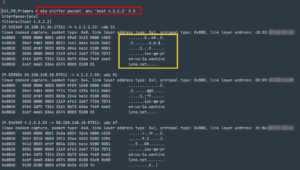
Once you capture the data, you will want to either copy off the GUI based CLI

Or you can choose the following buttons from the top of the CLI screen.
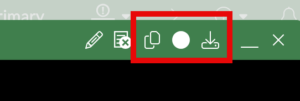
Save them to a file to use in the script as the target -in.
The two page icon will copy the contents of the CLI screen into the clipboard. The round circle starts recording all the text in the screnn and the arrow with the drive downloads the content of the CLI to a file.
Hope this helps.