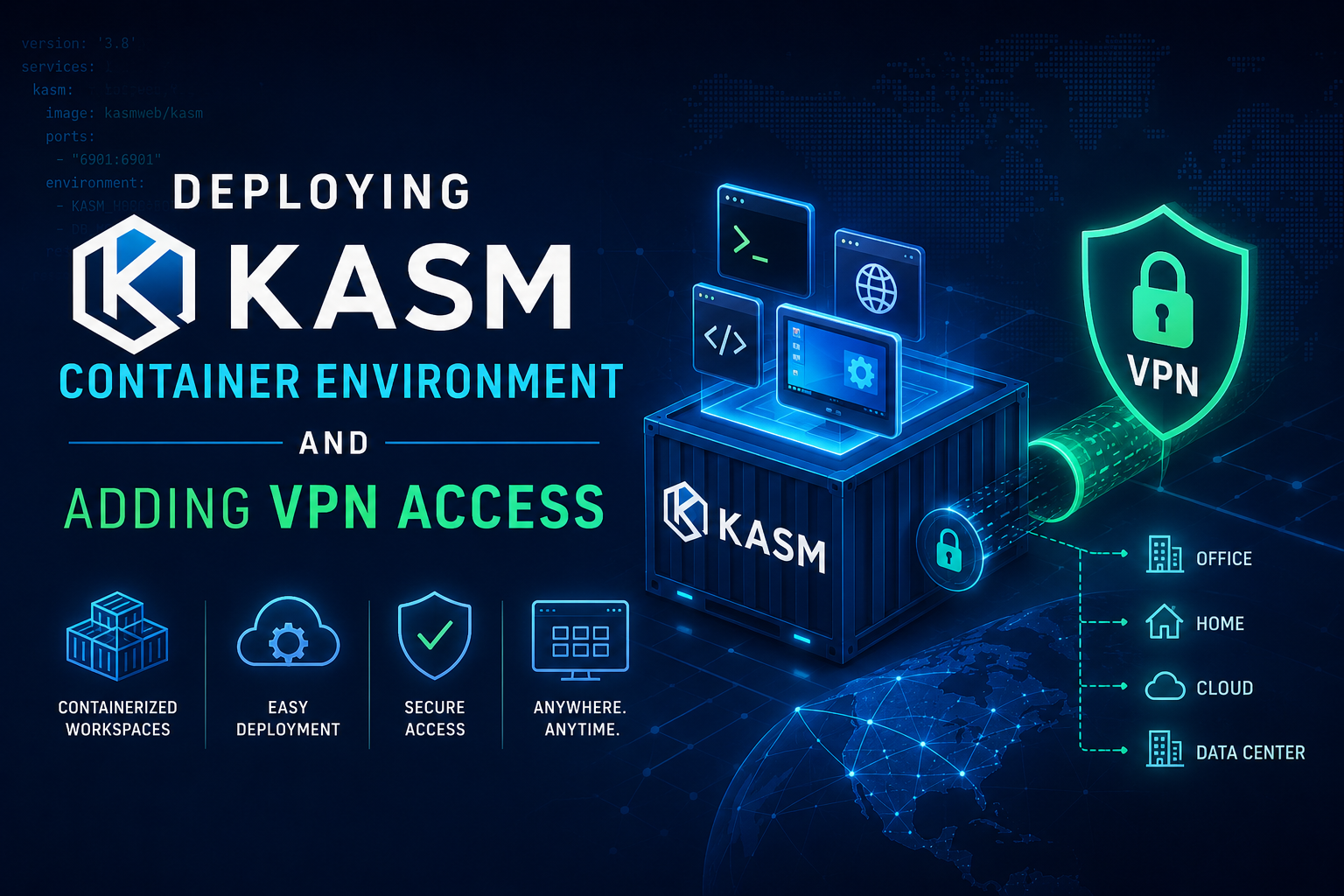
Even when running a VPN, your machine can leave artifacts of your connection on sites when you are doing OSINT activities. To hide these artifacts, you can use Kasm. Kasm is on open source containerized environment where you can launch containerized browsers and other apps, to keep you anonymity.
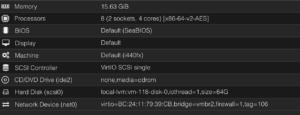
Start off with a fresh Ubuntu Linux.
Head on over to the Kasm website where you will find a script that will run through the entire installation.
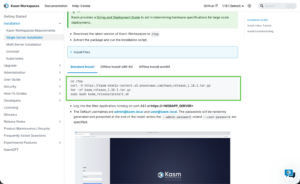
copy the Curl script and paste it into your Ubuntu Linux box.
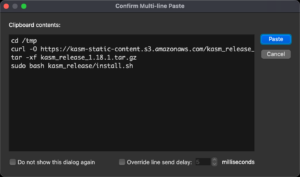
Take note of the credentials posted at the end.
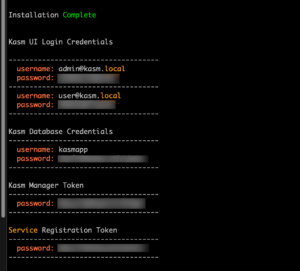
Once completed, Open you browser from your computer, in my case my macOS and browse to the IP of the Kasm server.
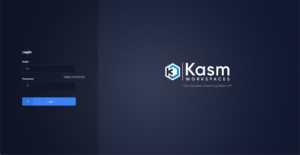
use the admin@kasm.local and the password supplied.

On the top left, choose Admin then choose Workspaces then Registry. You can choose the apps you want to install.
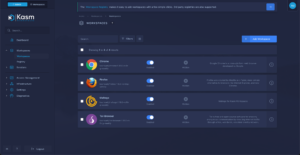
On my deployment, I chose Chrome, Firefox, Maltego and Tor
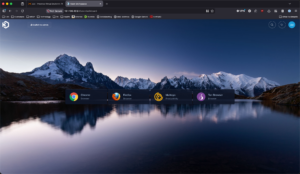
You can now choose your application
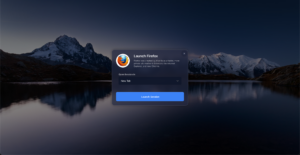
You can launch in a tab.
Configuring VPN
I use ExpressVPN but you can use any OpenVPN type connection even your own.
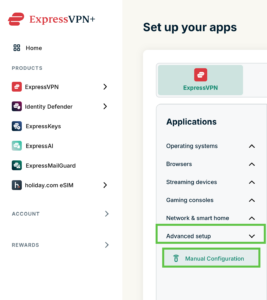
For ExpressVPN, you can go to the Advanced Setup and Manual Configuration
You can download the OpenVPN files from here. Choose the country and then City.
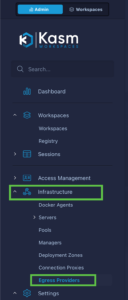
To add the VPN, go to Infrastructure and Egress Providers
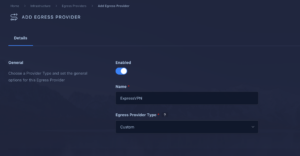
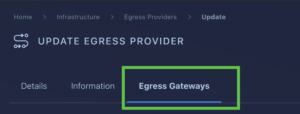
Now you should be able to access the top bar that allows you to choose Egress Gateways
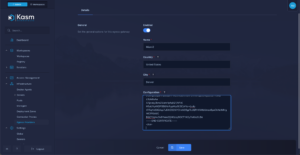
Click the add button and add your cities, then paste the config you downloaded into the Configuration window and save
Now we will go to Access Management then Groups then choose the > on the left of the group.

Create an Egress connection under Egress. Now move to Egress Credentials
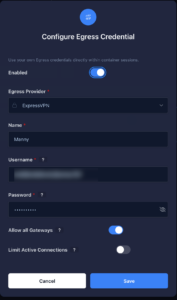
Save it and go back to Workspace
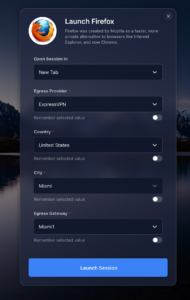
Now when you launch your Kasm app, you will see an option for Egress Provider
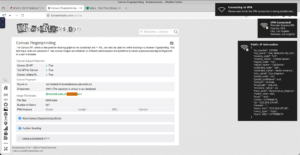
This is my Canvas Fingerprint with Kasm
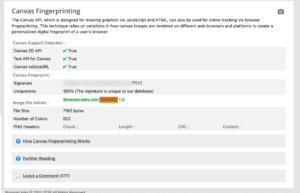
Here is my normal Canvas Fingerprint without Kasm.