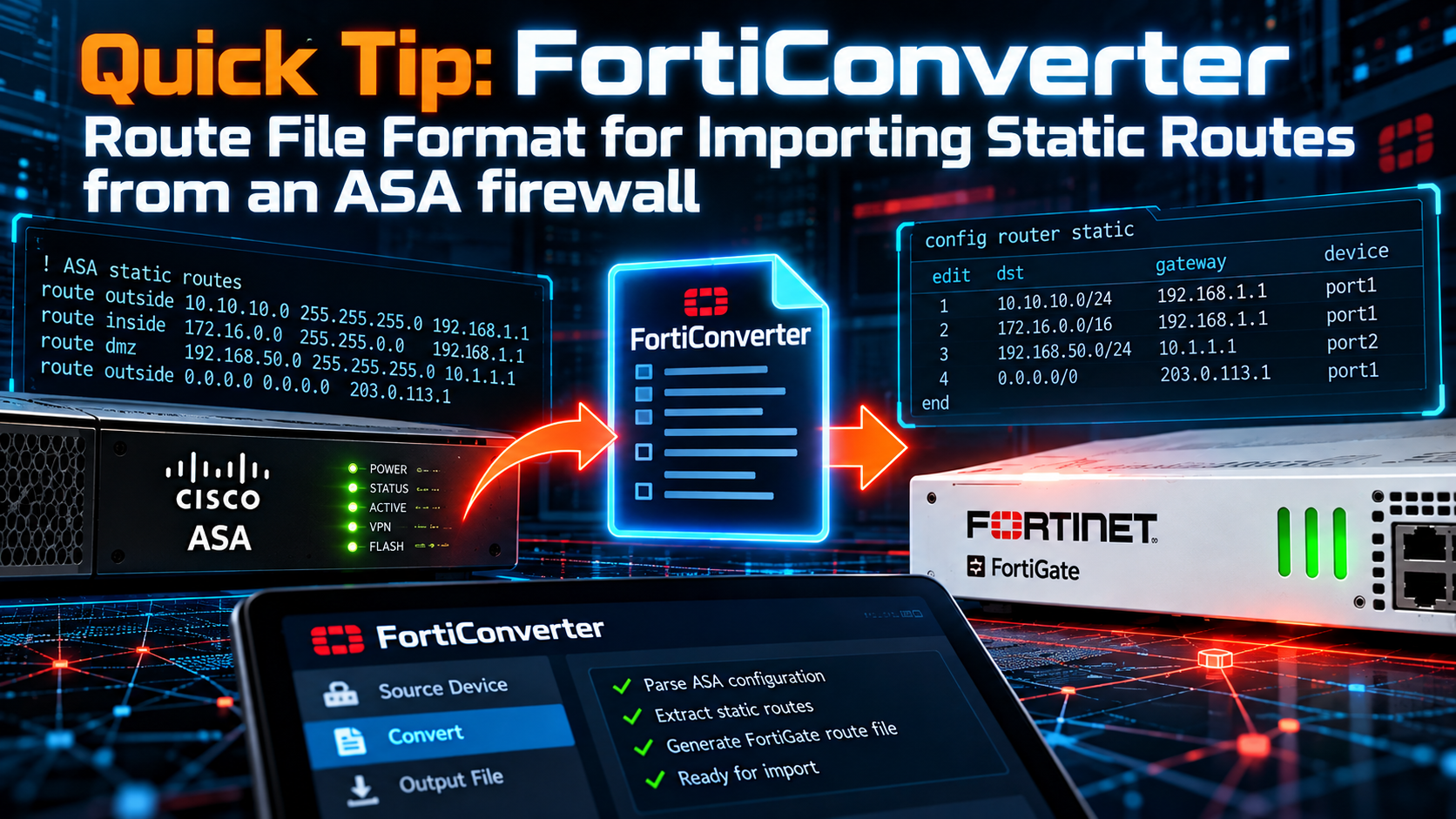
For those that may not know, Fortinet has a product named FortiConverter that will get a config file from a Cisco Router, ASA, FTD, PaloAlto, SonicWall, Juniper, etc. and convert them to a FortiGate config. If you are a company running FortiGates or buying FortiGates, you may want to look at the FortiConverter “SERVICE”. If you are a partner or MSSP and you are doing many FortiGates, you may want to look at the standalone FortiConverter licenses that runs on Windows.
FortiConverter supports the import of routing information from an external file. The route file must follow a plain text format similar to the Linux routing table (netstat -rn) output. If the format does not match, the conversion log will display the error:
Unrecognized route file format, please ensure the first line contains title "Destination" and "Gateway"
Solution:
The first line of the file must contain the following column headers:
Destination Gateway Genmask Flags Metric Ref Use Iface
Each subsequent line represents a static route, with fields defined as follows:
-
Destination– The network destination in IPv4 format. -
Gateway– The next-hop IP address, or * if directly connected. -
Genmask– The subnet mask of the route. -
Flags– Route status flags (e.g., U = up, UG = up + gateway). -
Metric– Administrative cost of the route (default = 0). -
Ref– Reserved field (typically 0). -
Use– Reserved field (typically 0). -
Iface– Outgoing interface (e.g., eth0, port1).
Destination Gateway Genmask Flags Metric Ref Use Iface 192.168.1.0 * 255.255.255.0 U 0 0 0 eth0192.0.2.0 * 255.255.255.0 U 0 0 0 eth1 10.10.10.0 10.0.0.1 255.255.255.0 UG 10 0 0 port1
This is from a Fortinet Article #214435
Credit goes to Osiris Diaz Torres, a colleague and friend.