29 September, 2026
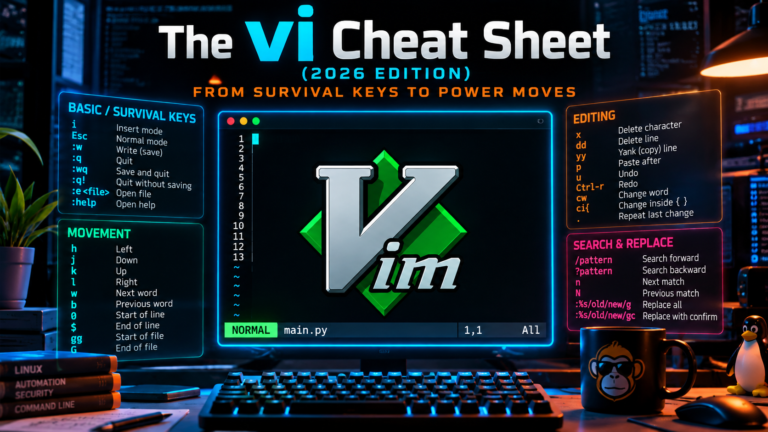
The vi Cheat Sheet (2026 Edition): From Survival Keys to Power Moves
Use this vi cheat sheet to master survival keys and power moves. Learn vi modes, operator grammar, and vim extensions for fast config editing.
Read More

Use this vi cheat sheet to master survival keys and power moves. Learn vi modes, operator grammar, and vim extensions for fast config editing.
Read More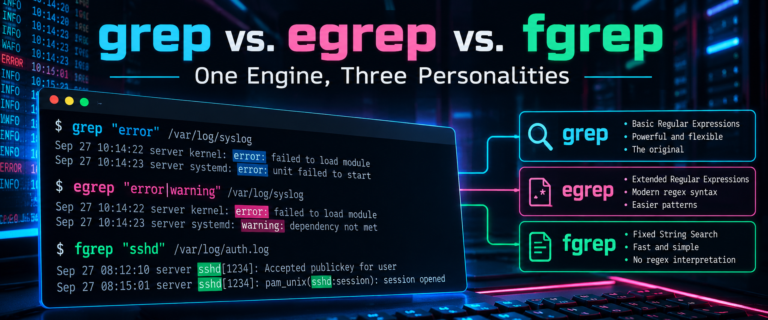
Learn the difference between grep, egrep, and fgrep. Fix legacy scripts, handle deprecation warnings, and choose the right mode for fast log analysis.
Read More
Create a macOS Shortcut to auto move files from your Downloads folder into organized subfolders based on file extension. Includes automation setup.
Read More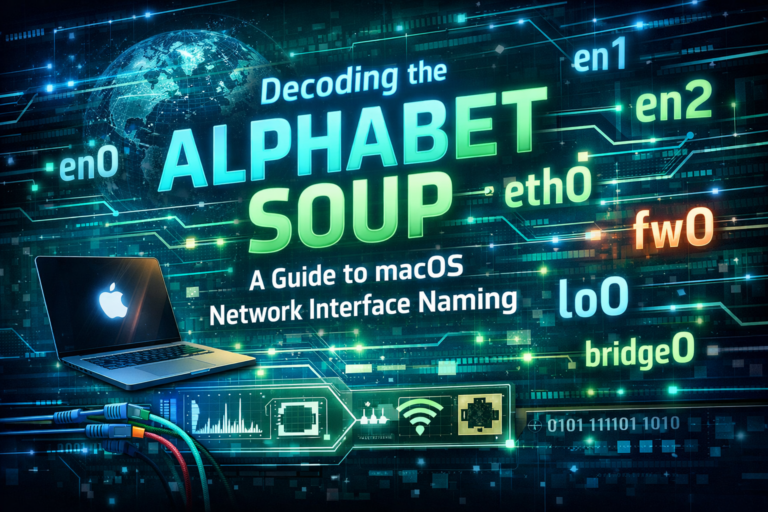
Understand macOS network interface naming conventions like en0 and lo0. Learn to map BSD names to hardware using networksetup and scutil commands.
Read More
Sync Sublime Text 4 settings via iCloud on macOS. Use these shell commands and keyboard shortcuts for faster editing, macros, and panel management.
Read More
Fix the GoToMeeting emoji shortcut issue on macOS. Remap the Option Command E key to stop the emoji popup from appearing during screen sharing...
Read More
Configure Stream Deck for security engineers. Automate Zoom controls and run macOS bash scripts for Firefox tabs. No fluff. Just the config that works.
Read More
Disable Parallels Spotlight indexing to stop Windows apps from appearing in macOS search. Follow these steps in Parallels Control Center to clean up your...
Read More
Learn to troubleshoot DNS with DNSTracer and dig. Install tools on macOS, run queries, configure dig defaults, and capture traffic with Wireshark and tcpdump.
Read More
Use Apple Configurator 2 to set iOS restrictions and prevent app uninstall. Supervise your kids devices to enforce security policies without MDM.
Read More
Stop MacBook Pro 16 kernel panics by disabling Power Nap. This post details the workaround for macOS sleep issues and SMC resets.
Read MoreSwitch default shell to bash macOS using System Preferences or chsh. Remove the ZSH warning and customize your prompt on a new MacBook Pro.
Read More
Resolve FortiClient macOS 10.15.4 connection errors caused by KEXT changes. Reinstall the FortiClient package to restore VPN connectivity immediately.
Read More
Learn how to encrypt files with OpenSSL on macOS and Linux. Use simple command line steps to secure data at rest and decrypt it...
Read More
Use this bash script to dig a list of IP addresses for PTR records. Automate reverse DNS lookups and export results to CSV for...
Read More
Configure rsync 2-way sync between macOS or Linux machines. Learn to automate file synchronization using cron jobs and exclude .DS_Store files.
Read More
Run Unetbootin on macOS Catalina using this terminal workaround. Bypass Gatekeeper errors to create bootable USB drives with Unetbootin on modern Macs.
Read More
Colorize macOS ls output by adding an alias to ~/.bashrc. Customize LSCOLORS in ~/.bash_profile to improve readability and identify file types instantly.
Read More