
4 January, 2020
Creating Bootable USB Stick using balenaEtcher
Learn how to create a bootable USB stick using balenaEtcher. This guide covers ISO conversion, flashing steps, and validation on Windows, Mac, and Linux.
Read More

Learn how to create a bootable USB stick using balenaEtcher. This guide covers ISO conversion, flashing steps, and validation on Windows, Mac, and Linux.
Read More
Encrypt a USB thumb drive on macOS using diskutil CLI commands or Disk Utility GUI. Secure your data with full volume encryption in minutes.
Read More
Securely wipe a drive in macOS using the diskutil secureErase command. Learn how to identify disks and execute multi-pass erasures from the terminal.
Read More
Fix the error preventing you from emptying Trash on macOS. Learn how to force quit Finder to clear stuck files and restore normal functionality.
Read More
Fix the Homebrew Catalina error by running xcode-select --install and brew upgrade. Resolve package installation failures on macOS Catalina quickly.
Read More
Remove the ZSH deprecation warning on macOS Catalina by setting BASH_SILENCE_DEPRECATION_WARNING in your bash_profile. Follow these steps to restore your clean terminal.
Read More
Install Tor Browser on macOS by downloading the package and launching the app. Verify your exit node IP address for anonymous browsing.
Read More
Review of essential macOS productivity apps including 1Password, Backblaze, and Bartender. Improve your workflow with these trusted tools for security pros.
Read More
Configure Hazel macOS automation to rename, tag, and move PDF bills. Learn to use triggers, custom fields, and AppleScript for daily workflow efficiency.
Read More
Run iperf3 network throughput testing to validate WAN and LAN performance. Learn server and client mode configs, port differences, and troubleshooting tips.
Read More
Implement a robust macOS backup strategy using Time Machine, Carbon Copy Cloner, and iDrive. Secure your data with encrypted drives and cloud storage.
Read More
Learn how to sync Dropbox with symbolic links on macOS and Linux. Keep your custom folder structure outside the default Dropbox directory without extra...
Read More
Learn how to merge PCAP files from the CLI using the mergecap command. Combine multiple captures into one file for easier analysis on Linux...
Read More
Remove the computer name from your bash prompt on macOS. Edit your .bashrc and .bash_profile files to clean up your terminal output.
Read More
Generate passwords with pwgen on macOS and Linux. Learn to install the tool via Homebrew and use command line flags for secure, complex password...
Read More
Fix Spotlight not typing on macOS by killing the process. Use sudo killall Spotlight to restore search functionality when the bar appears but ignores...
Read More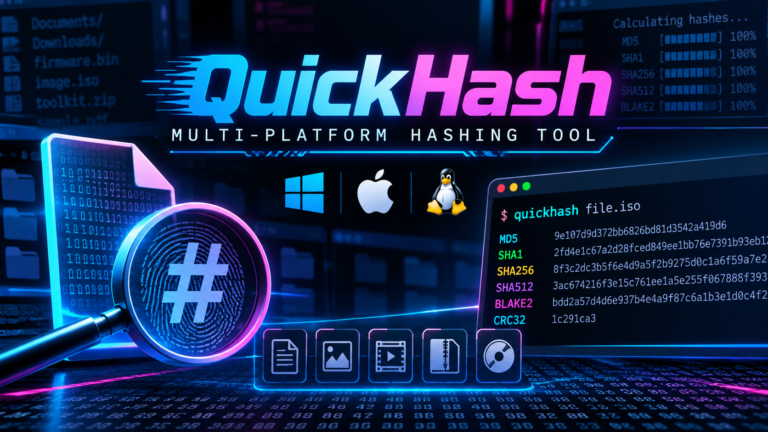
Use QuickHash GUI file hashing to verify downloads and baseline folders. Learn to compute SHA-256 checksums and validate integrity on Windows, macOS, and Linux.
Read More
Configure Carbon Copy Cloner on Mac for automated backups to encrypted VeraCrypt volumes. Set up run-on-mount triggers and email validation reports.
Read More