
If you've spent any time configuring user authentication on... Full Story
By Manny Fernandez
October 2, 2026
Quick Tip: Renaming your zsh prompt on your macOS
Quick-Tip
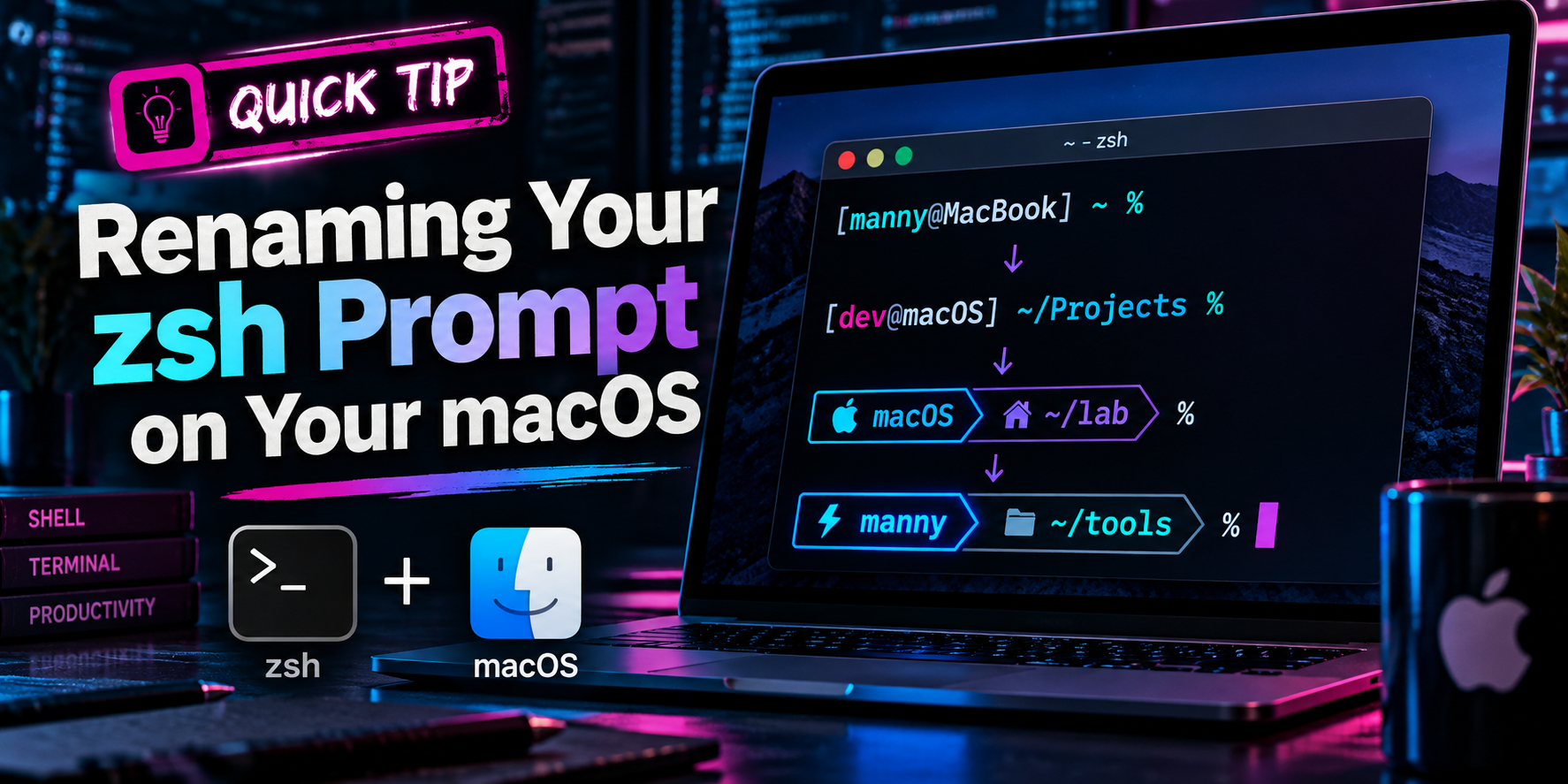
The default macOS zsh prompt prints your username, your hostname, the current folder, and a percent sign. On a laptop named Mannys-MacBook-Pro-M4 that is 40 characters gone before you type anything. Here is how to shorten it with one line, and why that one line will never slow down iTerm2.
Objective: Replace the long default prompt with a short one and keep shell startup fast.
Audience: Anyone living in iTerm2 or Terminal on macOS with the stock zsh shell.
Time: Two minutes.
The Problem
This is what macOS gives you out of the box:
mannyfernandez@Mannys-MacBook-Pro-M4 ~ %
That comes from the system default PROMPT='%n@%m %1~ %# '. Split a pane in iTerm2 and half the line is prompt.
The common fear is that touching ~/.zshrc makes the terminal slow to open. It does not. Setting a prompt is a single variable assignment with zero measurable cost. If your terminal crawled after a past edit, the cause was something else in that file: a framework, a plugin manager, or a tool that runs a subprocess on every launch. More on that below.
The Fix
Step 1: Try it in the current session
Paste this straight into your terminal. It changes the prompt for this tab only, so nothing is permanent yet.
PROMPT='%1~ %# '
Your prompt is now the current folder name and the percent sign, for example ~ % or Documents %.
Step 2: Make it permanent
Append the line to ~/.zshrc and reload:
echo "PROMPT='%1~ %# '" >> ~/.zshrc
source ~/.zshrc
Open a new iTerm2 tab and this is all you see now:
Last login: Fri Oct  2 00:01:45 on ttys000
~ %
Four characters of prompt instead of 40, and the rest of the line is yours.
Step 3: Pick the flavor you like
PROMPT='%# '                   # just the % sign
PROMPT='%1~ %# '               # current folder only
PROMPT='%2~ %# '               # last two folders of the path
PROMPT='%F{cyan}%1~%f %# '     # current folder in color
PROMPT='%n %1~ %# '            # username + folder, no hostname
Want the full path without giving up the left side of the line? Park it on the right edge. It disappears automatically when your command gets long enough to reach it.
PROMPT='%1~ %# '
RPROMPT='%F{242}%~%f'
Prompt Escape Reference
| Escape | What it prints |
|---|---|
| %n | Username |
| %m | Hostname, up to the first dot |
| %~ | Full working directory, with ~ for home |
| %1~ | Last folder of the path only. Change the number to keep more. |
| %# | % for a normal user, # when you are root |
| %F{color} … %f | Start and stop a foreground color. Accepts names (cyan, red) or 0 to 255. |
| %B … %b | Start and stop bold |
| %T / %* | Time as HH:MM / time as HH:MM:SS |
| %? | Exit code of the last command |
Verify: Is Your Shell Actually Fast?
Time a full interactive startup:
time zsh -i -c exit
Look at the total value at the end of the output. Example of a healthy result:
zsh -i -c exit 0.04s user 0.03s system 85% cpu 0.082 total
Under about 0.2 seconds is fine. If you are well over that, the prompt is not the reason. Go find the real one.
Troubleshooting and Gotchas
1. The terminal is slow to open
Profile it. Add the first line below to the very top of ~/.zshrc and the second to the very bottom, then open a new tab.
zmodload zsh/zprof    # first line of ~/.zshrc

# ... your existing config ...

zprof                 # last line of ~/.zshrc
You get a table sorted by time spent, with the worst offender on top. Remove both lines when you are done. The usual suspects:
- nvm. Sourcing
nvm.shcan add half a second or more all by itself. - conda init. The block it writes runs a Python subprocess on every launch.
- Oh My Zsh with a long plugin list. Each plugin is another file to source.
- compinit called more than once. Frameworks call it, then a pasted snippet calls it again.
- Any
eval "$(some-tool init)"line. Every one of them forks a process before you see a prompt.
You do not have to give those tools up. Lazy-load them so the cost is paid the first time you use the tool, not every time you open a tab. Example for nvm, replacing the stock nvm lines:
nvm() {
  unset -f nvm
  export NVM_DIR="$HOME/.nvm"
  source "$NVM_DIR/nvm.sh"
  nvm "$@"
}
The tradeoff: node and npm are not on your PATH in a new tab until you run an nvm command once.
2. The prompt did not change
Something later in the file is overwriting it. Oh My Zsh themes, Starship, and Powerlevel10k all set PROMPT themselves. Last assignment wins, so either move your line to the very end of ~/.zshrc or remove the theme. Check what is live right now with:
print -r -- "$PROMPT"
grep -n "PROMPT\|PS1\|ZSH_THEME" ~/.zshrc
3. Use single quotes
Write PROMPT='...' with single quotes. Double quotes let the shell expand things once at assignment time, which bites you the moment you add a variable or a command substitution to the prompt.
The Takeaway
One line, PROMPT='%1~ %# ', gets you your screen back. It costs nothing at startup. If iTerm2 is slow to open, profile with zprof and fix the thing that is actually slow.
Recent posts
-

-

DNS is one of those technologies that quietly underpins... Full Story
-

BGP issues on FortiGate firewalls usually trace back to... Full Story
-

Every time your laptop talks to your router, a... Full Story
-

If you've spent any time configuring NAT on a... Full Story
-

If you have spent any time configuring firewall policies... Full Story
-

High availability on FortiGate is one of those features... Full Story
-

If you've configured SD-WAN on a FortiGate, you've almost... Full Story
-

FortiLink is the management protocol that turns a FortiSwitch... Full Story
-

FortiSwitches are pretty rock solid from Mean Time Between... Full Story
-

This is a quicky tip. Have you ever gone... Full Story
-

DNS is one of those quiet pieces of internet... Full Story
-

This article is an updated version of the previous... Full Story
-

You will add ns2 as a secondary (slave) BIND9... Full Story
-

In the process of deploying my lab, I needed... Full Story
-

RFC 8805, used to be known as Self-Correcting IP... Full Story
-

Years back, I wrote an article about certificate pinning. ... Full Story
-

FortiGates have the ability to send alerts to Microsoft... Full Story
-

In this post, I am going to walk through... Full Story
-

Troubleshooting VoIP on a FortiGate can feel like trying... Full Story
-

Prior to FortiOS 7.0, there were three commands to... Full Story
-

In this post, I am going to go over... Full Story
-

What we are going to do: We are going... Full Story
-

Choosing between FGCP (FortiGate Clustering Protocol) and FGSP (FortiGate... Full Story
-

Creating a VLAN on macOS (The "Pro" Move) A... Full Story
-

This blog post explores the logic behind how macOS... Full Story
-

Pretty Fly for a Wi-Fi Tell My Wi-Fi Love... Full Story
-

Part of my daily gig is creating BoMs (Bill-of-Materials)... Full Story
-

ICMP introduces several security risks, but careful filtering, rate... Full Story
-

The command diag debug application dhcps -1 enables full... Full Story
-

In the world of FortiOS, execute tac report is... Full Story
-

LLDP; What is it The Link Layer Discovery Protocol... Full Story
-

What it actually does When you run diagnose fdsm... Full Story
-

Monkey Bites are bite-sized, high-impact security insights designed for... Full Story
-

I have run macOS in macOS with Parallels but... Full Story
-

Don't be confused with my other FortiNAC posts where... Full Story
-

This is the third session in a multi-part article... Full Story
-

Today I was configuring key-based authentication on a FortiGate... Full Story
-

Netcat, often called the "Swiss Army knife" of networking,... Full Story
-

At its core, IEEE 802.1X is a network layer... Full Story
-

In case you did not see the previous FortiNAC... Full Story
-

This is our 5th session where we are going... Full Story
-

Now that we have Wireshark installed and somewhat configured,... Full Story
-

The Philosophy of Packet Analysis Troubleshooting isn't about looking... Full Story
-

InfoSecMonkey Threat Response October 24, 2026 | No fluff.... Full Story
-

InfoSecMonkey Threat Response October 24, 2026 | No fluff.... Full Story
-

Plus what you actually get with FortiCare Essential, Premium... Full Story