
If you've spent any time configuring user authentication on... Full Story
By Manny Fernandez
September 30, 2026
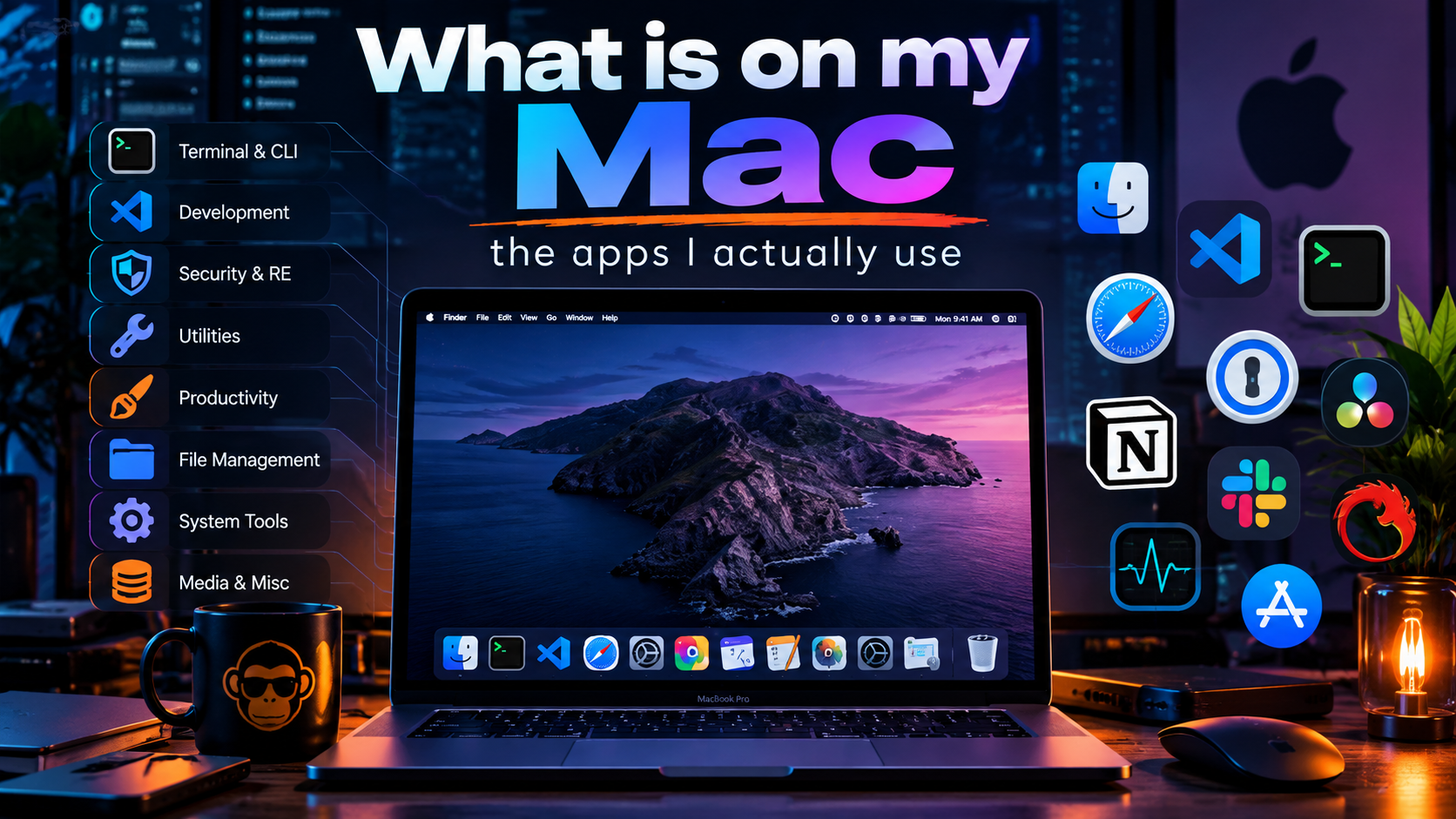
What is on my Mac: the apps I actually use
People ask what I run day to day as a Systems Engineer and content creator. No sponsored picks here. This is the working toolkit, grouped by the job each app does.
Planning and timeMeetings and communicationNetwork and security workWriting and textCapture and documentsKeeping the Mac saneThe glue
Planning and time
The stuff that decides where I need to be and what I owe people.
Apple Calendar
Apple
Work and personal calendars in one view. It syncs Exchange, iCloud, and Google without drama, and that is really the whole job. No plugins, no fuss, just the day laid out.
Apple Reminders
Apple
Tasks with due dates, shared lists, and quick Siri capture when I am driving between customer sites. Tags and smart lists turned it into a genuinely capable task manager that is already on every device I own.
Aeon Timeline
Aeon Timeline Ltd
A list falls apart when a project has dependencies. Think multi-site rollouts where hardware, circuits, and change windows all have to line up. Aeon Timeline puts events on a real timeline with relationships between them, so I can see exactly what slides when one date slips.
In Your Face via Setapp
Stanislav Ermakov
Banner notifications are too easy to swipe away. In Your Face takes over the whole screen right before a meeting starts, with a button to join the call. Customer calls now start on time.
Meetings and communication
Where the conversations actually happen, whether I like the platform or not.
Microsoft Outlook
Microsoft
The corporate reality. Mail, the org’s shared calendars, and meeting invites all live here. I keep it for work and let Apple’s apps handle everything personal.
Microsoft Teams
Microsoft
Internal chat, account channels, and a big share of customer meetings. It is where most of the day-to-day work conversation lands.
Zoom
Zoom Communications
Plenty of customers and partners still send Zoom links, so it stays installed and current. Screen share is solid for walking through a config live.
Discord
Discord Inc.
Community. Some of the most useful networking and security conversations happen in Discord servers: homelab groups, vendor communities, CTF teams. Great place to learn what is breaking in the real world before it hits a support forum.
iMeetingX via Setapp
iMeetingX
Helps me run meetings like a PM. I am able to keep notes of task ownership, update as they get completed, and send out minutes after the meetings.
Network and security work
The daily drivers for touching real infrastructure.
SecureCRT
VanDyke Software
My terminal for network gear. Organized sessions across a lot of devices, serial console for out-of-box FortiGates and switches, tabs, a button bar for commands I run constantly, and Python scripting when the same check needs to hit many boxes.
Wireshark
Wireshark Foundation
When the logs disagree, the packets decide. I pull captures from the FortiGate sniffer or a SPAN port and open them here: handshakes, retransmits, TLS negotiation, all the detail a dashboard summary hides.
draw.io
JGraph
Free, fast, and it exports clean. Network topologies, SD-WAN designs, and most of the diagrams in InfoSecMonkey guides start here. The files are plain XML, so they version in git like everything else.
Beyond Compare
Scooter Software
Diffing configs is half of troubleshooting. Before and after an upgrade, primary against secondary in an HA pair, what is running versus what the template says. Beyond Compare makes the differences obvious, and folder compare handles whole backup directories.
VeraCrypt
IDRIX (open source)
Encrypted containers for config backups, customer data I have to carry, and anything that should never sit in the clear on a USB drive. Open source, cross-platform, and the maintained successor to TrueCrypt.
Writing and text
Capturing ideas, building configs, and not typing the same thing twice.
Drafts
Agile Tortoise
Text first, decide later. Drafts opens to a blank page, so a thought, a CLI snippet, or a meeting note is captured instantly. Actions then send it where it belongs: a reminder, a file, an email.
Apple Notes
Apple
The reference shelf. Checklists, lab notes, and anything I need on my phone at a customer site. Syncs everywhere, searches fast, and scans paper documents in a pinch.
Sublime Text
Sublime HQ
Opens a huge log file without blinking. Multiple cursors make bulk-editing config snippets painless, and it is where I assemble CLI blocks before pasting them into a FortiGate.
TextExpander
TextExpander, Inc.
Type a short abbreviation, get the full block. Debug command sets, common CLI sequences, email replies, and signatures. Every snippet saves keystrokes and removes typos from commands that have to be exact.
PopClip via Setapp
Pilotmoon Software
Select text and a small action menu appears right there: copy, paste as plain text, search, look up. A tiny thing I use hundreds of times a day.
Capture and documents
Getting content in and out, cleanly.
Snagit
TechSmith
The screenshot tool behind most of my guides. Grab a region or a scrolling page, add arrows and callouts, blur serial numbers and public IPs, and move on. My most used app.
Nitro PDF Pro via Setapp
Nitro Software
Editing, signing, OCR, and redaction for PDFs. Datasheets, NDAs, and customer documents that need marking up before they go back out.
Downie via Setapp
Charlie Monroe Software
Downloads video from a long list of sites for offline viewing. Handy for loading up training content before a flight, where the content’s terms allow it.
Keeping the Mac sane
Small utilities that make everything else easier to live with.
Bartender
Applause Group, Inc.
The menu bar gets crowded fast when half your tools live up there. Bartender hides what I do not need and keeps what I do within reach. Worth knowing: the app changed hands in 2024, which is a good reminder to check who is behind any utility you grant deep system permissions.
Choosy
George Brocklehurst
Click a link, pick a browser. Choosy routes URLs to the right browser or profile by rule, so customer portals open in one place, personal browsing in another, and lab URLs somewhere isolated.
Shortcut Bar
Shortcut Bar
Puts Apple Shortcuts in the menu bar, so the automations I build are one click away instead of buried in an app.
Setapp
MacPaw
A subscription that bundles a large catalog of Mac apps. Several tools on this list come from it: In Your Face, Downie, PopClip, Nitro PDF Pro, and iMeetingX. If you would buy two or three of them anyway, the math works out.
The glue
Everything that does not have an app.
Apple and Python scripts
Homegrown
If it does not have an app, it gets a script. AppleScript and Shortcuts handle Mac automation. Python handles the network side: config generators, bulk checks, and log parsing. The apps above do the heavy lifting, and the scripts tie them together.
The takeaway: none of these is exotic. The value comes from knowing each one well enough that it disappears into the workflow. Got a tool that should be on this list? Tell me about it.
Recent posts
-

-

DNS is one of those technologies that quietly underpins... Full Story
-

BGP issues on FortiGate firewalls usually trace back to... Full Story
-

Every time your laptop talks to your router, a... Full Story
-

If you've spent any time configuring NAT on a... Full Story
-

If you have spent any time configuring firewall policies... Full Story
-

High availability on FortiGate is one of those features... Full Story
-

If you've configured SD-WAN on a FortiGate, you've almost... Full Story
-

FortiLink is the management protocol that turns a FortiSwitch... Full Story
-

FortiSwitches are pretty rock solid from Mean Time Between... Full Story
-

This is a quicky tip. Have you ever gone... Full Story
-

DNS is one of those quiet pieces of internet... Full Story
-

This article is an updated version of the previous... Full Story
-

You will add ns2 as a secondary (slave) BIND9... Full Story
-

In the process of deploying my lab, I needed... Full Story
-

RFC 8805, used to be known as Self-Correcting IP... Full Story
-

Years back, I wrote an article about certificate pinning. ... Full Story
-

FortiGates have the ability to send alerts to Microsoft... Full Story
-

In this post, I am going to walk through... Full Story
-

Troubleshooting VoIP on a FortiGate can feel like trying... Full Story
-

Prior to FortiOS 7.0, there were three commands to... Full Story
-

In this post, I am going to go over... Full Story
-

What we are going to do: We are going... Full Story
-

Choosing between FGCP (FortiGate Clustering Protocol) and FGSP (FortiGate... Full Story
-

Creating a VLAN on macOS (The "Pro" Move) A... Full Story
-

This blog post explores the logic behind how macOS... Full Story
-

Pretty Fly for a Wi-Fi Tell My Wi-Fi Love... Full Story
-

Part of my daily gig is creating BoMs (Bill-of-Materials)... Full Story
-

ICMP introduces several security risks, but careful filtering, rate... Full Story
-

The command diag debug application dhcps -1 enables full... Full Story
-

In the world of FortiOS, execute tac report is... Full Story
-

LLDP; What is it The Link Layer Discovery Protocol... Full Story
-

What it actually does When you run diagnose fdsm... Full Story
-

Monkey Bites are bite-sized, high-impact security insights designed for... Full Story
-

I have run macOS in macOS with Parallels but... Full Story
-

Don't be confused with my other FortiNAC posts where... Full Story
-

This is the third session in a multi-part article... Full Story
-

Today I was configuring key-based authentication on a FortiGate... Full Story
-

Netcat, often called the "Swiss Army knife" of networking,... Full Story
-

At its core, IEEE 802.1X is a network layer... Full Story
-

In case you did not see the previous FortiNAC... Full Story
-

This is our 5th session where we are going... Full Story
-

Now that we have Wireshark installed and somewhat configured,... Full Story
-

The Philosophy of Packet Analysis Troubleshooting isn't about looking... Full Story
-

The 20-byte tunnel nobody talks about: config system ipip-tunnel... Full Story
-

In this guide Executive Summary Prerequisites: Which vi Do... Full Story
-

Objective: Strip blank and whitespace-only lines out of config... Full Story