10 November, 2019
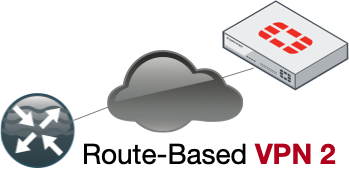
Route-Based VPN between Cisco Router and Fortigate Firewall using OSPF
Configure a route-based VPN between Cisco Router and Fortigate using OSPF. Get working VTI configs for IKEv1 and IKEv2 with no fluff.
Read More

Configure a route-based VPN between Cisco Router and Fortigate using OSPF. Get working VTI configs for IKEv1 and IKEv2 with no fluff.
Read More
Configure a Fortigate VIP with a dynamic IP address using DDNS and 0.0.0.0. Learn the exact steps for port forwarding and policy creation.
Read More
Watch a Fortinet Security Fabric demo video showing real-time threat blocking across the network. See how the fabric coordinates security devices in action.
Read More
Apply FortiGate WiFi best practices to optimize performance. Learn to disable low data rates, reduce SSIDs, and configure FortiAPs for reliable wireless connectivity.
Read More
Learn to configure FortiGate dynamic address lists in 6.2. Pull IPs from a web server via Fabric Connectors and apply them in firewall policies.
Read More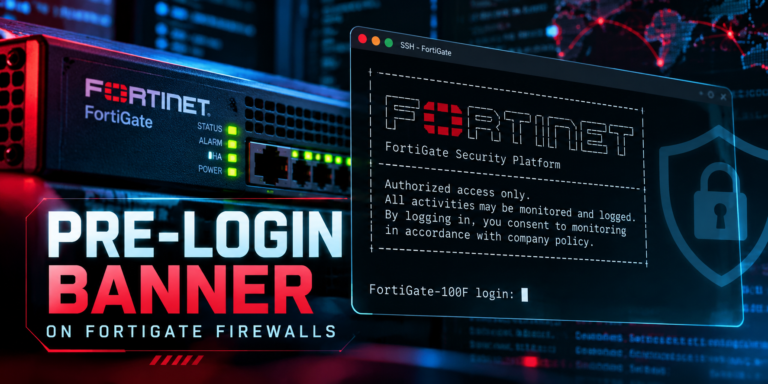
Configure a FortiGate login banner using CLI and GUI steps. Add a pre-logon disclaimer message to meet regulatory requirements and improve security hygiene.
Read More
Learn how to install the FSSO agent and configure FortiGate FSSO to enforce firewall policies based on Active Directory groups.
Read More
Configure FortiGate Active Directory groups to control web content policies. Learn to set up LDAP direct polling and apply user-based security profiles.
Read More
Configure Fortigate VPN hair-pinning to route traffic between spokes via the hub. Learn to adjust Phase II selectors and firewall policies for secure spoke-to-spoke...
Read More
Configure FortiGate Reverse Path Forwarding to block IP spoofing. Learn the difference between feasible and strict RPF modes and avoid common routing pitfalls.
Read More
Execute a FortiOS rollback procedure after a failed upgrade. Identify firmware images on partitions and reboot your FortiGate to restore previous stability.
Read More
Use the FortiOS sudo command to run CLI tasks in other VDOMs without switching contexts. Save time on FortiGate administration with this quick config...
Read More
Configure FortiGate conditional DNS forwarding for specific domains. Learn to enable recursive DNS and set up CLI queries for FortiProxy and FortiGate.
Read More
Configure FortiGate push notification for FortiToken without a FortiAuthenticator server. Follow these CLI and GUI steps to enable MFA push alerts for local users.
Read More
Learn how to configure a Fortigate web content quota to limit bandwidth or time for specific categories. Includes SSL inspection and web filter setup...
Read More
Use this FortiGate script to add countries to your address list automatically. Configure your WAN interface and deploy the CLI commands for instant policy...
Read More
The use of dynamic interfaces with Fortimanager and the differences with dissimilar hardware platforms.
Read More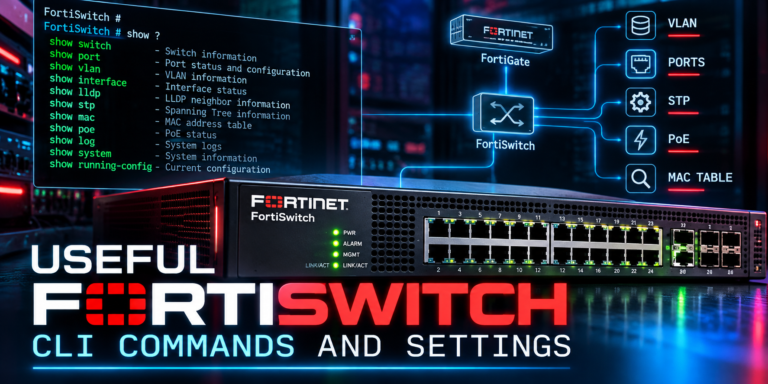
Master FortiSwitch CLI commands to monitor port status, filter spanning-tree events, view MAC address tables, and configure syslog settings on FortiGate.
Read More