
14 November, 2026
Claude Code Spinner Verbs: What Combobulating Really Means
Claude Code spinner verbs explained: what Combobulating really means, a translated field guide, and how to add your own with the spinnerVerbs setting.
Read More

Claude Code spinner verbs explained: what Combobulating really means, a translated field guide, and how to add your own with the spinnerVerbs setting.
Read More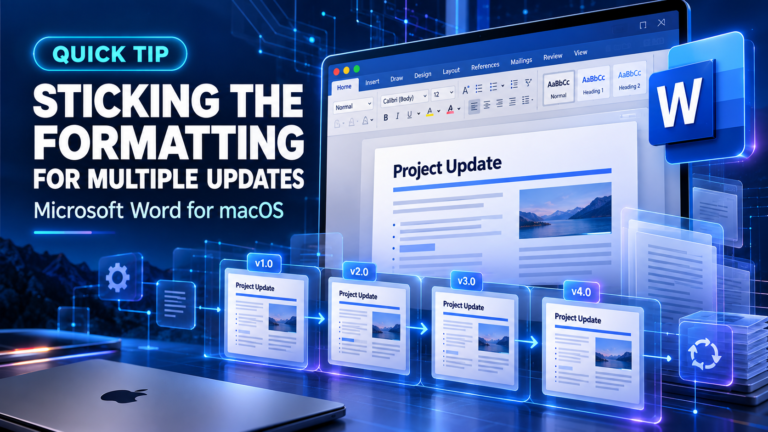
Learn how to lock the Format Painter in Word for macOS by double-clicking. Apply formatting to multiple sections quickly without resetting the tool.
Read More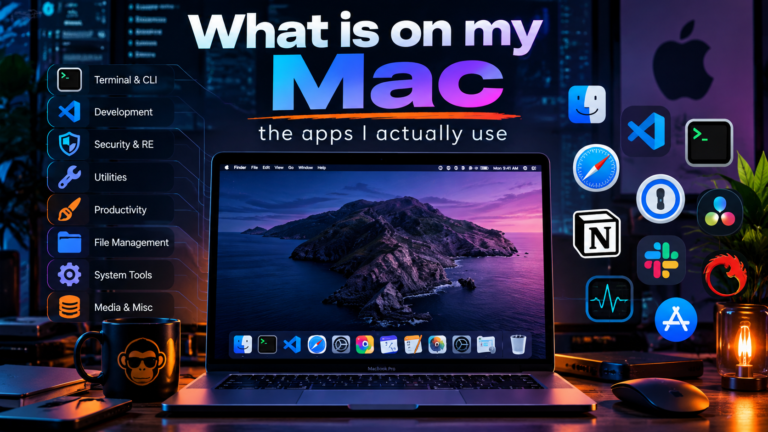
Discover the essential Mac apps for network engineers and security pros. See the exact toolkit for FortiGate CLI, Wireshark, config diffing, and daily productivity.
Read More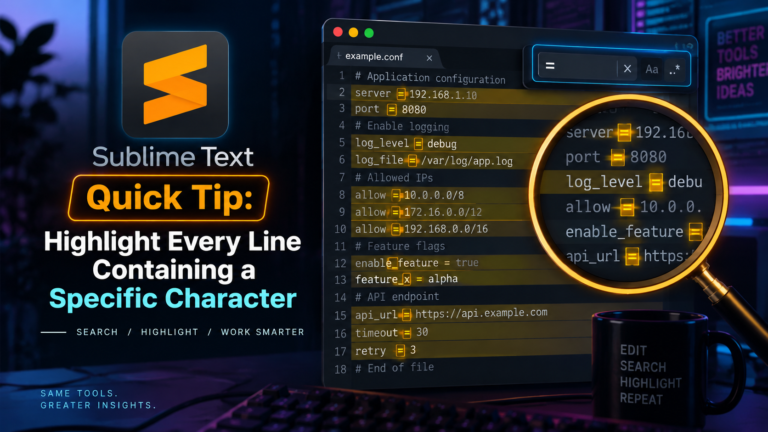
Learn how to highlight every line containing a specific character in Sublime Text using regex Find All. No plugins required. Works on macOS and...
Read More
Master Excel for Mac shortcuts for navigation, formatting, and data entry. This reference covers Cmd, Control, and Option keys for daily workflow efficiency.
Read More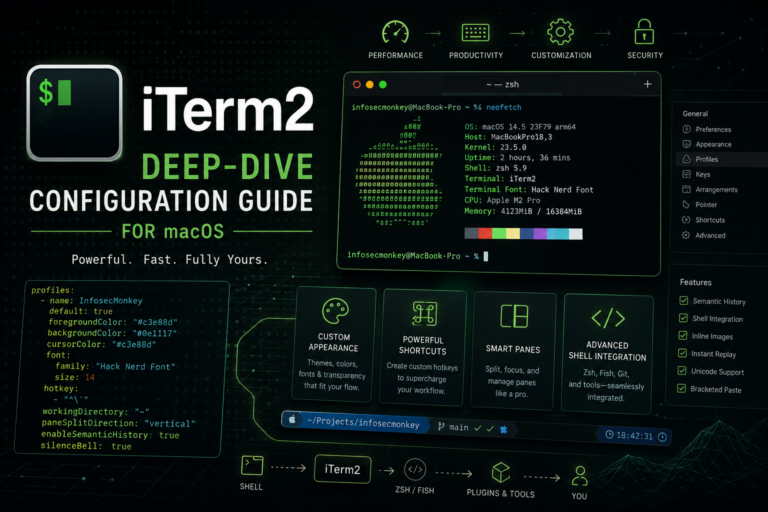
Configure iTerm2 macOS with this practitioner reference. Master dynamic profiles, security hardening, and advanced settings for a hardened, high-velocity terminal workflow.
Read More
Configure your Ecamm Live Stream Deck setup to control cameras, lights, and scenes. Learn how to integrate El Gato hardware and iPad green screens...
Read More
Set up Ecamm Live NDI annotation using Video Pencil on iPad. Stream your iPad whiteboard as a virtual camera source for Zoom calls and...
Read More
Extract Fortinet registration codes from PDF files into a CSV using a Python script with pdfplumber. Automate license imports for support.fortinet.com.
Read More
Sync Sublime Text 4 settings via iCloud on macOS. Use these shell commands and keyboard shortcuts for faster editing, macros, and panel management.
Read More
Configure your Stream Deck and Presentify app for seamless screen annotation. Learn how to map Elgato hotkeys and integrate Wacom tablets for better remote...
Read More
Review my home office setup 2020 including Herman Miller Aeron chair, custom desk, Dell 49-inch monitor, and Mac/Linux lab hardware for remote work.
Read More
Boost working from home productivity tips with strict routines, music, and task managers. Learn how to stay focused and avoid distractions while working remotely.
Read More
Learn how to use Trello for network engineering tasks. Organize NSE 8 study plans, blog content, and sales workflows with boards, lists, and cards.
Read More
Creating multiple ics calendar invites easily. This blogpost will describe how to use a website to create multiple ics files that can be imported...
Read More
Configure Fortigate DHCP to update Microsoft DNS records. Set Windows Server dynamic updates, client TCP/IPv4 properties, and GPO settings for automatic registration.
Read More
Configure Reminisce Journal on macOS and iOS to track work activities. Learn how to use tags, contacts, and iCloud sync for daily logging.
Read More
Master professional presentations with 10 practical tips. Learn how to secure your screen, manage notifications, and prepare your tech for flawless client demos.
Read More