
If you've spent any time configuring user authentication on... Full Story
By Manny Fernandez
September 18, 2026
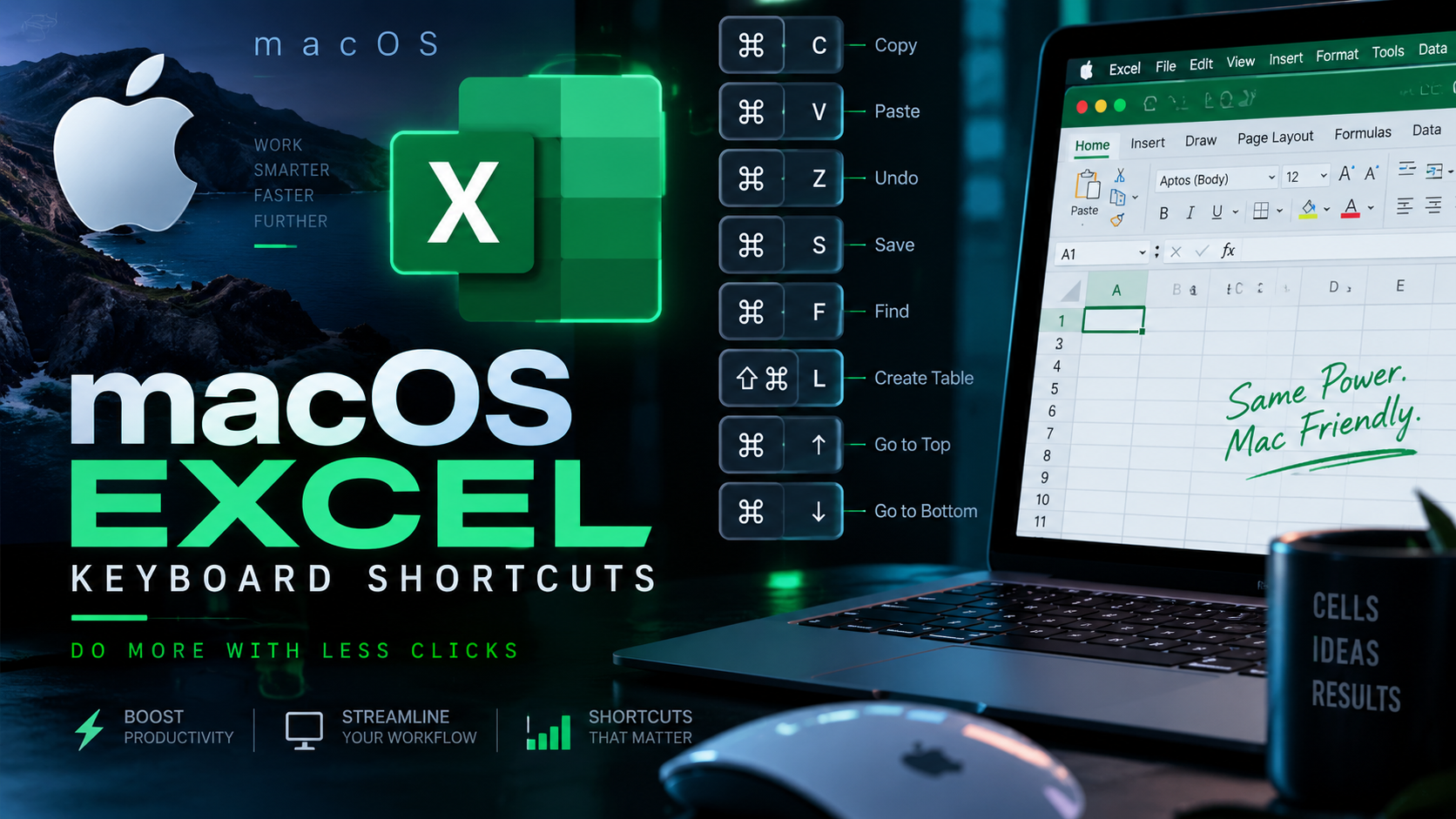
macOS Excel Keyboard Shortcuts
Excel for Mac swaps most Windows Ctrl shortcuts for Cmd, but not all of them, and a handful of navigation keys use Control instead of Command. This reference groups the shortcuts that come up in daily use so you can stop hunting through menus. Modifier keys are spelled out in full below rather than shown as symbols, since font support for the Cmd/Option/Control glyphs is inconsistent across browsers and word processors.
Laptop note: MacBook keyboards have no dedicated Home, End, Page Up, or Page Down keys. Where a shortcut below uses one of those, hold Fn and press the matching arrow key instead, for example Fn + Left Arrow for Home.
File & Application
| Shortcut | Action |
|---|---|
| Command + N | Create a new blank workbook |
| Shift + Command + P | Create a new workbook from a template |
| Command + O | Open an existing workbook |
| Command + S | Save the current workbook |
| Shift + Command + S | Open the Save As dialog |
| Command + P | |
| Command + W | Close the active workbook window |
| Command + Q | Quit Excel |
| Command + Z | Undo the last action |
| Shift + Command + Z | Redo the last undone action |
Navigating a Worksheet
| Shortcut | Action |
|---|---|
| Command + Home | Jump to cell A1 |
| Command + End | Jump to the last used cell on the sheet |
| Command + Arrow key | Jump to the edge of the current block of data in that direction |
| Home | Move to the start of the current row |
| Control + G or F5 | Open the Go To dialog |
| Control + F | Open the Find dialog |
| Control + H | Open the Find & Replace dialog |
| Page Up / Page Down | Scroll one screen up or down |
| Option + Left / Right Arrow | Move to the previous or next worksheet tab |
| Control + Page Up / Down | Move to the previous or next worksheet tab (alternate) |
| Control + Tab | Cycle to the next open workbook |
| Shift + Control + Tab | Cycle to the previous open workbook |
Selecting Cells and Ranges
| Shortcut | Action |
|---|---|
| Command + A | Select the current data region; press again to include summary rows, again for the whole sheet |
| Control + Spacebar | Select the entire column |
| Shift + Spacebar | Select the entire row |
| Shift + Arrow key | Extend the selection by one cell |
| Shift + Command + Arrow key | Extend the selection to the edge of the data region |
| Shift + Command + Spacebar | Select the entire worksheet |
| Command + click | Add a non-adjacent cell or range to the selection |
| Shift + click | Select a range from the active cell to the clicked cell |
Entering and Editing Data
| Shortcut | Action |
|---|---|
| F2 | Edit the active cell |
| Delete | Clear the contents of the selected cells |
| Command + C | Copy the selection |
| Command + X | Cut the selection |
| Command + V | Paste |
| Control + Option + V | Open Paste Special |
| Control + D | Fill down from the cell above |
| Control + R | Fill right from the cell to the left |
| Control + ; | Insert today’s date |
| Shift + Control + ; | Insert the current time |
| Option + Return | Insert a line break inside the same cell |
| Shift + Return | Complete the entry and move to the cell above |
| Command + Return | Fill the entire selected range with the current entry |
| Shift + F2 | Insert or edit a cell comment |
Formatting Cells
| Shortcut | Action |
|---|---|
| Command + B | Toggle bold |
| Command + I | Toggle italic |
| Command + U | Toggle underline |
| Command + 1 | Open the Format Cells dialog |
| Shift + Command + & | Apply an outline border to the selection |
| Shift + Command + _ | Remove all borders |
| Shift + Command + $ | Apply currency format |
| Shift + Command + % | Apply percentage format |
| Shift + Command + # | Apply date format |
| Shift + Command + @ | Apply time format |
| Shift + Command + ! | Apply number format with two decimals and a thousands separator |
| Shift + Command + ~ | Apply the General number format |
| Shift + Command + > | Increase the font size |
| Shift + Command + < | Decrease the font size |
Rows, Columns, and Cells
| Shortcut | Action |
|---|---|
| Shift + Command + = | Insert cells, rows, or columns |
| Command + – | Delete cells, rows, or columns |
| Command + 9 | Hide the selected rows |
| Shift + Command + 9 | Unhide rows in the selection |
| Command + 0 | Hide the selected columns |
| Shift + Command + 0 | Unhide columns in the selection |
| Shift + Option + Right Arrow | Group the selected rows or columns |
| Shift + Option + Left Arrow | Ungroup the selected rows or columns |
Formulas and Functions
| Shortcut | Action |
|---|---|
| = | Start a formula in the active cell |
| F9 | Recalculate all open workbooks |
| Shift + F9 | Recalculate only the active worksheet |
| F4 | While editing a formula, cycle a reference through absolute and relative |
| Command + ` | Toggle between showing formulas and showing their results |
| Shift + F3 | Open the Formula Builder |
| Command + F3 | Open the Define Name dialog |
| Shift + Command + F3 | Create names from the row and column labels of a selection |
| Shift + Command + T | Insert an AutoSum formula |
Worksheets, Windows, and the Ribbon
| Shortcut | Action |
|---|---|
| Shift + F11 | Insert a new worksheet |
| Option + F11 | Open the Visual Basic Editor |
| Command + Option + R | Expand or collapse the ribbon |
| Control + Command + F | Toggle full-screen view |
| Control + F10 | Maximize or restore the active workbook window |
Review, Filtering, and Tables
| Shortcut | Action |
|---|---|
| F7 | Check spelling |
| Shift + F7 | Open the thesaurus |
| Control + Shift + L | Toggle a filter (AutoFilter) on the selected range |
| Command + T | Create a Table from the current range |
| Shift + F10 | Open the shortcut (right-click) menu for the selected item |
Notes
- Shortcuts refer to a US keyboard layout on Excel for Microsoft 365 (Mac). Other layouts and older Excel builds may differ slightly.
- Where two options are listed for the same action, either works, pick whichever your keyboard and muscle memory prefer.
Recent posts
-

-

DNS is one of those technologies that quietly underpins... Full Story
-

BGP issues on FortiGate firewalls usually trace back to... Full Story
-

Every time your laptop talks to your router, a... Full Story
-

If you've spent any time configuring NAT on a... Full Story
-

If you have spent any time configuring firewall policies... Full Story
-

High availability on FortiGate is one of those features... Full Story
-

If you've configured SD-WAN on a FortiGate, you've almost... Full Story
-

FortiLink is the management protocol that turns a FortiSwitch... Full Story
-

FortiSwitches are pretty rock solid from Mean Time Between... Full Story
-

This is a quicky tip. Have you ever gone... Full Story
-

DNS is one of those quiet pieces of internet... Full Story
-

This article is an updated version of the previous... Full Story
-

You will add ns2 as a secondary (slave) BIND9... Full Story
-

In the process of deploying my lab, I needed... Full Story
-

RFC 8805, used to be known as Self-Correcting IP... Full Story
-

Years back, I wrote an article about certificate pinning. ... Full Story
-

FortiGates have the ability to send alerts to Microsoft... Full Story
-

In this post, I am going to walk through... Full Story
-

Troubleshooting VoIP on a FortiGate can feel like trying... Full Story
-

Prior to FortiOS 7.0, there were three commands to... Full Story
-

In this post, I am going to go over... Full Story
-

What we are going to do: We are going... Full Story
-

Choosing between FGCP (FortiGate Clustering Protocol) and FGSP (FortiGate... Full Story
-

Creating a VLAN on macOS (The "Pro" Move) A... Full Story
-

This blog post explores the logic behind how macOS... Full Story
-

Pretty Fly for a Wi-Fi Tell My Wi-Fi Love... Full Story
-

Part of my daily gig is creating BoMs (Bill-of-Materials)... Full Story
-

ICMP introduces several security risks, but careful filtering, rate... Full Story
-

The command diag debug application dhcps -1 enables full... Full Story
-

In the world of FortiOS, execute tac report is... Full Story
-

LLDP; What is it The Link Layer Discovery Protocol... Full Story
-

What it actually does When you run diagnose fdsm... Full Story
-

Monkey Bites are bite-sized, high-impact security insights designed for... Full Story
-

I have run macOS in macOS with Parallels but... Full Story
-

Don't be confused with my other FortiNAC posts where... Full Story
-

This is the third session in a multi-part article... Full Story
-

Today I was configuring key-based authentication on a FortiGate... Full Story
-

Netcat, often called the "Swiss Army knife" of networking,... Full Story
-

At its core, IEEE 802.1X is a network layer... Full Story
-

In case you did not see the previous FortiNAC... Full Story
-

This is our 5th session where we are going... Full Story
-

Now that we have Wireshark installed and somewhat configured,... Full Story
-

The Philosophy of Packet Analysis Troubleshooting isn't about looking... Full Story
-

APT CVE-2026-109518: How a Download Retry Lets an Attacker... Full Story
-

Managing Windows Firewall from the Command Line: netsh, PowerShell... Full Story
-

Chrome CVE-2026-106378: Patching the macOS Sandbox Escape No fluff.... Full Story