
If you've spent any time configuring user authentication on... Full Story
By Manny Fernandez
May 16, 2026
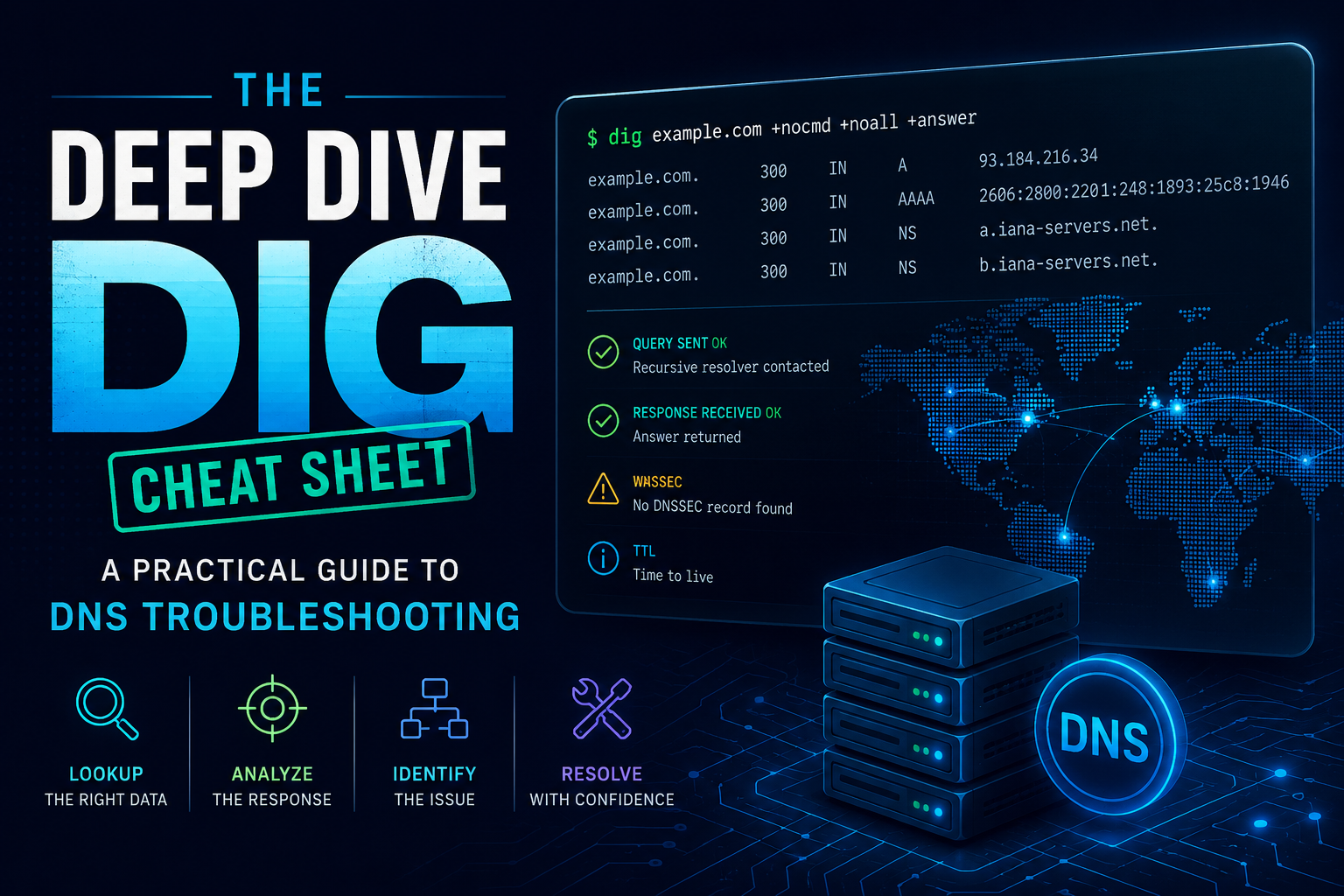
The Deep Dive Dig Cheat Sheet: A Practical Guide to DNS Troubleshooting
DNS is one of those technologies that quietly underpins everything, right up until the moment it breaks and takes your weekend with it. When that happens, dig (Domain Information Groper) is the tool you want in your hands. It is more verbose than nslookup, more reliable than browser-based lookup tools, and gives you the unfiltered truth about what name servers are actually saying.
This post is a working reference. Bookmark it, paste from it, and adapt it to whatever DNS rabbit hole you find yourself in.
The Anatomy of a Dig Command
Before getting into the recipes, it helps to understand the shape of a dig command:
dig [@server] [name] [type] [+options]
Everything except the name is optional. The defaults are your system resolver, an A record query, and a fairly verbose output format. Once you internalize that pattern, the rest is just knowing which options to reach for.
Basic Lookups
These are the queries you will run constantly. Memorize them.
# Standard A record lookup
dig example.com

# Query a specific record type
dig example.com MX
dig example.com TXT
dig example.com NS
dig example.com SOA
dig example.com CAA

# IPv6 address
dig example.com AAAA

# Reverse DNS (PTR record)
dig -x 8.8.8.8

# Query all common record types at once (note: ANY is deprecated by many resolvers)
dig example.com ANY
A quick note on ANY: most authoritative servers and big public resolvers now return either nothing useful or an HINFO record telling you to ask for specific types. RFC 8482 made this the recommended behavior. Use targeted queries instead.
Cleaning Up the Output
Default dig output is informative but noisy. These flags slim it down for scripting or just for sanity.
# Just the answer, nothing else
dig +short example.com

# Suppress the comment lines but keep structured output
dig +nocomments +noquestion +noauthority +noadditional +nostats example.com

# A nicely trimmed version for quick checks
dig +noall +answer example.com

# Show only the authority section (great for finding NS records)
dig +noall +authority example.com NS
The +noall followed by selectively re-enabling sections is the pattern to remember. It is the cleanest way to get exactly the output you want.
Querying Specific Name Servers
This is where dig earns its keep. The ability to ask a specific server bypasses your local resolver entirely, which is essential when you suspect caching or propagation issues.
# Ask Google's public resolver
dig @8.8.8.8 example.com

# Ask Cloudflare's resolver
dig @1.1.1.1 example.com

# Ask the authoritative name server directly
dig @ns1.example.com example.com

# Useful pattern: find the authoritative servers, then query one
dig +short example.com NS
dig @ns1.example.com example.com A
When troubleshooting propagation, querying multiple resolvers in different geographies will tell you whether a change has rolled out everywhere or is still in flight.
The Trace Command: Following the Delegation Chain
+trace walks the DNS hierarchy from the root servers down to the authoritative server for your domain. It is invaluable for diagnosing delegation problems.
dig +trace example.com
What you are looking at: dig starts at the root, asks for the TLD nameservers, asks those for the domain’s nameservers, then asks those for the actual record. If the chain breaks somewhere, the trace stops and you have your culprit.
Common things +trace reveals:
- Lame delegations where the parent zone points to nameservers that do not answer authoritatively
- Inconsistent NS records between the registrar and the authoritative servers
- DNSSEC validation issues (combine with
+dnssec)
DNSSEC Troubleshooting
When DNSSEC is misconfigured, things break in dramatic and confusing ways. Dig handles DNSSEC investigation well.
# Request DNSSEC records and signatures
dig +dnssec example.com

# Validate the full chain
dig +trace +dnssec example.com

# Look at the DS record from the parent zone
dig DS example.com

# Look at DNSKEY records
dig DNSKEY example.com

# Check if your resolver is doing validation (look for the AD flag)
dig example.com +dnssec
The flags to watch for in the response header:
AD(Authenticated Data): the resolver validated DNSSEC successfullyDO(DNSSEC OK): your query requested DNSSEC infoCD(Checking Disabled): you told the resolver to skip validation, useful for isolating whether DNSSEC itself is the problem
If you get SERVFAIL and adding +cd makes the query succeed, you have a DNSSEC validation failure.
Reading the Dig Response
A dig response has several sections. Knowing what each one tells you saves enormous time.
Header line: Look at the status field. NOERROR is good. NXDOMAIN means the name does not exist. SERVFAIL means something went wrong upstream (often DNSSEC or an unreachable authoritative server). REFUSED means the server will not answer you (often a zone transfer attempt against a server that does not allow it).
Flags: qr (response), aa (authoritative answer), rd (recursion desired), ra (recursion available), ad (authenticated data), cd (checking disabled).
Question section: Echoes back what you asked. Useful confirmation that you queried what you thought you queried.
Answer section: The actual records. This is what you came for.
Authority section: The nameservers responsible for the zone.
Additional section: Glue records and other helpful data the server volunteered.
Stats: Query time, server, when, message size. The query time alone can reveal a slow resolver.
TTL and Caching Investigation
TTL values are crucial when you are pushing DNS changes and waiting for them to propagate.
# Watch the TTL count down to confirm caching
dig example.com
# Run again a few seconds later
dig example.com

# Force a fresh recursive query (your resolver may or may not honor this)
dig +noaaonly example.com

# Bypass cache by querying authoritative directly
dig @$(dig +short example.com NS | head -1) example.com
That last one is a useful one-liner: it finds an authoritative nameserver and queries it directly, sidestepping any caching layer.
Bulk Queries and Scripting
For checking many domains or records at once:
# Multiple queries in one invocation
dig example.com A example.com MX example.com TXT

# From a file (one query per line, formatted as "name type")
dig -f queries.txt

# Pipe-friendly output for scripts
dig +short example.com | head -1
A useful script pattern for monitoring:
for resolver in 8.8.8.8 1.1.1.1 9.9.9.9 208.67.222.222; do
  echo "Resolver: $resolver"
  dig @$resolver +short example.com
done
This catches situations where one resolver has stale or incorrect data while others have updated.
Zone Transfers (When You Actually Need Them)
Zone transfers are usually restricted, but on servers you control they are a quick way to dump an entire zone.
# Attempt a full zone transfer (AXFR)
dig @ns1.example.com example.com AXFR

# Incremental zone transfer
dig @ns1.example.com example.com IXFR=2024010101
If you get REFUSED, the server is correctly configured. If you get the zone contents back from a domain you do not own, you have just found a misconfiguration worth reporting.
TCP vs UDP
DNS uses UDP by default but falls back to TCP for large responses. Sometimes you need to force the issue.
# Force TCP
dig +tcp example.com

# Force UDP (the default, but explicit)
dig +notcp example.com

# Useful for diagnosing firewall issues that block TCP/53
dig +tcp @8.8.8.8 example.com
If UDP queries work but TCP queries fail, suspect a firewall. Large responses (DNSSEC, big TXT records) will break in subtle ways when TCP is blocked.
EDNS and Buffer Size Issues
Some networks mangle DNS responses larger than 512 bytes if EDNS is misbehaving.
# Disable EDNS
dig +noedns example.com

# Set a specific buffer size
dig +bufsize=1232 example.com

# Test what your path can actually handle
dig +bufsize=4096 example.com TXT
If a query works with +noedns but fails normally, you likely have an MTU or middlebox issue between you and the resolver.
A Troubleshooting Workflow
When something is broken, here is a sequence that usually narrows it down quickly:
dig example.comagainst your local resolver. What status do you get?dig @8.8.8.8 example.com. Does a public resolver agree?dig +short example.com NS. What are the authoritative nameservers?dig @<authoritative_ns> example.com. Do the authoritative servers have the right answer?dig +trace example.com. Is the delegation chain intact?dig +dnssec example.com. Are there DNSSEC issues?
Most DNS problems reveal themselves somewhere in those six steps.
Closing Thoughts
Dig rewards practice. The flags pile up, but the underlying mental model is simple: you are asking a specific server a specific question and inspecting exactly what it says back. Once that clicks, you stop guessing about DNS and start diagnosing it.
Keep this cheat sheet handy, and the next 3 AM DNS incident will go a lot smoother.
Recent posts
-

-

DNS is one of those technologies that quietly underpins... Full Story
-

BGP issues on FortiGate firewalls usually trace back to... Full Story
-

Every time your laptop talks to your router, a... Full Story
-

If you've spent any time configuring NAT on a... Full Story
-

If you have spent any time configuring firewall policies... Full Story
-

High availability on FortiGate is one of those features... Full Story
-

If you've configured SD-WAN on a FortiGate, you've almost... Full Story
-

FortiLink is the management protocol that turns a FortiSwitch... Full Story
-

FortiSwitches are pretty rock solid from Mean Time Between... Full Story
-

This is a quicky tip. Have you ever gone... Full Story
-

DNS is one of those quiet pieces of internet... Full Story
-

This article is an updated version of the previous... Full Story
-

You will add ns2 as a secondary (slave) BIND9... Full Story
-

In the process of deploying my lab, I needed... Full Story
-

RFC 8805, used to be known as Self-Correcting IP... Full Story
-

Years back, I wrote an article about certificate pinning. ... Full Story
-

FortiGates have the ability to send alerts to Microsoft... Full Story
-

In this post, I am going to walk through... Full Story
-

Troubleshooting VoIP on a FortiGate can feel like trying... Full Story
-

Prior to FortiOS 7.0, there were three commands to... Full Story
-

In this post, I am going to go over... Full Story
-

What we are going to do: We are going... Full Story
-

Choosing between FGCP (FortiGate Clustering Protocol) and FGSP (FortiGate... Full Story
-

Creating a VLAN on macOS (The "Pro" Move) A... Full Story
-

This blog post explores the logic behind how macOS... Full Story
-

Pretty Fly for a Wi-Fi Tell My Wi-Fi Love... Full Story
-

Part of my daily gig is creating BoMs (Bill-of-Materials)... Full Story
-

ICMP introduces several security risks, but careful filtering, rate... Full Story
-

The command diag debug application dhcps -1 enables full... Full Story
-

In the world of FortiOS, execute tac report is... Full Story
-

LLDP; What is it The Link Layer Discovery Protocol... Full Story
-

What it actually does When you run diagnose fdsm... Full Story
-

Monkey Bites are bite-sized, high-impact security insights designed for... Full Story
-

I have run macOS in macOS with Parallels but... Full Story
-

Don't be confused with my other FortiNAC posts where... Full Story
-

This is the third session in a multi-part article... Full Story
-

Today I was configuring key-based authentication on a FortiGate... Full Story
-

Netcat, often called the "Swiss Army knife" of networking,... Full Story
-

At its core, IEEE 802.1X is a network layer... Full Story
-

In case you did not see the previous FortiNAC... Full Story
-

This is our 5th session where we are going... Full Story
-

Now that we have Wireshark installed and somewhat configured,... Full Story
-

The Philosophy of Packet Analysis Troubleshooting isn't about looking... Full Story
-

For those that may not know, Fortinet has a... Full Story
-

Executive Summary Objective: Deploy logcheck on a Debian or... Full Story
-

Ettercap in 2026: ARP Poisoning, DNS Spoofing, and Content... Full Story