InfoSecMonkey: No fluff. Just the config that works.

Category Archives: PacketCapture

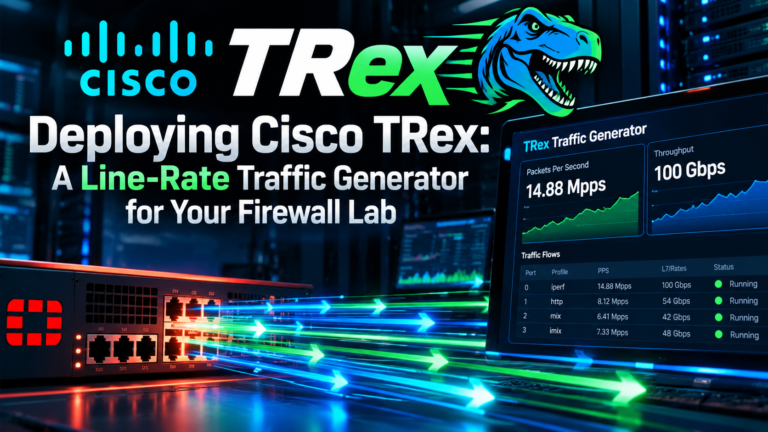
Deploying Cisco TRex: A Line-Rate Traffic Generator for Your Firewall Lab

Deploying Cisco TRex: A Line-Rate Traffic Generator for Your Firewall Lab

Deploy Cisco TRex traffic generator on Ubuntu to test FortiGate throughput. Run stateless and stateful tests with Python automation for accurate lab results.

Read More
Red Team Tool Series: “tcpflow” Read the Conversation, Not the Packets

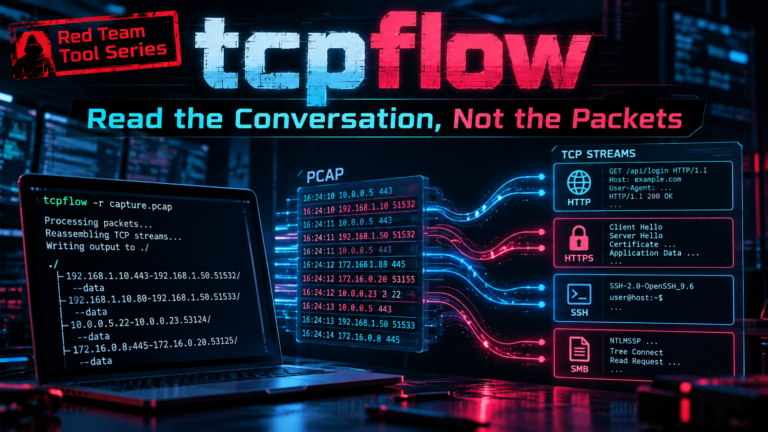
Red Team Tool Series: “tcpflow” Read the Conversation, Not the Packets

Use tcpflow to reassemble TCP streams into readable files. Learn to carve HTTP objects, parse DFXML reports, and analyze FortiGate captures with this practical...

Read More
Replaying PCAPs in Scapy: Packet Injection, Address Rewriting, and Timing-Accurate Retransmission

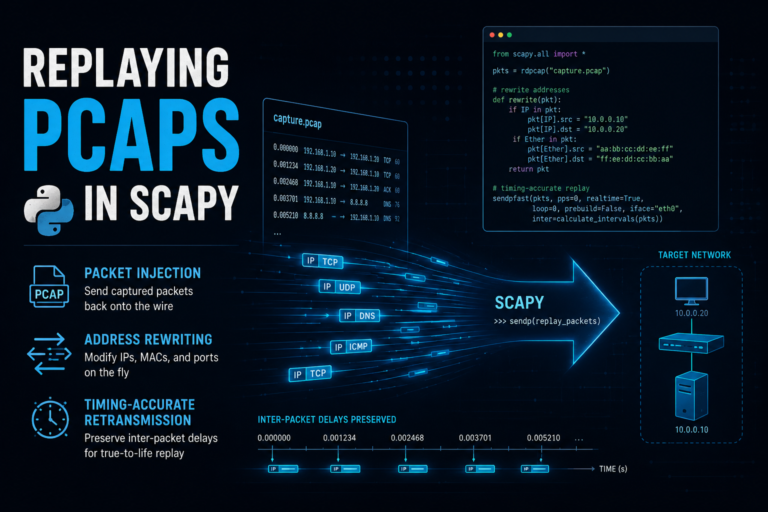
Replaying PCAPs in Scapy: Packet Injection, Address Rewriting, and Timing-Accurate Retransmission

Replay PCAP with Scapy using raw socket injection. Learn to rewrite IP addresses, recalculate checksums, and pace packets accurately for lab testing.

Read More
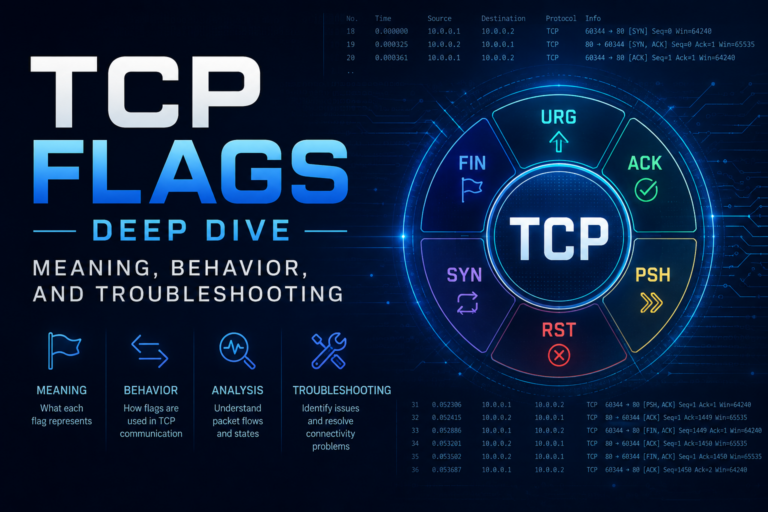
TCP Flags Deep Dive: Meaning, Behavior, and Troubleshooting

TCP Flags Deep Dive: Meaning, Behavior, and Troubleshooting

Master TCP flags meaning and troubleshooting. Learn to read raw packet captures, diagnose handshake failures, and correlate wire behavior with FortiGate session states.

Read More
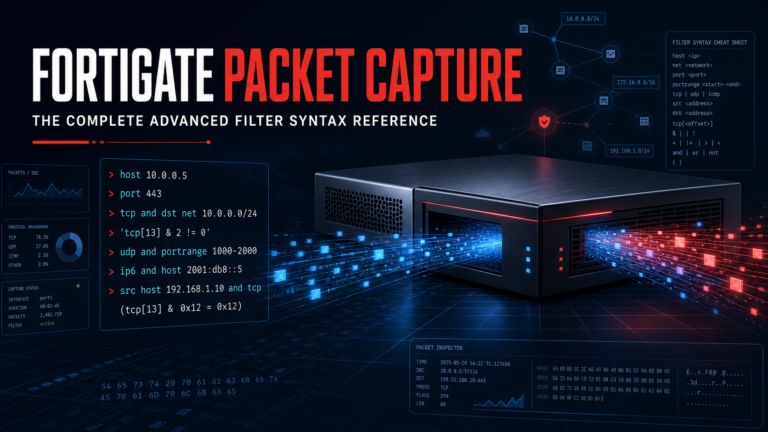
FortiGate Packet Capture: The Complete Advanced Filter Syntax Reference

FortiGate Packet Capture: The Complete Advanced Filter Syntax Reference

Master FortiGate packet capture filter syntax. Use BPF filters in the GUI or CLI to isolate traffic by host, port, protocol, and TCP flags.

Read More
Removing NAG Screen on Wireshark 4.6.7

Removing NAG Screen on Wireshark 4.6.7

Disable the Wireshark nag screen and donation prompts in v4.6.7. Learn to edit the recent file or use Welcome settings to stop ads on...

Read More
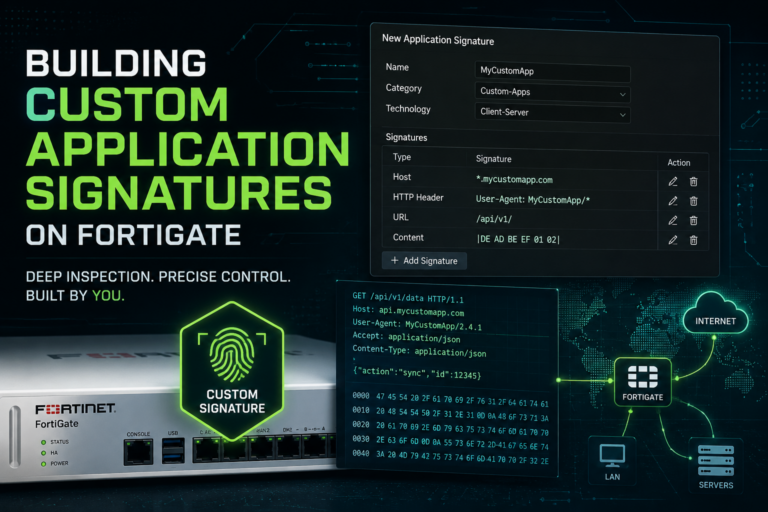
Building Custom Application Signatures on FortiGate

Building Custom Application Signatures on FortiGate

Create a FortiGate custom application signature to identify unknown traffic. Learn F-SBID syntax, find unique fingerprints, and apply the signature in firewall policies.

Read More
Deploying Cacti with NetFlow Support on Ubuntu Linux: Configuring Cisco, Fortinet and Juniper for Netflow

Deploying Cacti with NetFlow Support on Ubuntu Linux: Configuring Cisco, Fortinet and Juniper for Netflow

Deploy Cacti NetFlow configuration using the FlowView plugin on Ubuntu. Configure Cisco, Fortinet, and Juniper devices to export flow data for traffic analysis.

Read More
Basics of Wireshark – Session 5 – Address Resolution, GEO IP, and Annotations

Basics of Wireshark – Session 5 – Address Resolution, GEO IP, and Annotations

Learn how to resolve IP addresses, enable GeoIP lookups, and add persistent annotations to pcapng files in Wireshark for better traffic analysis.

Read More
Basics of Wireshark – Session 4 – Where to Capture From

Basics of Wireshark – Session 4 – Where to Capture From

Configure Wireshark port mirroring on FortiGate, Cisco, and Juniper devices. Learn to capture PCAPs from switches and firewalls for accurate network troubleshooting.

Read More
Basic of Wireshark – Session 3 – Capture vs Display Filters

Basic of Wireshark – Session 3 – Capture vs Display Filters

Learn the difference between Wireshark capture and display filters. Master BPF syntax for capture filters and Wireshark-specific logic for display filters to reduce noise.

Read More
Basics of Wireshark – Session 2 –  Ring Buffers, Color Schemes and CLI Tools

Basics of Wireshark – Session 2 – Ring Buffers, Color Schemes and CLI Tools

Configure Wireshark ring buffers for long-term captures. Compare pcap vs pcapng formats and apply color schemes to analyze network traffic efficiently.

Read More
Basics of Wireshark – Session 1 – Setting up your Wireshark Install

Basics of Wireshark – Session 1 – Setting up your Wireshark Install

Learn how to install Wireshark on macOS. Configure ChmodBPF for safe packet capture and add tools to your system path for easy terminal access.

Read More
How I use Wireshark in My Daily Grind

How I use Wireshark in My Daily Grind

Master Wireshark capture filters and display filters to isolate traffic. Learn exclusion, inclusion, and string search techniques for faster network troubleshooting.

Read More
SPAN and RSPAN On Cisco Switches

SPAN and RSPAN On Cisco Switches

Learn Cisco switch SPAN configuration to mirror traffic for packet capture. Includes standard SPAN and RSPAN setup commands for network troubleshooting.

Read More
Packet Capture on FortiSwitch

Packet Capture on FortiSwitch

Configure FortiSwitch packet capture via CLI. Learn to enable port sampling, run diag sniffer, and export raw data to PCAP for network troubleshooting.

Read More
Creating SPAN port on Fortigate By: Brent Klespies

Creating SPAN port on Fortigate By: Brent Klespies

Learn how to create a SPAN port on FortiGate for IDS providers. Configure hardware switches and port mirroring on entry-level models like the 400E.

Read More
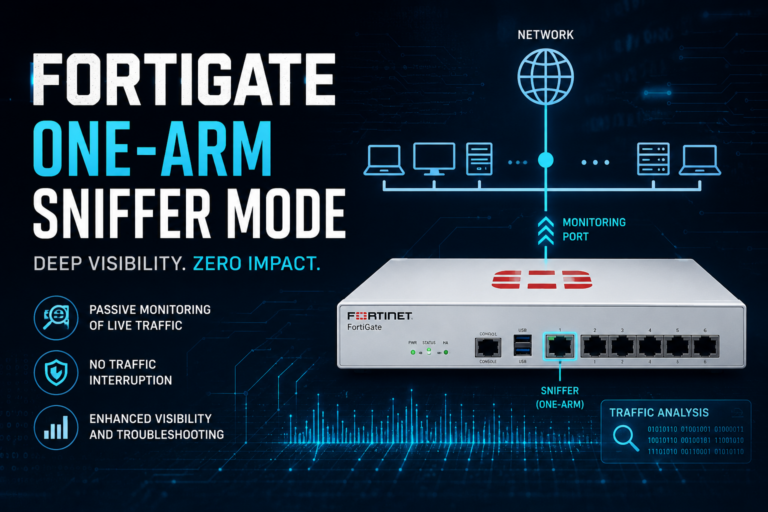
Fortigate in One-Arm Sniffer Mode

Fortigate in One-Arm Sniffer Mode

Configure Fortigate one-arm sniffer mode for passive traffic analysis. Includes Cisco switch monitor session setup and CLI commands for sniffer profiles.

Read More