
If you've spent any time configuring user authentication on... Full Story
By Manny Fernandez
May 7, 2026
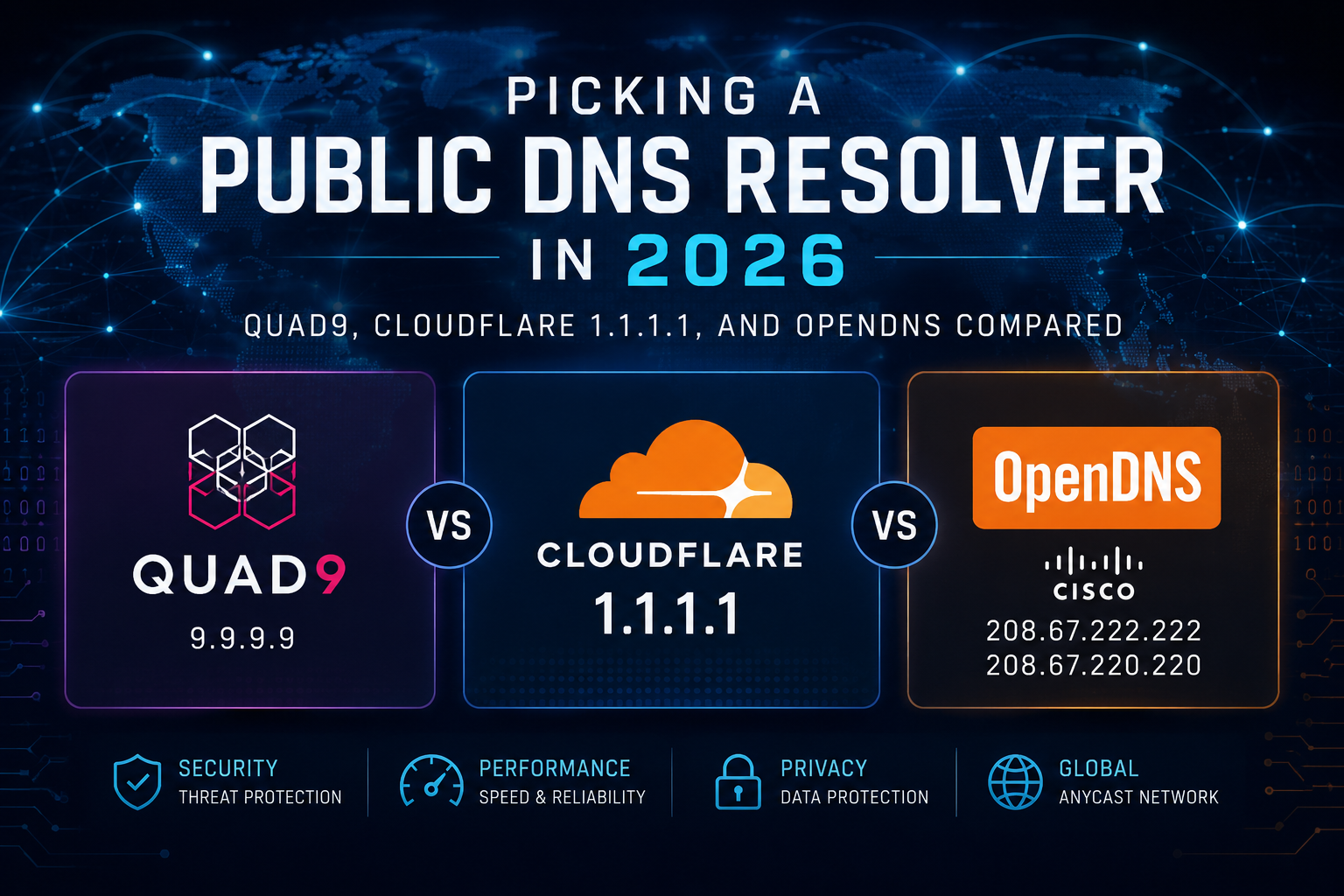
Picking a Public DNS Resolver in 2026: Quad9, Cloudflare 1.1.1.1, and OpenDNS Compared
DNS is one of those quiet pieces of internet plumbing most people never think about, until they do. The resolver your device uses decides how quickly websites load, whether known-malicious domains get silently blocked before your browser ever connects, and how much data about your browsing habits ends up in someone’s logs. The default resolver handed to you by your ISP is rarely the best on any of those axes.
Three names dominate the free public-DNS conversation: Quad9 (9.9.9.9), Cloudflare’s 1.1.1.1 family (including its malware- and family-filtering variants), and Cisco’s OpenDNS (208.67.222.222). All three are free, all three are fast enough that you won’t feel a difference on a casual web session, and all three are good enough that you can stop worrying about your ISP’s resolver. But they differ meaningfully in security posture, privacy stance, and what they actually do when something nasty crosses your wire. Here’s how they stack up.
Quad9: the security-first nonprofit
Quad9 is run by the Quad9 Foundation, a Swiss nonprofit, and the entire point of the service is malware blocking. The default resolver at 9.9.9.9 (with 149.112.112.112 as a secondary) checks every query against a rotating pool of commercial and open-source threat-intelligence feeds, and if the domain is on any of them, the lookup simply fails — your device never gets the IP address, so the connection never happens.
A few things make Quad9 distinctive:
- Multiple threat feeds, not one Quad9 aggregates intel from a long list of partners rather than relying on a single source, which tends to produce broader coverage than competitors that lean on one in-house list.
- Swiss jurisdiction and a strict no-logs policy Quad9 explicitly states it does not log client IP addresses, and Switzerland’s privacy regime is generally favorable for keeping it that way.
- Modern transports Quad9 supports DNS over TLS (
DoT), DNS over HTTPS (DoH), and as of 2026 has added DNS over QUIC (DoQ), which means encrypted DNS works across pretty much any client you’d want to use. - An unfiltered option If you want Quad9’s privacy without the blocking,
9.9.9.10gives you a no-filter resolver.
The trade-offs are real, though. Quad9 will sometimes block legitimate domains as collateral damage from its threat feeds, and the basic free service does not give you an easy way to allowlist a site you trust. If you hit a false positive, the practical workaround is switching DNS temporarily or moving to a managed service that supports exceptions. Performance is also a touch slower than Cloudflare in many regions, the threat-intel lookup adds a small amount of processing, though in independent benchmarks it’s usually within single-digit milliseconds, and in some European locations Quad9 actually edges out Cloudflare.
Cloudflare 1.1.1.1 (and its 1.1.1.2 / 1.1.1.3 siblings)
Cloudflare’s resolver is built on the same anycast network that fronts a huge chunk of the modern web, and that infrastructure shows up in benchmarks: Cloudflare consistently posts the lowest median resolution times in independent tests, often the fastest in the majority of measured global locations, with very low variance. If you’re optimizing for raw speed, this is usually the answer.
Cloudflare ships three flavors of the same service, distinguished only by the IP you point at:
1.1.1.1/1.0.0.1– unfiltered. Just resolves what you ask for, as fast as possible.1.1.1.2/1.0.0.2– blocks malware and phishing domains.1.1.1.3/1.0.0.3– blocks malware and adult content (this is “1.1.1.1for Families”).
When the filtered variants block a domain, they return 0.0.0.0 instead of the real address, so the connection just fails to establish. All three variants support DoH and DoT out of the box (cloudflare-dns.com, security.cloudflare-dns.com, and family.cloudflare-dns.com respectively).
On privacy, Cloudflare publishes a minimal-logging policy and has commissioned independent third-party audits of its 1.1.1.1 practices, which is more transparency than most competitors offer. Worth noting: Cloudflare is a publicly traded for-profit company with a much wider product surface than just DNS, and some users prefer Quad9’s nonprofit governance for that reason alone, same data, different incentives.
The catch with the filtered variants is that there’s no dashboard, no allowlist, and no per-device policy. You get Cloudflare’s categorization decisions and that’s it. The malware list is also generally less aggressive than Quad9’s, which means fewer false positives but, in the comparisons I’ve seen, somewhat fewer blocks of borderline-malicious domains too. For a “set it and forget it” home setup that’s fine; for anyone who wants to tune what gets blocked, you’ll want a managed service like NextDNS or Cloudflare Gateway instead.
Cisco OpenDNS: the original, now showing its age
OpenDNS (208.67.222.222 / 208.67.220.220) has been around longer than either of the others, and Cisco has folded most of its serious development effort into Umbrella, the paid enterprise product. The free home tier is still available and still works, and it has a few things going for it that the others don’t:
- FamilyShield (
208.67.222.123/208.67.220.123) – a free preset that blocks adult content with no account required. - OpenDNS Home – a free tier where, if you create an account and register your IP, you get a web dashboard with category-based filtering, custom block/allow lists, and basic activity stats. None of the free Cloudflare or Quad9 options give you that level of self-service customization.
Where OpenDNS struggles is everywhere else. Performance has slipped relative to the newer entrants: it’s no longer competitive with Cloudflare for raw latency in most regions, and tends to be middle-of-the-pack at best. Encrypted DNS support (DoH/DoT) is more limited and less prominent than on the other two services. The free dashboard requires a static IP or a dynamic-DNS updater client to keep your filtering in sync, which is friction the others don’t impose. And on the privacy front, Cisco’s data-handling story for the free tier is weaker than Quad9’s no-logs stance or Cloudflare’s audited policy, Cisco is in the security-telemetry business, and your queries are part of that ecosystem.
OpenDNS still makes sense if you specifically want a free dashboard with custom category filtering and you don’t want to pay for a service like NextDNS. For most other use cases, it’s been overtaken.
How they compare at a glance
| Quad9 9.9.9.9 | Cloudflare 1.1.1.x | OpenDNS | |
|---|---|---|---|
| Operator | Swiss nonprofit foundation | For-profit (Cloudflare, Inc.) | For-profit (Cisco) |
| Speed | Fast; sometimes leads in EU | Consistently fastest globally | Middle of the pack |
| Malware blocking | Yes, default; multiple feeds | Yes, on 1.1.1.2 / 1.1.1.3 |
Yes, on Home/FamilyShield |
| Adult content blocking | Not on the main resolver | Yes, on 1.1.1.3 |
Yes, FamilyShield (free) |
| Custom categories / allowlists | No (free tier) | No (free tier) | Yes, with free account |
| Encrypted DNS | DoH, DoT, DoQ | DoH, DoT | DoH, DoT (limited) |
| Logging policy | No client-IP logging | Minimal logging, audited | Weaker / less transparent |
| Best for | Privacy + automatic malware blocking | Speed and a clean encrypted default | Free customizable filtering |
Practical recommendations
A few patterns work well in practice. Use Cloudflare 1.1.1.1 (or 1.1.1.2 if you want malware blocking) as your primary, with Quad9 9.9.9.9 as your secondary. You get Cloudflare’s speed for the common case and Quad9’s blocking as a fallback if Cloudflare ever has a hiccup, which has happened, briefly, more than once. For a household with kids, 1.1.1.3 at the router level is the simplest configuration that exists; OpenDNS FamilyShield is the equivalent if you’d rather have Cisco’s categorization. If you want any kind of custom rules, site-by-site allowlists, per-device policies, time-of-day blocking, none of the free tiers really cuts it; that’s where NextDNS, ControlD, or a self-hosted Pi-hole start to make sense.
A note on what DNS can’t do: DNS-level blocking only catches threats that depend on a domain lookup. It does nothing about already-cached IPs, hardcoded IP connections, or malicious content served from a domain that hasn’t been flagged yet. Treat it as one useful, cheap layer of defense — not a substitute for endpoint protection, browser security, and good operational hygiene.
Finally, the differences in raw lookup time between any of these services are usually 10–20 ms, and modern web pages are dominated by TLS handshakes and origin-server response times, not DNS. Pick the one whose privacy and filtering posture you trust, run a benchmark from your actual location if you’re curious, and move on. The worst public-DNS choice on this list is still better than most ISP defaults.
I would be remiss not to mention that for FortiGate customers, DNS security is already included in the UTP and ENT security bundles.
Recent posts
-

-

DNS is one of those technologies that quietly underpins... Full Story
-

BGP issues on FortiGate firewalls usually trace back to... Full Story
-

Every time your laptop talks to your router, a... Full Story
-

If you've spent any time configuring NAT on a... Full Story
-

If you have spent any time configuring firewall policies... Full Story
-

High availability on FortiGate is one of those features... Full Story
-

If you've configured SD-WAN on a FortiGate, you've almost... Full Story
-

FortiLink is the management protocol that turns a FortiSwitch... Full Story
-

FortiSwitches are pretty rock solid from Mean Time Between... Full Story
-

This is a quicky tip. Have you ever gone... Full Story
-

DNS is one of those quiet pieces of internet... Full Story
-

This article is an updated version of the previous... Full Story
-

You will add ns2 as a secondary (slave) BIND9... Full Story
-

In the process of deploying my lab, I needed... Full Story
-

RFC 8805, used to be known as Self-Correcting IP... Full Story
-

Years back, I wrote an article about certificate pinning. ... Full Story
-

FortiGates have the ability to send alerts to Microsoft... Full Story
-

In this post, I am going to walk through... Full Story
-

Troubleshooting VoIP on a FortiGate can feel like trying... Full Story
-

Prior to FortiOS 7.0, there were three commands to... Full Story
-

In this post, I am going to go over... Full Story
-

What we are going to do: We are going... Full Story
-

Choosing between FGCP (FortiGate Clustering Protocol) and FGSP (FortiGate... Full Story
-

Creating a VLAN on macOS (The "Pro" Move) A... Full Story
-

This blog post explores the logic behind how macOS... Full Story
-

Pretty Fly for a Wi-Fi Tell My Wi-Fi Love... Full Story
-

Part of my daily gig is creating BoMs (Bill-of-Materials)... Full Story
-

ICMP introduces several security risks, but careful filtering, rate... Full Story
-

The command diag debug application dhcps -1 enables full... Full Story
-

In the world of FortiOS, execute tac report is... Full Story
-

LLDP; What is it The Link Layer Discovery Protocol... Full Story
-

What it actually does When you run diagnose fdsm... Full Story
-

Monkey Bites are bite-sized, high-impact security insights designed for... Full Story
-

I have run macOS in macOS with Parallels but... Full Story
-

Don't be confused with my other FortiNAC posts where... Full Story
-

This is the third session in a multi-part article... Full Story
-

Today I was configuring key-based authentication on a FortiGate... Full Story
-

Netcat, often called the "Swiss Army knife" of networking,... Full Story
-

At its core, IEEE 802.1X is a network layer... Full Story
-

In case you did not see the previous FortiNAC... Full Story
-

This is our 5th session where we are going... Full Story
-

Now that we have Wireshark installed and somewhat configured,... Full Story
-

The Philosophy of Packet Analysis Troubleshooting isn't about looking... Full Story
-

NAND cells, the flash translation layer, SLC caching, TRIM,... Full Story
-

Nmap Scripting Engine (NSE): From One-Liners to Your First... Full Story
-

Stand up TRex on Ubuntu, wire it through a... Full Story