
At its core, IEEE 802.1X is a network layer... Full Story
By Manny Fernandez
February 14, 2026
Deploying FortiAnalyzer in EVE-NG
SSH to the EVE-NG server
Once you are there, go to the following directory.
/opt/unetlab/addons/qemu
Create a directory to house the FAZ qcow2 file.
mkdir fortinet-FAZ-v7.6.6
Upload the file you downloaded, in my case it was:
FAZ_VM64_KVM-v7.6.6.M-build3654-FORTINET.out.kvm.zip
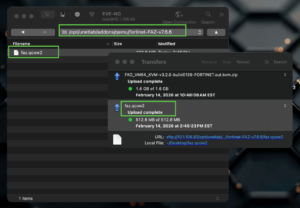
Now we are going to rename the faz.qcow2 to virtioa.qcow2

We are going to use the mv command to rename the file.
mv faz.qcow2 virtioa.qcow2
Now we will create a data disk
/opt/qemu/bin/qemu-img create -f qcow2 virtiob.qcow2 50G
Now lets fix the permissions
/opt/unetlab/wrappers/unl_wrapper -a fixpermissions
Download Icon file from the Fortinet site.
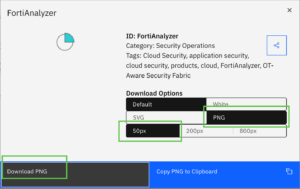
Download the 50 pxl FortiAnalyzer in PNG
Upload icon file for FAZ from this link (if you want to use official Fortinet icons), upload to the following path /opt/unetlab/html/images/icon

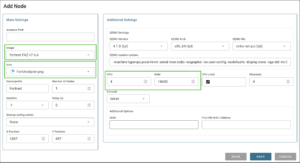
Now log into the EVE-NG web UI and open your lab file. Right-Click anywhere on the screen and choose Node.
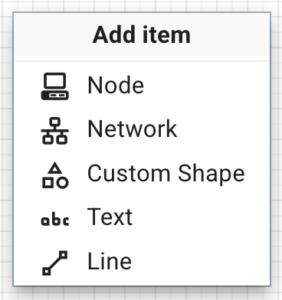
Then choose Fortinet-Fortigate
Hope this helps
Recent posts
-

-

In case you did not see the previous FortiNAC... Full Story
-

This is our 5th session where we are going... Full Story
-

Now that we have Wireshark installed and somewhat configured,... Full Story
-

The Philosophy of Packet Analysis Troubleshooting isn't about looking... Full Story