
Part of my daily gig is creating BoMs (Bill-of-Materials)... Full Story
By Manny Fernandez
March 17, 2026
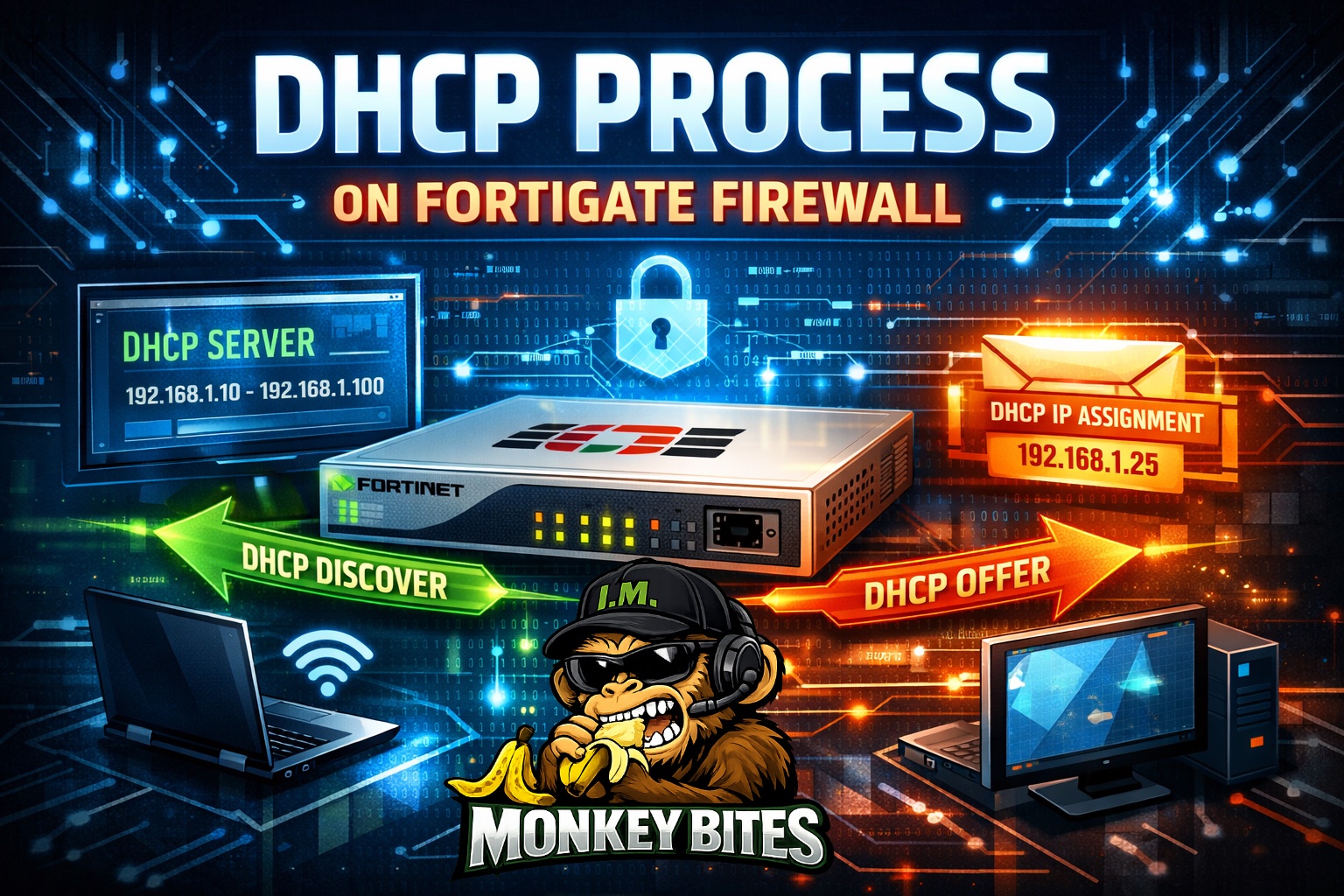
Monkey Bites – DHCP Functions on FortiGate Firewall
The command diag debug application dhcps -1 enables full verbose logging for the DHCP server daemon. The -1 is a bitmask that essentially turns on every possible debug level, showing you everything from DORA handshakes to pool exhaustion issues. The DHCP DORA process is a four-step exchange (Discover, Offer, Request, and Acknowledge) that enabled the client device to automatically obtain and IP address from a DHCP server. Using UDP ports 67 (server) and 68 (client), this process facilitates network configuration, including IP, subnet mask, gateway, and DNS
How to use it effectively
Running the command alone won’t show you anything yet. You need to enable the debug output to the console. Here is the standard sequence:
diag debug reset
diag debug application dhcps -1
diag de console timestamp enable
diag debug enable
- diag debug reset – This will clear any filters you currently have configured
- diag debug application dhcps -1 – This will tell the FortiGate that you want to capture the debug messages from the DHCP application.
- diag debug console timestamp enable – Writes timestamps to the screen
- diag debug enable – starts the debug.
- diag debug disable – stops the debug and gives you the console back.
What to look for in the output
When the logs start rolling, keep an eye out for these specific markers to understand where the communication is breaking down:
Message Type What it means
DHCPDISCOVER – The client is shouting “Is anyone there?” into the void.
DHCPOFFER – The FortiGate is saying “I’m here, and I have this IP for you.”
DHCPREQUEST – The client says “Great, I’ll take that IP.”
DHCPACK – The FortiGate confirms “It’s yours. Here are your DNS/Gateway settings.”
Pro-Tip: Filtering
If you are on a busy network, -1 will be overwhelming. If you only care about a specific client, you can try to filter the debug, though dhcps debugging is notoriously broad. If the logs move too fast, I recommend capturing the output to a text file via your terminal emulator (like PuTTY or Tera Term).
Beyond the initial handshake, several other message types handle renewals, errors, and releases.
Message Type Meaning
DHCPNAK – Negative Acknowledgment. Sent by the server if the requested IP is invalid or no longer available (e.g., the client moved to a new subnet).
DHCPDECLINE – Sent by the client to the server if it discovers the offered IP is already in use on the network (usually via an ARP check).
DHCPRELEASE – Sent by the client to the server to gracefully give up its IP address and terminate the lease.
DHCPINFORM – Sent by a client that **already has an IP** (perhaps manually configured) but needs additional local configuration parameters like DNS or NTP servers.
DHCPFORCERENEW – Sent by a server to command a client to reach back out and renew its lease immediately (used by administrators for network changes).
Lease Renewal (T1 and T2)
It’s important to note that clients don’t repeat the full DORA process to keep their IP. At 50% of the lease time (T1), the client sends a DHCPREQUEST directly to the original server to renew. If the server doesn’t respond by 87.5% of the lease time (T2), the client broadcasts a DHCPREQUEST to any available server.
Capturing DHCP Packets
FortiGate CLI to capture DHCP only packets
dia sniffer packet any 'port 67 or port 68' 4 0 l
tcpdump to capture DHCP only packets
sudo tcpdump -i eth0 -nAvv port 67 or port 68
Wireshark Capture Filter
port 67 or port 68
Recent posts
-

-

ICMP introduces several security risks, but careful filtering, rate... Full Story
-

The command diag debug application dhcps -1 enables full... Full Story
-

In the world of FortiOS, execute tac report is... Full Story
-

LLDP; What is it The Link Layer Discovery Protocol... Full Story
-

What it actually does When you run diagnose fdsm... Full Story
-

Monkey Bites are bite-sized, high-impact security insights designed for... Full Story
-

I have run macOS in macOS with Parallels but... Full Story
-

Don't be confused with my other FortiNAC posts where... Full Story
-

This is the third session in a multi-part article... Full Story
-

Today I was configuring key-based authentication on a FortiGate... Full Story
-

Netcat, often called the "Swiss Army knife" of networking,... Full Story
-

At its core, IEEE 802.1X is a network layer... Full Story
-

In case you did not see the previous FortiNAC... Full Story
-

This is our 5th session where we are going... Full Story
-

Now that we have Wireshark installed and somewhat configured,... Full Story
-

The Philosophy of Packet Analysis Troubleshooting isn't about looking... Full Story