
If you've spent any time configuring user authentication on... Full Story
By Manny Fernandez
November 19, 2019
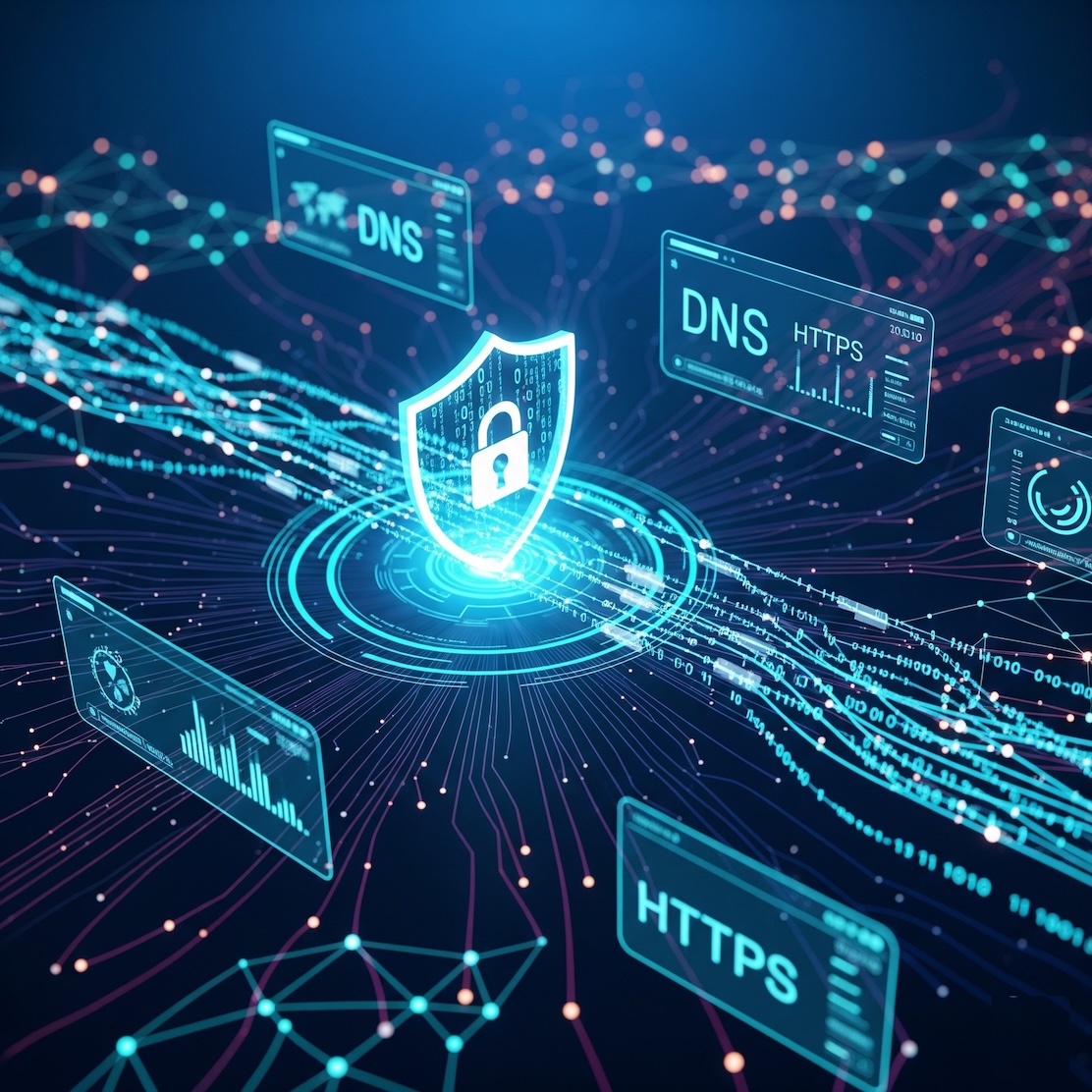
DoH (DNS over HTTPS) vs DoT (DNS over TLS) in the Secure DNS Wars
It appears we are seeing a “Betamax vs VHS” battle in the aging DNS war. Who will win? Will it be a “DVD” or “Blu-Ray” in which case we are wasting our times? The reality is that SOMETHING has to be done.
Weather you advocate for encrypting traffic due to Human Rights issues such as searching for things that a tyrannical government deems offensive or detrimental to them or a Corporate Governance scenario, we all agree we need to secure DNS communications. I make the analogy of Betamax vs VHS because it is two technologies that essentially offer similar results but do it a bit different. As in the VHS and Beta war, eventually we saw Laser Disk, then DVD, then Blu-Ray and now streaming. Although this is the beginning of the war, in the end we may see something completely different.
IMHO, I prefer the DNS over TLS since my business is to protect networks and applications. Coming from a Blue Team side of the house as of late, I feel that the intelligence offered by collecting and analyzing DNS traffic is invaluable and indispensable to a good Security Program. You will see in this article that the difference and maybe it will guide you at a high level, which one is for you.
DNS over TLS
DNS over TLS is defined in RFC(s) 7858 and 8310
The user or device connects to the DNS Server (DNS Resolver) using a dedicated TCP port. Yes, that is right. In case the name did not give it away, DoT using TLS which is TCP. DoT uses its own dedicated port of 853. In a later article, I will show how to configure DNS over TLS on a Fortigate Firewall.
DoT has two modes; strict and opportunistic. In strict mode, the ONLY use TCP 853 to query. It will not fall back to UDP 53. The DoT client has a list of trusted DoT server certificates, and only communicates with trusted DNS servers. In opportunistic, the queries will fallback to UDP 53 if the resolver is not offering DoT. Obviously, as we stated, the DNS Resolver has to support DoT in order to be used in strict mode.
DNS over HTTPS
DoH is a bit different and way more controversial. Many haver put all their eggs in the DoH basket. Microsoft just announced that they would be including support for DoH.
DoH is defined in RFC 8484. With DoH, the DNS queries are combined with other TCP 443 traffic. As with DoT, the resolving server needs to be available for your to use it and you must have support on the OS. As stated before, Microsoft has announced that it will include DoH in Windows 10.
The issue I personally see is the inability to collect DNS queries in a centralized way (e.g. SIEM). Although this may evolve moving forward, at this time, it is not there. Some say there is limitations due to exposed SNI (Server Name Indication), IPs, etc.
Noteworthy, DNSSEC is the long lost cousin of both DoH and DoT. DNNSEC did not encrypt the actual queries but used certificates to authenticate and validate the DNS server you were using and the record being returned.
I think this is a great step forward. I truly believe that this is opening Domain Name to more robust security options which are not developed yet (e.g. Laserdisc, DVD, Blu-Ray).
Hope this helps
Recent posts
-

-

DNS is one of those technologies that quietly underpins... Full Story
-

BGP issues on FortiGate firewalls usually trace back to... Full Story
-

Every time your laptop talks to your router, a... Full Story
-

If you've spent any time configuring NAT on a... Full Story
-

If you have spent any time configuring firewall policies... Full Story
-

High availability on FortiGate is one of those features... Full Story
-

If you've configured SD-WAN on a FortiGate, you've almost... Full Story
-

FortiLink is the management protocol that turns a FortiSwitch... Full Story
-

FortiSwitches are pretty rock solid from Mean Time Between... Full Story
-

This is a quicky tip. Have you ever gone... Full Story
-

DNS is one of those quiet pieces of internet... Full Story
-

This article is an updated version of the previous... Full Story
-

You will add ns2 as a secondary (slave) BIND9... Full Story
-

In the process of deploying my lab, I needed... Full Story
-

RFC 8805, used to be known as Self-Correcting IP... Full Story
-

Years back, I wrote an article about certificate pinning. ... Full Story
-

FortiGates have the ability to send alerts to Microsoft... Full Story
-

In this post, I am going to walk through... Full Story
-

Troubleshooting VoIP on a FortiGate can feel like trying... Full Story
-

Prior to FortiOS 7.0, there were three commands to... Full Story
-

In this post, I am going to go over... Full Story
-

What we are going to do: We are going... Full Story
-

Choosing between FGCP (FortiGate Clustering Protocol) and FGSP (FortiGate... Full Story
-

Creating a VLAN on macOS (The "Pro" Move) A... Full Story
-

This blog post explores the logic behind how macOS... Full Story
-

Pretty Fly for a Wi-Fi Tell My Wi-Fi Love... Full Story
-

Part of my daily gig is creating BoMs (Bill-of-Materials)... Full Story
-

ICMP introduces several security risks, but careful filtering, rate... Full Story
-

The command diag debug application dhcps -1 enables full... Full Story
-

In the world of FortiOS, execute tac report is... Full Story
-

LLDP; What is it The Link Layer Discovery Protocol... Full Story
-

What it actually does When you run diagnose fdsm... Full Story
-

Monkey Bites are bite-sized, high-impact security insights designed for... Full Story
-

I have run macOS in macOS with Parallels but... Full Story
-

Don't be confused with my other FortiNAC posts where... Full Story
-

This is the third session in a multi-part article... Full Story
-

Today I was configuring key-based authentication on a FortiGate... Full Story
-

Netcat, often called the "Swiss Army knife" of networking,... Full Story
-

At its core, IEEE 802.1X is a network layer... Full Story
-

In case you did not see the previous FortiNAC... Full Story
-

This is our 5th session where we are going... Full Story
-

Now that we have Wireshark installed and somewhat configured,... Full Story
-

The Philosophy of Packet Analysis Troubleshooting isn't about looking... Full Story
-

InfoSecMonkey Threat Response October 24, 2026 | No fluff.... Full Story
-

InfoSecMonkey Threat Response October 24, 2026 | No fluff.... Full Story
-

Plus what you actually get with FortiCare Essential, Premium... Full Story