5 January, 2020
FortiAnalyzer Primer
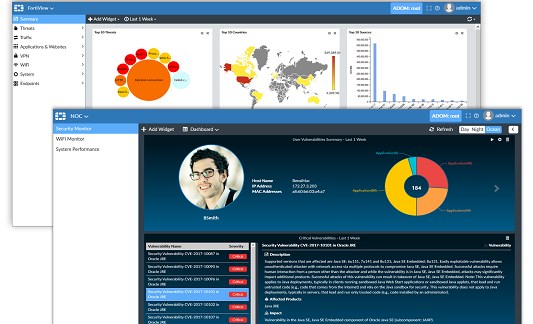
Master the FortiAnalyzer interface overview. Learn to navigate ADOMs, Device Manager, SOC views, and log filtering for effective security monitoring.
Read More

Master the FortiAnalyzer interface overview. Learn to navigate ADOMs, Device Manager, SOC views, and log filtering for effective security monitoring.
Read More
Enforce FortiGate password complexity for NIST and PCI DSS compliance. Configure CLI password policies and enable 2FA for admin accounts.
Read More
Learn to enable and assign FortiGate Replacement Message Groups via CLI. Configure custom UTM and Auth blocks for specific firewall policies and security profiles.
Read More
Learn how to update the FortiGate replacement message image. Upload a custom logo and modify the HTML code to display your brand on blocked...
Read More
Set a persistent static IP on Fortinet FIT OVA running Tinycore Linux. Create boot scripts to survive reboots and configure network settings.
Read More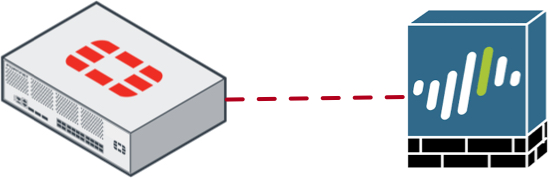
Configure a FortiOS to PANOS Site-to-Site VPN with this step-by-step guide. Set up Phase I, Phase II, and firewall policies for secure tunnel connectivity.
Read More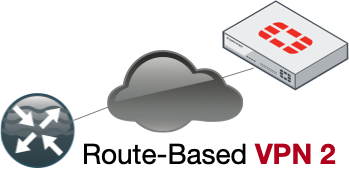
Configure a route-based VPN between Cisco Router and Fortigate using OSPF. Get working VTI configs for IKEv1 and IKEv2 with no fluff.
Read More
Configure an ASA Route-Based VPN VTI with Fortigate. Get working CLI configs for Cisco ASA and FortiGate IPsec tunnels with static routing.
Read More
Configure FortiTester performance testing to measure FortiGate VPN throughput. Learn to set up cases, define traffic, and interpret results for your network.
Read More
Learn how to upgrade FortiTester firmware via HTTPS. Download the correct code, upload the file, and reboot your appliance for testing.
Read More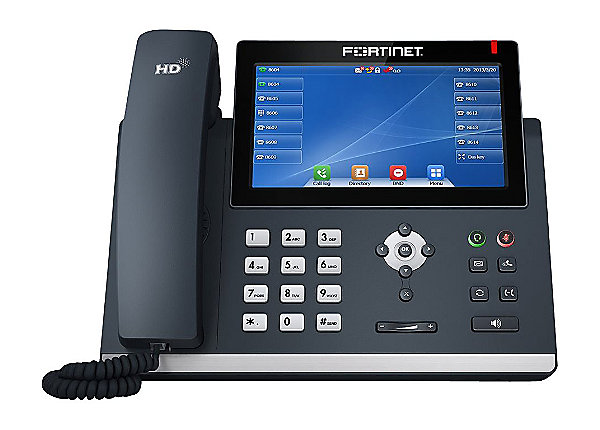
Learn how to upgrade FortiFone firmware using the web GUI. Includes default credentials and steps for C71, 470, 570, D71, 375, and 175 models.
Read More
Manually uninstall FortiClient on macOS when the GUI fails. Use these CLI commands to remove stuck FortiClient installations and restore system stability.
Read More
Apply FortiGate WiFi best practices to optimize performance. Learn to disable low data rates, reduce SSIDs, and configure FortiAPs for reliable wireless connectivity.
Read More
Learn how to safely perform a FortiVoice upgrade to 6x. Includes steps for backing up configuration, uploading firmware, and rebooting your FortiVoice 1000E.
Read More
Learn how to interact with a FortiDeceptor decoy via SSH. Analyze attacker commands in the GUI and export incident reports to PDF for forensics.
Read More
Learn how to deploy a FortiDeceptor decoy using the deployment wizard. Configure fake OS images, SAMBA shares, and SCADA lures to detect intruders.
Read More
Learn how to install the FSSO agent and configure FortiGate FSSO to enforce firewall policies based on Active Directory groups.
Read More
Configure FortiGate Active Directory groups to control web content policies. Learn to set up LDAP direct polling and apply user-based security profiles.
Read More