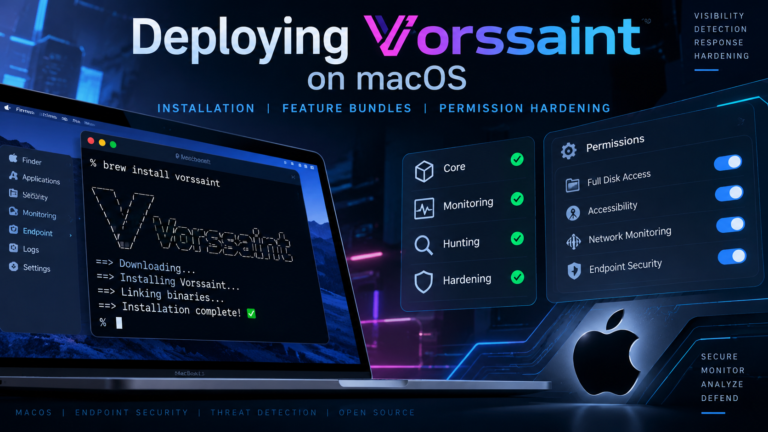
Deploying Vorssaint on macOS: Installation, Feature Bundles, and Permission Hardening
Install Vorssaint on macOS via Homebrew or DMG. Select feature bundles and grant only the specific TCC permissions needed for your workflow.
Read More

Install Vorssaint on macOS via Homebrew or DMG. Select feature bundles and grant only the specific TCC permissions needed for your workflow.
Read More
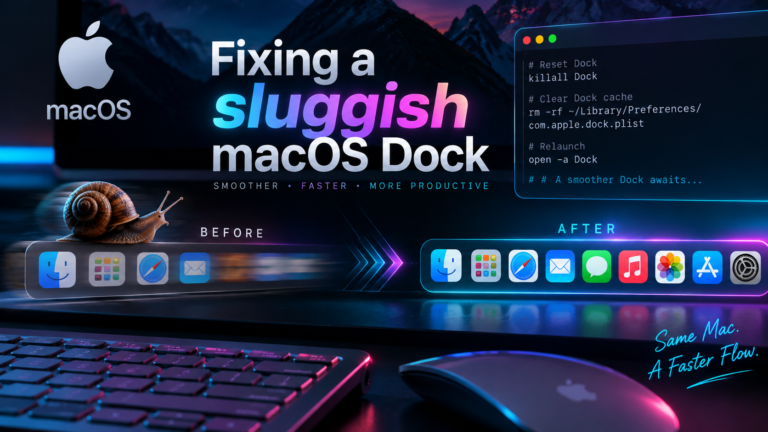
Speed up macOS Dock by removing autohide delay and animation lag. Use these Terminal commands to restore instant responsiveness to your Mac interface.
Read More
Master Excel for Mac shortcuts for navigation, formatting, and data entry. This reference covers Cmd, Control, and Option keys for daily workflow efficiency.
Read More
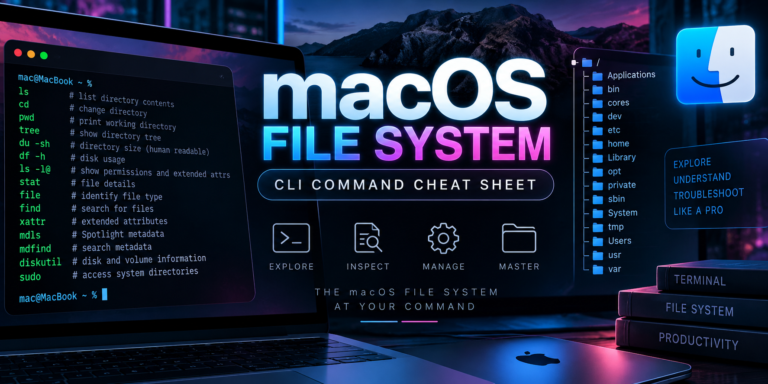
Master macOS file system CLI commands for navigation, permissions, and diskutil. Use ditto for safe metadata copies and avoid common BSD gotchas.
Read More
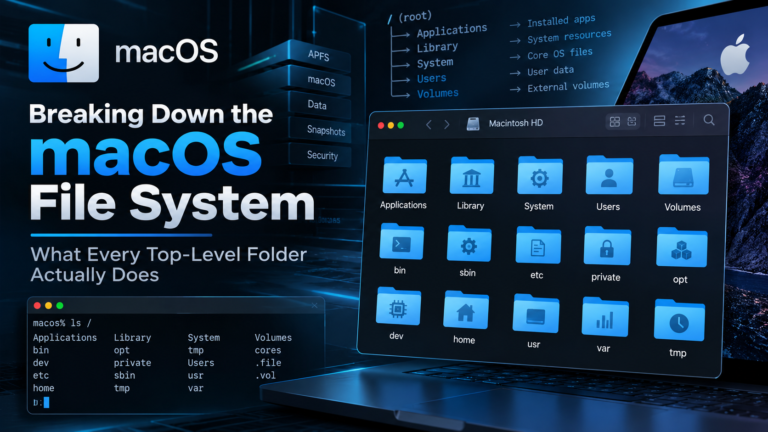
Understand the macOS file system structure. Learn how APFS volumes, firmlinks, and top-level directories work to troubleshoot permission and storage issues.
Read More
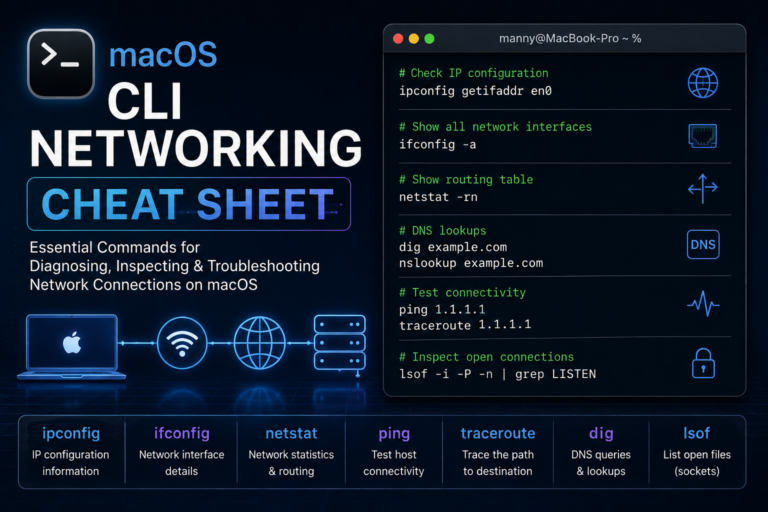
Master macOS CLI networking commands for fast troubleshooting. Use ipconfig, tcpdump, and networksetup to diagnose DNS, routing, and firewall issues instantly.
Read More
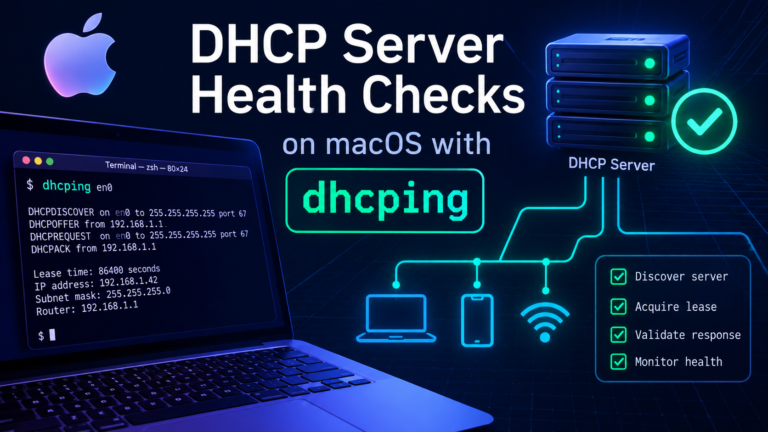
Run dhcping macOS health checks to verify DHCP server availability. Install via Homebrew, handle sudo privileges, and configure targeted probes for reliable monitoring.
Read More
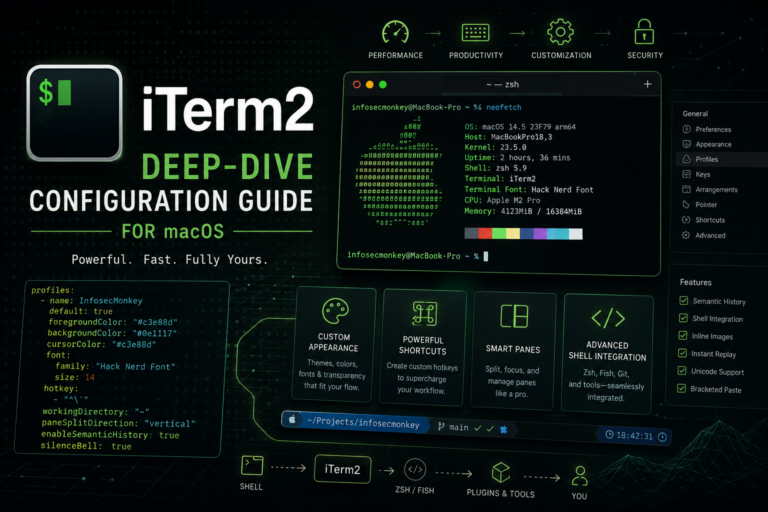
Configure iTerm2 macOS with this practitioner reference. Master dynamic profiles, security hardening, and advanced settings for a hardened, high-velocity terminal workflow.
Read More
Configure FortiGate IPsec certificate pinning to restrict VPN access to authorized devices. Includes FortiAuthenticator CA setup and macOS client steps.
Read More
Create a macOS Shortcut to auto move files from your Downloads folder into organized subfolders based on file extension. Includes automation setup.
Read More
Learn how to create a VLAN interface on macOS using networksetup. Configure 802.1Q tagging for persistent network segmentation that survives reboots.
Read More
Understand macOS network interface naming conventions like en0 and lo0. Learn to map BSD names to hardware using networksetup and scutil commands.
Read More
Automate macOS file comments using an AppleScript Quick Action. Assign a keyboard shortcut to add metadata to files in Finder without manual clicks.
Read More
Learn how to install macOS in UTM on your Mac. Follow this step-by-step guide to create a virtual machine for video recording and testing...
Read More
Search JPG and PDF files with OCR and grep using a Python script and pdfgrep. Find specific text in images and documents on macOS...
Read More
Learn to configure multiple SSH keys in SecureCRT and macOS CLI. Includes FortiGate SSH key auth setup and OpenSSH key management for network engineers.
Read More
Sync Sublime Text 4 settings via iCloud on macOS. Use these shell commands and keyboard shortcuts for faster editing, macros, and panel management.
Read More
Create a macOS Shortcut to copy text from images to your clipboard. Follow this guide to set up an interactive screenshot action for quick...
Read More