
If you've spent any time configuring user authentication on... Full Story
By Manny Fernandez
September 8, 2026
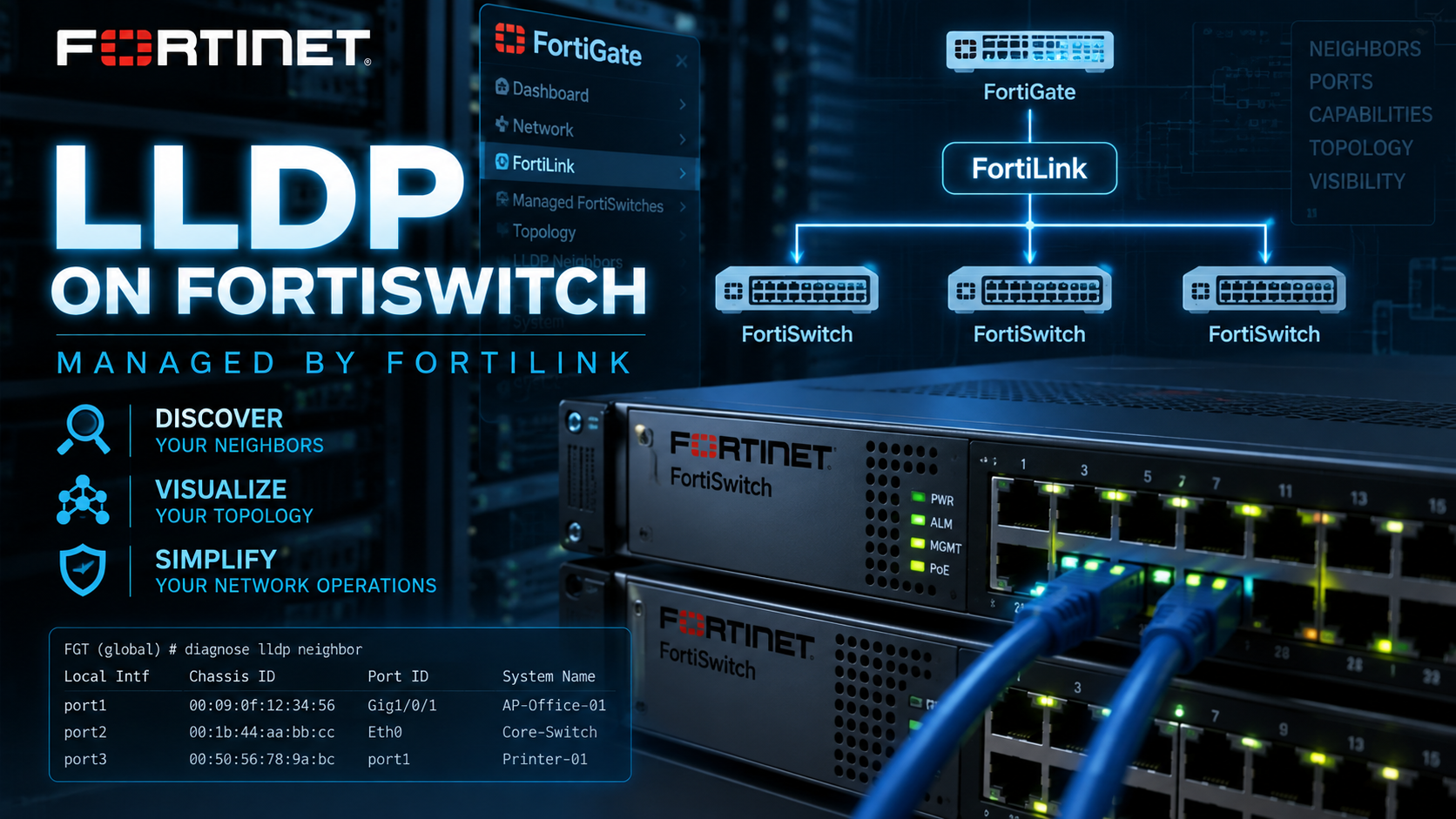
LLDP on FortiSwitch Managed by FortiLink
Here is a quick article on running lldp on your FortiSwitch. Customer had an issue today where they could not find the IP addresses of some HP switches he had attached t0 a FortiSwitch port.
config switch-controller managed-switch
edit "<FortiSwitch-Serial-Number>"
config ports
edit "port1"
set lldp-status rx-tx
next
end
next
end
The available options for lldp-status are:
-
rx-tx: Transmit and receive LLDP frames (default on standard user/ISL ports). -
rx-only: Only listen for LLDP neighbors. -
tx-only: Only broadcast local chassis and port TLVs. -
disable: Completely disable LLDP processing on the interface.
Once you have lldp configured on the port, you can use the following command to see the connected lldp devices.
diagnose switch-controller switch-info lldp neighbors-summary <FortiSwitch-Serial-Number>
diagnose switch-controller switch-info lldp neighbors-detail <FortiSwitch-Serial-Number> <port_name>
For this customer, we needed the IP address so we used the neighbor-detail command. Below is the output.
Neighbor learned on port port5 by LLDP protocol
Last change 631185 seconds ago
Last packet received 6 seconds ago
Chassis ID: 38:21:37:e2:33:40 (mac)
System Name: REM-PHX-SW003
System Description:
HP J9772A 2530-48G-PoEP Switch, revision YA.16.11.0030, ROM YA.15.20 (/ws/swbuildm/rel_beluru_qaoff/code/build/lakes(swbuildm_rel_beluru_qaoff_rel_beluru
))
Time To Live: 120 seconds
System Capabilities: B
Enabled Capabilities: B
Management IP Address: 10.1.100.13
Management IP Interface Subtype: unknown, Index: 0
Port ID: 48 (local)
Port description: 48
IEEE802.1, Port VLAN ID: 1
IEEE802.3, MAC/PHY Configuration/Status:
Autoneg support: Supported
Autoneg enabled: Enabled
Autoneg advertised: 0x6c01
1000BASE-T(full duplex mode)
100BASE-T(full duplex mode)
100BASE-T(half duplex mode)
10BASE-T(full duplex mode)
10BASE-T(half duplex mode)
MAU type: 1000BASETFD - Four-pair Category 5 UTP, full duplex mode
IEEE802.3, Power via MDI:
Power devicetype: PSE
PSE MDI Power: Supported
PSE MDI Power Enabled: Yes
PSE Pair Selection: Can not be controlled
PSE power pairs: Signal
Power class: 1 (class-0)
Power type: 802.3at off
Power source: Unknown
Power priority: Unknown
Power requested: 0.0W
Power allocated: 0.0W
Organizationally Specific TLV:
OUI: 00:16:b9
Subtype: 2
Info: (2 bytes)
[..] 0001
With the neighbor-summary command, you get a more condensed version of the output.
diagnose switch-controller switch-info lldp neighbors-summary REM-PHX--SW000
Vdom: root
Managed Switch : ATC-REM-PHX--SW
Capability codes:
R:Router, B:Bridge, T:Telephone, C:DOCSIS Cable Device
W:WLAN Access Point, P:Repeater, S:Station, O:Other
MED type codes:
Generic:Generic Endpoint (Class 1), Media:Media Endpoint (Class 2)
Comms:Communications Endpoint (Class 3), Network:Network Connectivity Device
Portname Status Device-name TTL Capability MED-type Port-ID
__________ _______ __________________________ ____ __________ ________ _______
port1 Up PHX-RT01 120 BR Network a
port2 Up PHX-RT01 120 BR Network b
port3 Down - - - - -
port4 Down - - - - -
port5 Up PHX-SW003 120 B - 48
port6 Up PHX-SW002 120 B - 24
port7 Down - - - - -
port8 Up PHX-SW001 120 B - 48
port9 Down - - - - -
port10 Down - - - - -
port11 Down - - - - -
port12 Down - - - - -
port13 Down - - - - -
port14 Down - - - - -
Recent posts
-

-

DNS is one of those technologies that quietly underpins... Full Story
-

BGP issues on FortiGate firewalls usually trace back to... Full Story
-

Every time your laptop talks to your router, a... Full Story
-

If you've spent any time configuring NAT on a... Full Story
-

If you have spent any time configuring firewall policies... Full Story
-

High availability on FortiGate is one of those features... Full Story
-

If you've configured SD-WAN on a FortiGate, you've almost... Full Story
-

FortiLink is the management protocol that turns a FortiSwitch... Full Story
-

FortiSwitches are pretty rock solid from Mean Time Between... Full Story
-

This is a quicky tip. Have you ever gone... Full Story
-

DNS is one of those quiet pieces of internet... Full Story
-

This article is an updated version of the previous... Full Story
-

You will add ns2 as a secondary (slave) BIND9... Full Story
-

In the process of deploying my lab, I needed... Full Story
-

RFC 8805, used to be known as Self-Correcting IP... Full Story
-

Years back, I wrote an article about certificate pinning. ... Full Story
-

FortiGates have the ability to send alerts to Microsoft... Full Story
-

In this post, I am going to walk through... Full Story
-

Troubleshooting VoIP on a FortiGate can feel like trying... Full Story
-

Prior to FortiOS 7.0, there were three commands to... Full Story
-

In this post, I am going to go over... Full Story
-

What we are going to do: We are going... Full Story
-

Choosing between FGCP (FortiGate Clustering Protocol) and FGSP (FortiGate... Full Story
-

Creating a VLAN on macOS (The "Pro" Move) A... Full Story
-

This blog post explores the logic behind how macOS... Full Story
-

Pretty Fly for a Wi-Fi Tell My Wi-Fi Love... Full Story
-

Part of my daily gig is creating BoMs (Bill-of-Materials)... Full Story
-

ICMP introduces several security risks, but careful filtering, rate... Full Story
-

The command diag debug application dhcps -1 enables full... Full Story
-

In the world of FortiOS, execute tac report is... Full Story
-

LLDP; What is it The Link Layer Discovery Protocol... Full Story
-

What it actually does When you run diagnose fdsm... Full Story
-

Monkey Bites are bite-sized, high-impact security insights designed for... Full Story
-

I have run macOS in macOS with Parallels but... Full Story
-

Don't be confused with my other FortiNAC posts where... Full Story
-

This is the third session in a multi-part article... Full Story
-

Today I was configuring key-based authentication on a FortiGate... Full Story
-

Netcat, often called the "Swiss Army knife" of networking,... Full Story
-

At its core, IEEE 802.1X is a network layer... Full Story
-

In case you did not see the previous FortiNAC... Full Story
-

This is our 5th session where we are going... Full Story
-

Now that we have Wireshark installed and somewhat configured,... Full Story
-

The Philosophy of Packet Analysis Troubleshooting isn't about looking... Full Story
-

Here is a quick article on running lldp on... Full Story
-

If you have ever stared at a Terminal window... Full Story
-

The Problem This Solves FortiGate matches policies referencing a... Full Story