
If you've spent any time configuring user authentication on... Full Story
By Manny Fernandez
October 5, 2026
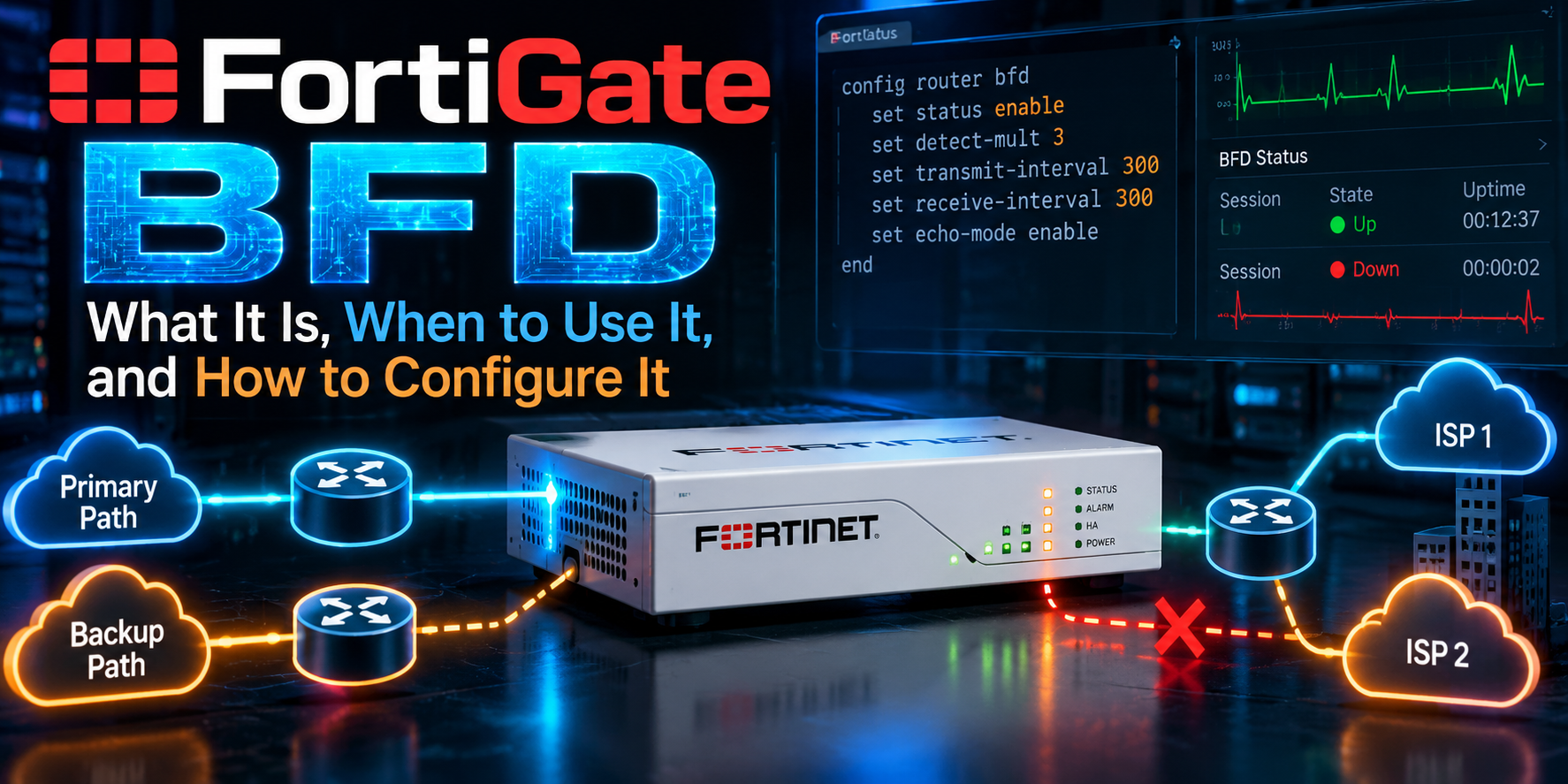
FortiGate BFD: What It Is, When to Use It, and How to Configure It
Objective: Understand Bidirectional Forwarding Detection on FortiOS, decide where it belongs in your design, and configure it for BGP, OSPF, static routes, and multihop peers.
Target audience: Network and security engineers running dynamic routing on FortiGate.
Lab addressing: 198.18.0.0/15 for transit/public, 10.0.0.0/16 for internal networks.
The problem: routing protocols are slow to notice a dead path
BFD cuts failure detection from tens of seconds to under one second, so your FortiGate reroutes before users notice.
Out of the box, BGP waits for its hold timer (180 seconds by default on FortiOS) before declaring a neighbor dead. OSPF waits for its dead interval (40 seconds on broadcast links). If the link stays physically up while the path behind it dies, say a carrier switch fails or a provider circuit blackholes traffic, the interface never goes down and the protocol just keeps waiting.
You can shrink BGP and OSPF timers, but that burns control-plane CPU and still rarely gets you below a few seconds. Bidirectional Forwarding Detection (BFD) solves this one job and nothing else: it tells the routing protocols, fast, that the forwarding path is gone.
What BFD is and how it works
BFD (RFC 5880, single-hop in RFC 5881, multihop in RFC 5883) is a lightweight hello protocol between two forwarding engines. It does not carry routes. It only answers one question: can packets still get from me to you and back?
How a session runs on FortiGate:
- A routing protocol (BGP, OSPF, or a static route) asks BFD to watch a specific neighbor.
- Both peers exchange small UDP control packets. Single-hop uses UDP 3784, multihop uses UDP 4784.
- The peers negotiate timers. Each side advertises how fast it wants to send (
desired-min-tx) and how fast it can receive (required-min-rx). The slower value wins in each direction. - If a peer misses
detect-multconsecutive packets, the session goes Down. - BFD notifies the subscribed protocol, which tears down the adjacency or withdraws the route immediately. Failover to the backup path starts right away instead of waiting on protocol timers.
Detection time is simple math:
Detection time = detect-mult × max(local required-min-rx, remote desired-min-tx)
With FortiOS defaults of 250 ms and a multiplier of 3, a dead path is declared in 750 ms. FortiOS runs BFD in asynchronous mode, where both sides send control packets on their own schedule.
What BFD is used for on FortiGate
On FortiGate, BFD is a subscriber service: it protects BGP, OSPF, and static routes, and it only acts through them.
| Client | What BFD does for it | Typical use |
|---|---|---|
| BGP | Drops the peering the moment the path fails, withdrawing its routes | Dual-ISP eBGP, BGP over IPsec to hubs, iBGP to core |
| OSPF | Declares the neighbor down without waiting for the dead interval | Campus or data center cores, FortiGate to L3 switch |
| Static routes | Removes the static route from the RIB when the next hop stops answering | Next hop behind an L2 switch or carrier handoff |
| Multihop BGP | Watches a peer that is not directly connected | Loopback-to-loopback iBGP, eBGP multihop |
Two neighbors worth separating from BFD:
- SD-WAN performance SLA health checks also detect dead paths, but they probe a target server for latency, jitter, and loss to steer traffic between members. BFD watches a routing neighbor. In an SD-WAN overlay you often run both: SLAs for steering, BFD for fast BGP convergence.
- IPsec DPD tells you the tunnel is dead, but on default timers it can take tens of seconds. BFD over the tunnel interface gets BGP to react much faster.
When to use it, and when not to
Use BFD whenever a link can stay up while the path behind it dies, and you have a second path to fail over to.
Good fits:
- Dual-ISP or dual-circuit designs running BGP, where you want sub-second failover instead of a 3-minute hold timer.
- FortiGate peering with a router or L3 switch through an intermediate L2 switch, media converter, or carrier NID. The FortiGate port stays up even when the far end dies.
- BGP over IPsec in hub-and-spoke or ADVPN overlays, where fast convergence matters more than DPD timing.
- Static routes to a next hop that is not directly on the wire, where link-state alone cannot tell you the gateway is gone.
Skip it or tune carefully when:
- There is no alternate path. Faster detection of an outage you cannot route around buys nothing.
- The peer does not support BFD. BFD is bidirectional by definition; one side alone never brings a session up.
- The link is lossy or congested (LTE, satellite, oversubscribed broadband). Aggressive timers will flap the session and take your routing with it.
- The FortiGate is small or already CPU-bound and you plan dozens of sessions at low intervals. BFD packets are processed by the CPU, not offloaded to the NP.
- You run HA with session pickup and graceful restart. A failover can take longer than an aggressive BFD detect time, so the peer may tear down BGP during a clean HA switchover. Loosen the timers or rely on graceful restart for that peering.
Configuring BFD on FortiGate
BFD takes two layers: turn it on and set timers (globally or per interface), then bind it to each protocol or route you want protected.
Step 1: Enable BFD and set default timers
These settings live under config system settings, so they apply per VDOM. Timers are in milliseconds.
config system settings
    set bfd enable
    set bfd-desired-min-tx 250
    set bfd-required-min-rx 250
    set bfd-detect-mult 3
    set bfd-dont-enforce-src-port disable
end
bfd-dont-enforce-src-port is only worth enabling for a peer that sends BFD from a non-standard source port and fails the RFC check.
Step 2: Set per-interface behavior
global inherits the timers from Step 1. enable lets you override them for that interface, which is how you run looser timers on a lossy WAN.
config system interface
    edit "port1"
        set bfd global
    next
    edit "port2"
        set bfd enable
        set bfd-desired-min-tx 500
        set bfd-required-min-rx 500
        set bfd-detect-mult 3
    next
end
Step 3: Protect a BGP neighbor
config router bgp
    set as 65001
    set router-id 10.0.255.1
    config neighbor
        edit "198.18.1.2"
            set remote-as 65100
            set bfd enable
        next
    end
end
The same set bfd enable works under config neighbor-group, which is how you cover dynamic spokes on an ADVPN hub.
Step 4: Protect OSPF
Enable BFD for the OSPF process, then per OSPF interface.
config router ospf
    set bfd enable
    config ospf-interface
        edit "core"
            set interface "port3"
            set bfd enable
        next
    end
end
Step 5: Protect a static route
Static routes have no protocol peer, so you declare the BFD neighbor explicitly, then flag the route.
config router bfd
    config neighbor
        edit 198.18.2.1
            set interface "port2"
        next
    end
end

config router static
    edit 1
        set gateway 198.18.2.1
        set device "port2"
        set bfd enable
    next
end
The next hop must run BFD too. If it goes silent, the route leaves the routing table and your floating static or dynamic route takes over.
Step 6: Multihop BFD (optional)
For loopback-to-loopback iBGP or eBGP multihop, define a multihop template that matches the source and destination prefixes. Use authentication here, since multihop packets can arrive from anywhere routable.
config router bfd
    config multihop-template
        edit 1
            set src 10.0.255.0 255.255.255.0
            set dst 10.0.254.0 255.255.255.0
            set bfd-desired-min-tx 500
            set bfd-required-min-rx 500
            set bfd-detect-mult 3
            set auth-mode md5
            set md5-key <your-key>
        next
    end
end
Then enable set bfd enable on the BGP neighbor as in Step 3. For IPv6 neighbors, the equivalent tree is config router bfd6.
Verification and troubleshooting
Start with the BFD neighbor table: a healthy session shows state Up with the timers you expect.
get router info bfd neighborCheck the output for the neighbor IP, interface, state (Up, Down, Init, or AdminDown), and negotiated intervals. A neighbor missing from the table means no protocol has requested BFD for it, so recheck the set bfd enable bindings.
Confirm the protocol actually registered with BFD:
get router info bgp neighbors 198.18.1.2
get router info ospf neighbor
The BGP neighbor detail reports the BFD type (single hop or multihop) and status. If it says nothing about BFD, the binding is missing on this side.
Watch the packets on the wire:
diagnose sniffer packet port2 'udp port 3784 or udp port 4784' 4 0 l| What you see | Likely cause | Fix |
|---|---|---|
| Packets out, none back | Peer has BFD off, or an ACL or upstream firewall drops UDP 3784/4784 | Enable BFD on the peer, open the ports |
| Packets both ways, session stuck in Init or Down | Timer or auth mismatch, or peer rejects the source port | Match auth settings, try bfd-dont-enforce-src-port enable |
| Session flaps Up and Down | Timers too aggressive for the link, or CPU spikes | Raise min-tx/min-rx to 500 to 1000 ms, check get system performance status |
| BGP drops during HA failover | Failover takes longer than detect time | Loosen timers on that peering, rely on graceful restart |
BFD state changes are also logged as system events, so check Log & Report > System Events for a timeline when chasing intermittent flaps.
Gotchas and best practices
The fastest timers are not the best timers: pick the loosest setting that still meets your failover target.
- Start at 250 ms x 3 on clean wired links, 500 to 1000 ms x 3 on internet or wireless paths. Tighten only after a week without flaps.
- Match both sides deliberately. Negotiation picks the slower value, so a peer at 1000 ms quietly overrides your 250 ms. Check the negotiated numbers in the neighbor table, not your config.
- Remember it is per VDOM.
config system settingsis VDOM scoped, so enabling BFD in root does nothing for a peering in another VDOM. - Count your sessions. BFD runs on the CPU. Many sessions at low intervals on an entry-level model is a real load, especially with UTM running.
- Authenticate multihop. Single-hop is protected by TTL 255 checks. Multihop is not, so use MD5 on the template.
- Plan around HA and maintenance. Firmware upgrades and HA failovers can outlast a sub-second detect time. Loosen timers on affected peerings or schedule around them.
- BFD does not replace SD-WAN SLAs. A path can be up at the BFD layer and still be too lossy for voice. Use SLAs for quality, BFD for liveness.
Wrap-up
If your FortiGate has two paths and a routing protocol deciding between them, BFD is the cheapest way to make failover fast. Enable it globally, bind it to each BGP neighbor, OSPF interface, or static route you care about, verify with get router info bfd neighbor, and tune timers to the link rather than to a benchmark.
Recent posts
-

-

DNS is one of those technologies that quietly underpins... Full Story
-

BGP issues on FortiGate firewalls usually trace back to... Full Story
-

Every time your laptop talks to your router, a... Full Story
-

If you've spent any time configuring NAT on a... Full Story
-

If you have spent any time configuring firewall policies... Full Story
-

High availability on FortiGate is one of those features... Full Story
-

If you've configured SD-WAN on a FortiGate, you've almost... Full Story
-

FortiLink is the management protocol that turns a FortiSwitch... Full Story
-

FortiSwitches are pretty rock solid from Mean Time Between... Full Story
-

This is a quicky tip. Have you ever gone... Full Story
-

DNS is one of those quiet pieces of internet... Full Story
-

This article is an updated version of the previous... Full Story
-

You will add ns2 as a secondary (slave) BIND9... Full Story
-

In the process of deploying my lab, I needed... Full Story
-

RFC 8805, used to be known as Self-Correcting IP... Full Story
-

Years back, I wrote an article about certificate pinning. ... Full Story
-

FortiGates have the ability to send alerts to Microsoft... Full Story
-

In this post, I am going to walk through... Full Story
-

Troubleshooting VoIP on a FortiGate can feel like trying... Full Story
-

Prior to FortiOS 7.0, there were three commands to... Full Story
-

In this post, I am going to go over... Full Story
-

What we are going to do: We are going... Full Story
-

Choosing between FGCP (FortiGate Clustering Protocol) and FGSP (FortiGate... Full Story
-

Creating a VLAN on macOS (The "Pro" Move) A... Full Story
-

This blog post explores the logic behind how macOS... Full Story
-

Pretty Fly for a Wi-Fi Tell My Wi-Fi Love... Full Story
-

Part of my daily gig is creating BoMs (Bill-of-Materials)... Full Story
-

ICMP introduces several security risks, but careful filtering, rate... Full Story
-

The command diag debug application dhcps -1 enables full... Full Story
-

In the world of FortiOS, execute tac report is... Full Story
-

LLDP; What is it The Link Layer Discovery Protocol... Full Story
-

What it actually does When you run diagnose fdsm... Full Story
-

Monkey Bites are bite-sized, high-impact security insights designed for... Full Story
-

I have run macOS in macOS with Parallels but... Full Story
-

Don't be confused with my other FortiNAC posts where... Full Story
-

This is the third session in a multi-part article... Full Story
-

Today I was configuring key-based authentication on a FortiGate... Full Story
-

Netcat, often called the "Swiss Army knife" of networking,... Full Story
-

At its core, IEEE 802.1X is a network layer... Full Story
-

In case you did not see the previous FortiNAC... Full Story
-

This is our 5th session where we are going... Full Story
-

Now that we have Wireshark installed and somewhat configured,... Full Story
-

The Philosophy of Packet Analysis Troubleshooting isn't about looking... Full Story
-

Objective: Understand Bidirectional Forwarding Detection on FortiOS, decide where... Full Story
-

Field Detail Objective Explain exactly what DHCP snooping inspects,... Full Story
-

The short version Single-click the Format Painter and it... Full Story