
If you've spent any time configuring user authentication on... Full Story
By Manny Fernandez
October 8, 2026
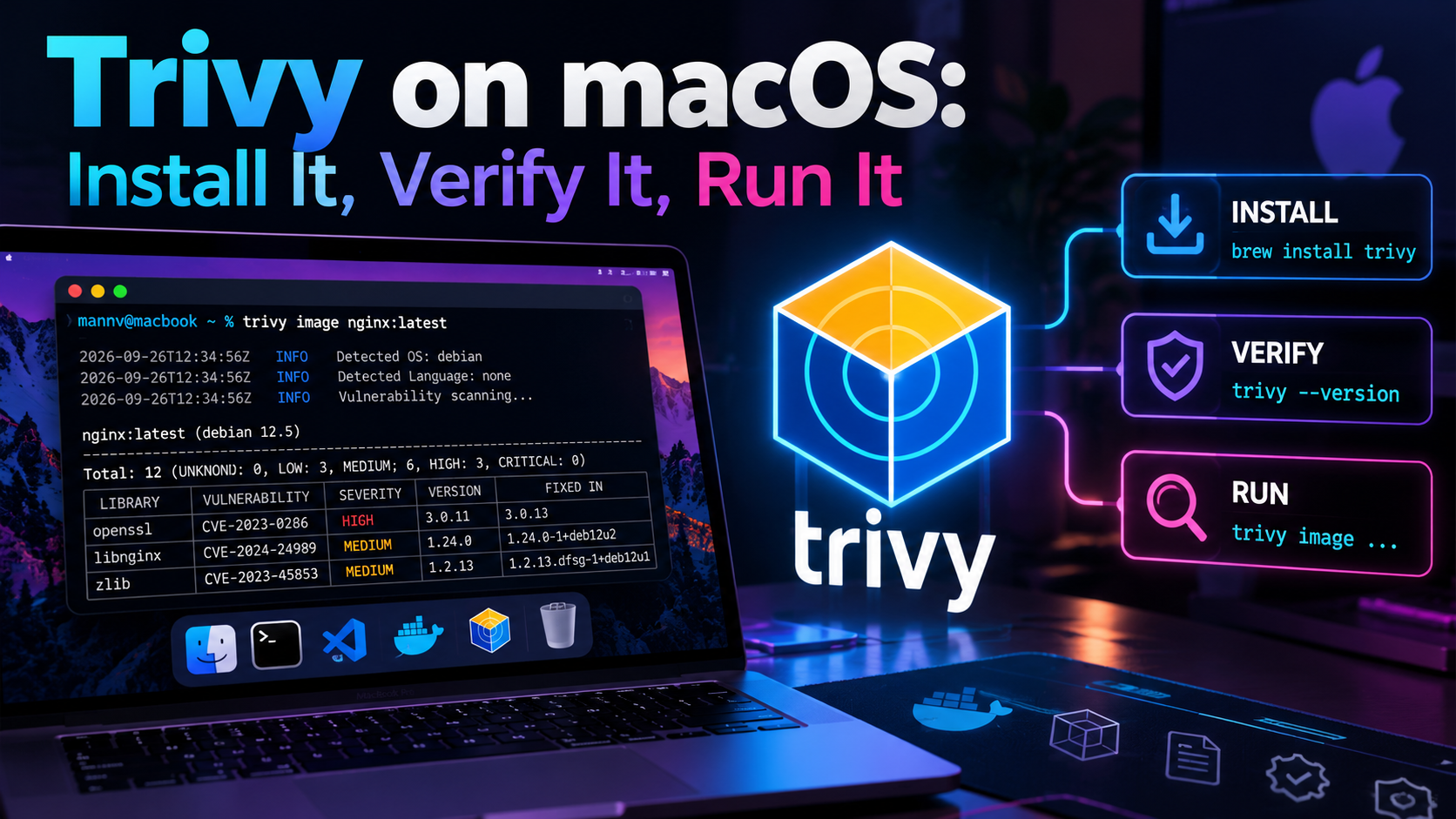
Trivy on macOS: Install It, Verify It, Run It
What Trivy Is and Why You Want It
Trivy is Aqua Security’s open source, all-in-one scanner: one binary that finds CVEs, misconfigurations, exposed secrets, and license issues across container images, local filesystems, git repos, IaC templates, SBOMs, and Kubernetes clusters. It runs locally against a vulnerability database it downloads and caches for you, so there is no server to stand up and no account to create.
The current release is v0.74.0, published August 14, 2026 (releases). This guide gets it installed on macOS the safe way, then walks through the scans you will actually run day to day.
Target audience: practitioners on macOS (Apple Silicon or Intel) who want a working scanner in about ten minutes.
Prerequisites
You need a recent macOS with Homebrew and outbound HTTPS to GitHub and the GitHub Container Registry, where Trivy pulls its vulnerability DB.
| Component | Requirement | Check with |
|---|---|---|
| macOS | Apple Silicon or Intel, currently supported release | sw_vers |
| Homebrew | Installed and updated | brew --version |
| Docker Desktop, OrbStack, or Colima | Only for scanning local images you built | docker info |
| cosign | Only if you install the release binary manually | cosign version |
| Network | HTTPS to github.com, ghcr.io, mirror.gcr.io |
curl -I https://ghcr.io |
No container runtime is required to scan remote registry images. Trivy pulls the layers itself.
Installing Trivy on macOS
Use the official Homebrew core formula. It builds Trivy from source instead of pulling a prebuilt release binary, which is why it was not affected by the March 2026 compromise (next section).
Option 1: Homebrew core formula (recommended)
Goal: a managed install that updates with the rest of your brew packages.
brew update
brew install trivy
Verify:
which trivy
trivy --version
Expected: a path under /opt/homebrew/bin (Apple Silicon) or /usr/local/bin (Intel), and Version: 0.74.0 or newer.
Avoid brew install aquasecurity/trivy/trivy. That custom tap is not the core formula, and it shipped the malicious build during the March incident. If you have it, remove it:
brew uninstall aquasecurity/trivy/trivy 2>/dev/null
brew untap aquasecurity/trivy 2>/dev/null
brew install trivy
Option 2: Signed release binary
Goal: a pinned version you verify yourself, useful for air-gapped jump boxes or pinned CI runners.
VER=0.74.0
ARCH=macOS-ARM64   # use macOS-64bit on Intel
BASE=https://github.com/aquasecurity/trivy/releases/download/v${VER}

curl -sLO "${BASE}/trivy_${VER}_${ARCH}.tar.gz"
curl -sLO "${BASE}/trivy_${VER}_${ARCH}.tar.gz.sigstore.json"

brew install cosign
cosign verify-blob \
  --certificate-identity-regexp 'https://github\.com/aquasecurity/' \
  --certificate-oidc-issuer 'https://token.actions.githubusercontent.com' \
  --bundle "trivy_${VER}_${ARCH}.tar.gz.sigstore.json" \
  "trivy_${VER}_${ARCH}.tar.gz"
Expected: Verified OK. Then extract and place it on your PATH:
tar -xzf "trivy_${VER}_${ARCH}.tar.gz" trivy
sudo install -m 0755 trivy /usr/local/bin/trivy
trivy --version
If Gatekeeper blocks the first run, clear the quarantine flag on the binary you just verified: xattr -d com.apple.quarantine /usr/local/bin/trivy.
Option 3: Run it in a container
Goal: zero install footprint on the Mac itself. Pin the tag and mount a cache so the DB is not re-downloaded every run.
docker run --rm \
  -v "$HOME/Library/Caches/trivy:/root/.cache/" \
  aquasec/trivy:0.74.0 image nginx:1.27
Never use :latest for a security tool. Pin the version, and verify the image with cosign verify aquasec/trivy:0.74.0 using the same identity and issuer flags as above.
The March 2026 Incident: Check Your Install
On March 19, 2026, attackers used stolen CI credentials to publish a malicious Trivy v0.69.4 release and hijack the trivy-action and setup-trivy GitHub Actions with a credential stealer (GHSA-69fq-xp46-6×23). The irony writes itself: the scanner became the supply-chain attack.
| Artifact | Affected | Notes |
|---|---|---|
| Release binary v0.69.4 | Yes | Live for roughly 3 hours |
Docker Hub aquasec/trivy:0.69.4, 0.69.5, 0.69.6 |
Yes | 0.69.5 and 0.69.6 confirmed March 22 (StepSecurity) |
aquasecurity/trivy custom Homebrew tap |
Yes | Not the documented install path |
Homebrew core brew install trivy |
No | Builds from source |
trivy-action tags 0.0.1 to 0.34.2 |
Yes, March 19 to 20 | Pin actions to full commit SHAs |
If any Mac or runner touched an affected artifact in that window, treat its credentials (cloud keys, SSH keys, registry tokens, ~/.docker/config.json) as exposed and rotate them.
Quick self-check on your Mac:
trivy --version
brew info trivy | head -n 3
brew tap | grep -i aquasecurity || echo "no aquasecurity tap"
You want a version of 0.74.0 or newer, installed from homebrew/core, and no aquasecurity tap.
One honest limit: cosign proves a binary came from Aqua’s CI, not that Aqua’s CI was uncompromised. The v0.69.4 build was legitimately signed. Pinning known-good versions and not auto-grabbing brand-new releases on day zero is what actually buys you margin.
Your First Scan: A Container Image
The first run downloads the vulnerability DB (a few hundred MB) into ~/Library/Caches/trivy, so expect it to take a minute. Every run after that is fast.
trivy image nginx:1.27Trivy detects the base OS, inventories OS packages and language libraries, and prints a table per target. Abbreviated output:
nginx:1.27 (debian 12.x)
========================
Total: 143 (UNKNOWN: 0, LOW: 82, MEDIUM: 43, HIGH: 14, CRITICAL: 4)

| Library | Vulnerability  | Severity | Status | Installed | Fixed |
|---------|----------------|----------|--------|-----------|-------|
| libssl3 | CVE-2025-XXXXX | CRITICAL | fixed  | 3.0.x     | 3.0.y |
How to read it:
- Status
fixedmeans an upstream patch exists. Rebuild or bump the base image and it goes away. - Status
affectedorwill_not_fixmeans no fix is available yet. Track it, accept it, or change base images. - Installed vs. Fixed tells you exactly which package version to move to.
To scan an image you built locally, Trivy reads it straight from Docker, OrbStack, or Podman. No push needed:
docker build -t myapp:dev .
trivy image myapp:dev
Private registries use your existing docker login credentials automatically.
Beyond Images: The Other Targets
Same binary, same flags, different subcommand. The --scanners flag picks what to look for: vuln, misconfig, secret, license.
Filesystem or project directory
Scans lockfiles (package-lock.json, go.sum, requirements.txt, Gemfile.lock, Cargo.lock, and more) plus hardcoded secrets.
trivy fs --scanners vuln,secret,misconfig .Remote git repository
trivy repo https://github.com/<org>/<repo>Infrastructure as code
Checks Terraform, CloudFormation, Kubernetes YAML, Helm charts, and Dockerfiles against built-in policies (root user, open security groups, missing encryption).
trivy config ./terraform
trivy config Dockerfile
Generate and rescan an SBOM
Generate once at build time, then rescan against tomorrow’s DB without rebuilding anything.
trivy image --format cyclonedx -o sbom.cdx.json myapp:dev
trivy sbom sbom.cdx.json
Kubernetes cluster
Uses your current kubectl context. Start with the summary report.
trivy k8s --report summaryYour Mac’s own dev tooling
A quick win: point fs at a project folder full of cloned tools to catch vulnerable dependencies you forgot you had.
trivy fs --scanners vuln --severity HIGH,CRITICAL ~/ProjectsCutting the Noise: Filters, Formats, and Exit Codes
A raw scan of a full Debian image returns hundreds of findings. These flags turn that into something actionable.
| Flag | What it does |
|---|---|
--severity HIGH,CRITICAL |
Only report these severities |
--ignore-unfixed |
Hide findings with no available fix |
--exit-code 1 |
Return non-zero when findings match, for CI gating |
--pkg-types os or library |
Limit to OS packages or app dependencies |
--ignorefile .trivyignore |
Suppress accepted CVE IDs, one per line |
--format json / sarif / cyclonedx / spdx-json |
Machine-readable output |
-o <file> |
Write output to a file |
--skip-dirs, --skip-files |
Exclude paths such as node_modules or test fixtures |
The CI gate one-liner
Fail the build only on fixable HIGH or CRITICAL issues:
trivy image --severity HIGH,CRITICAL --ignore-unfixed \
  --exit-code 1 myapp:dev
echo "exit: $?"
Expected: exit: 0 on a clean image, exit: 1 when something fixable and serious is present.
Documenting accepted risk
Keep a .trivyignore in the repo so exceptions are reviewed in pull requests, not hidden in pipeline config:
# Not reachable: we do not use the affected module. Review by 2026-12-31.
CVE-2025-12345
Reports for humans
trivy image --format json -o report.json myapp:dev
trivy image --format sarif -o report.sarif myapp:dev
SARIF drops straight into GitHub code scanning. JSON feeds anything else.
If you run Trivy in GitHub Actions, pin aquasecurity/trivy-action to a full commit SHA, never a version tag. Tags are mutable, and that is exactly how the March attack spread.
Keeping Trivy and Its Database Current
There are two things to keep fresh: the binary and the vulnerability DB. The DB is rebuilt every six hours upstream, and Trivy refreshes it automatically when your local copy is stale.
# Binary
brew upgrade trivy

# Force a DB refresh without scanning anything
trivy image --download-db-only

# Where the cache lives, and how big it is
du -sh ~/Library/Caches/trivy

# Wipe scan cache and DBs, then let the next scan re-download
trivy clean --all
For offline or rate-limited environments, scan with the DB you already have:
trivy image --skip-db-update myapp:devTroubleshooting and Gotchas
1. DB download fails with TOOMANYREQUESTS or times out. GHCR rate-limits anonymous pulls, and corporate proxies with SSL inspection break the download. Point Trivy at an alternate DB repository, and export your proxy variables if you sit behind one.
trivy image --db-repository mirror.gcr.io/aquasec/trivy-db myapp:dev
export HTTPS_PROXY=http://proxy.example.local:8080
If a FortiGate or other NGFW is doing deep inspection, either exempt ghcr.io and mirror.gcr.io or trust the inspection CA in the macOS keychain.
2. unable to inspect the image on a local build. Trivy cannot find your container runtime’s socket. OrbStack and Colima use non-default socket paths.
docker context ls
export DOCKER_HOST=$(docker context inspect \
  --format '{{.Endpoints.docker.Host}}')
trivy image myapp:dev
3. trivy: command not found after install. Homebrew’s bin directory is not on your PATH, which is common on a fresh Apple Silicon Mac.
echo 'eval "$(/opt/homebrew/bin/brew shellenv)"' >> ~/.zprofile
source ~/.zprofile
4. Findings look wildly different between two machines. One of them has a stale DB or an old binary. Compare trivy --version output on both, which also prints the DB version and its update timestamp.
Quick Reference
| Task | Command |
|---|---|
| Install | brew install trivy |
| Upgrade | brew upgrade trivy |
| Version and DB age | trivy --version |
| Scan an image | trivy image nginx:1.27 |
| Scan a project folder | trivy fs --scanners vuln,secret,misconfig . |
| Scan a remote repo | trivy repo https://github.com/<org>/<repo> |
| Scan IaC | trivy config ./terraform |
| Make an SBOM | trivy image --format cyclonedx -o sbom.cdx.json <image> |
| Rescan an SBOM | trivy sbom sbom.cdx.json |
| Cluster summary | trivy k8s --report summary |
| CI gate | trivy image --severity HIGH,CRITICAL --ignore-unfixed --exit-code 1 <image> |
| Refresh DB only | trivy image --download-db-only |
| Clear cache | trivy clean --all |
Sources
Recent posts
-

-

DNS is one of those technologies that quietly underpins... Full Story
-

BGP issues on FortiGate firewalls usually trace back to... Full Story
-

Every time your laptop talks to your router, a... Full Story
-

If you've spent any time configuring NAT on a... Full Story
-

If you have spent any time configuring firewall policies... Full Story
-

High availability on FortiGate is one of those features... Full Story
-

If you've configured SD-WAN on a FortiGate, you've almost... Full Story
-

FortiLink is the management protocol that turns a FortiSwitch... Full Story
-

FortiSwitches are pretty rock solid from Mean Time Between... Full Story
-

This is a quicky tip. Have you ever gone... Full Story
-

DNS is one of those quiet pieces of internet... Full Story
-

This article is an updated version of the previous... Full Story
-

You will add ns2 as a secondary (slave) BIND9... Full Story
-

In the process of deploying my lab, I needed... Full Story
-

RFC 8805, used to be known as Self-Correcting IP... Full Story
-

Years back, I wrote an article about certificate pinning. ... Full Story
-

FortiGates have the ability to send alerts to Microsoft... Full Story
-

In this post, I am going to walk through... Full Story
-

Troubleshooting VoIP on a FortiGate can feel like trying... Full Story
-

Prior to FortiOS 7.0, there were three commands to... Full Story
-

In this post, I am going to go over... Full Story
-

What we are going to do: We are going... Full Story
-

Choosing between FGCP (FortiGate Clustering Protocol) and FGSP (FortiGate... Full Story
-

Creating a VLAN on macOS (The "Pro" Move) A... Full Story
-

This blog post explores the logic behind how macOS... Full Story
-

Pretty Fly for a Wi-Fi Tell My Wi-Fi Love... Full Story
-

Part of my daily gig is creating BoMs (Bill-of-Materials)... Full Story
-

ICMP introduces several security risks, but careful filtering, rate... Full Story
-

The command diag debug application dhcps -1 enables full... Full Story
-

In the world of FortiOS, execute tac report is... Full Story
-

LLDP; What is it The Link Layer Discovery Protocol... Full Story
-

What it actually does When you run diagnose fdsm... Full Story
-

Monkey Bites are bite-sized, high-impact security insights designed for... Full Story
-

I have run macOS in macOS with Parallels but... Full Story
-

Don't be confused with my other FortiNAC posts where... Full Story
-

This is the third session in a multi-part article... Full Story
-

Today I was configuring key-based authentication on a FortiGate... Full Story
-

Netcat, often called the "Swiss Army knife" of networking,... Full Story
-

At its core, IEEE 802.1X is a network layer... Full Story
-

In case you did not see the previous FortiNAC... Full Story
-

This is our 5th session where we are going... Full Story
-

Now that we have Wireshark installed and somewhat configured,... Full Story
-

The Philosophy of Packet Analysis Troubleshooting isn't about looking... Full Story
-

ICAP Configuration on FortiGate, Palo Alto and Cisco: How... Full Story
-

Blockchain Explained for Beginners: How It Works, Minus the... Full Story
-

No fluff. Just the config that works. The /31... Full Story