
If you've spent any time configuring user authentication on... Full Story
By Manny Fernandez
November 2, 2017

Upgrading Observium Community Edition
Observium is an amazing quasi-opensource solution used to monitor up/down and performance of your networks. It allows you to monitor things such as interface usage, CPU, memory, disk, temperature, BGP, SLA etc.
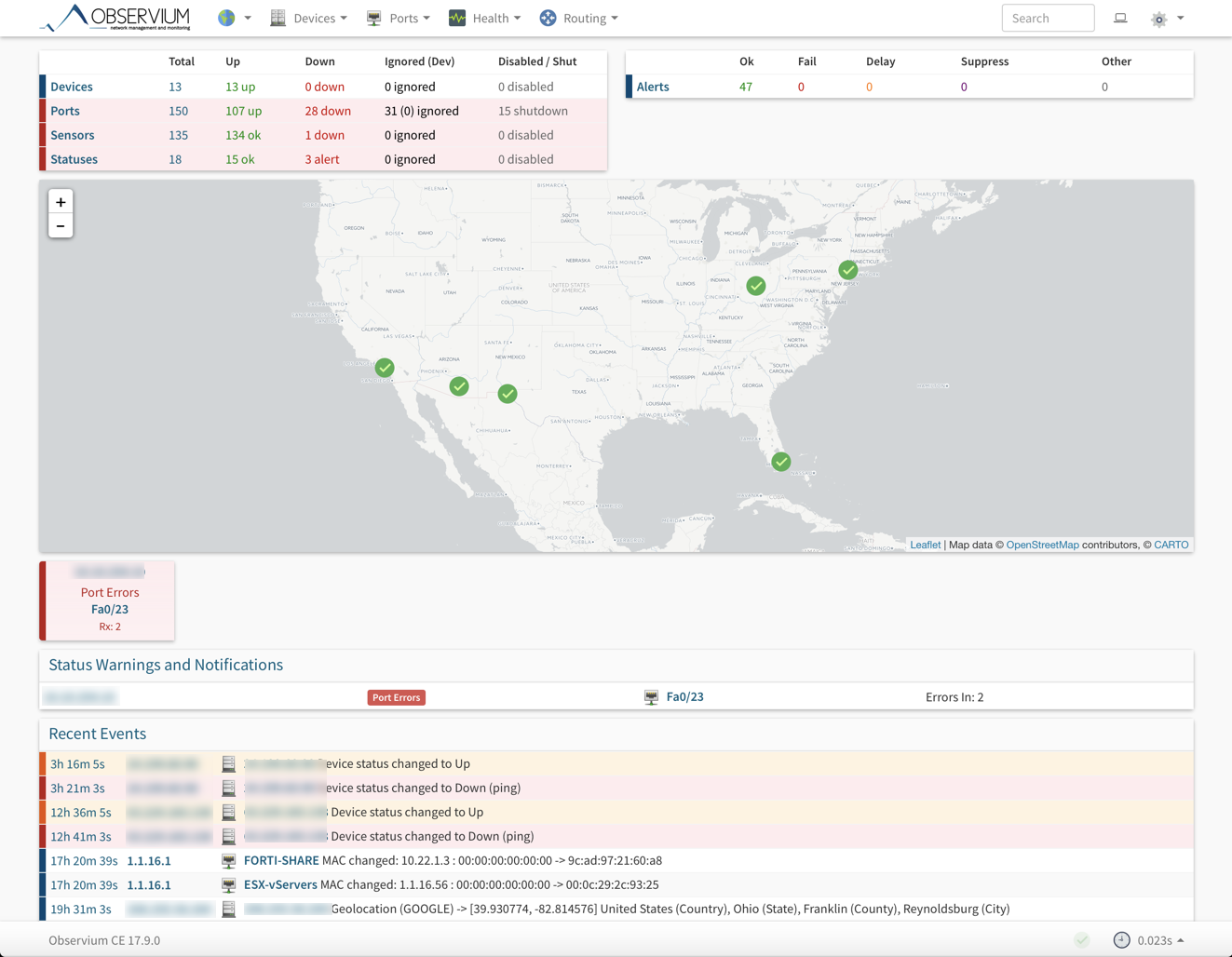
To upgrade your existing Obervium installation, you will need to
Connect to your Observium server using either ssh or Hyper Visor ‘console’ feature. I recommend ssh as it will be easier to copy/paste.
First, you will need to move to the directory your Observium is installed.
cd /opt
Now you will move the observium directory to another directory named obervium-old. (You can choose any name you wish)
mv observium observium-old
Next you will need to download the latest version. The great thing about Observium is that the link below, is the ‘latest’ Observium version. There is no need to figure our the actual version number and add the version number to the link.
wget -O observium-community-latest.tar.gz http://www.observium.org/observium-community-latest.tar.gz
NOTE: If you do not have ‘wget’ installed on your server, you can easily install it by entering
yum install wget
Next you will unpack the file you downloaded using wget in the previous step.
tar zxvf observium-community-latest.tar.gz
This will untar the file you downloaded into a directory name ‘observium’ in the /opt parent directory.
Now that the file has been extracted, you will need to restore the RRD, log and config.php files from your original installation.
RRD Files
mv /opt/observium-old/rrd observium/
Log Files
mv /opt/observium-old/*log* observium/
PHP Config file
mv /opt/observium-old/config.php observium/
Now that your files have been restored, you will need to update the Database Schema
/opt/observium/discovery.php -u
Observium recommends that if you have not updated in the last 12 months, you should force a rediscovery of all devices. To do this, from the command line enter:
/opt/observium/discovery.php -h all
Once this is complete, you can delete the temporary backup you created in step 2.
rm -rf observium-old
Recent posts
-

-

DNS is one of those technologies that quietly underpins... Full Story
-

BGP issues on FortiGate firewalls usually trace back to... Full Story
-

Every time your laptop talks to your router, a... Full Story
-

If you've spent any time configuring NAT on a... Full Story
-

If you have spent any time configuring firewall policies... Full Story
-

High availability on FortiGate is one of those features... Full Story
-

If you've configured SD-WAN on a FortiGate, you've almost... Full Story
-

FortiLink is the management protocol that turns a FortiSwitch... Full Story
-

FortiSwitches are pretty rock solid from Mean Time Between... Full Story
-

This is a quicky tip. Have you ever gone... Full Story
-

DNS is one of those quiet pieces of internet... Full Story
-

This article is an updated version of the previous... Full Story
-

You will add ns2 as a secondary (slave) BIND9... Full Story
-

In the process of deploying my lab, I needed... Full Story
-

RFC 8805, used to be known as Self-Correcting IP... Full Story
-

Years back, I wrote an article about certificate pinning. ... Full Story
-

FortiGates have the ability to send alerts to Microsoft... Full Story
-

In this post, I am going to walk through... Full Story
-

Troubleshooting VoIP on a FortiGate can feel like trying... Full Story
-

Prior to FortiOS 7.0, there were three commands to... Full Story
-

In this post, I am going to go over... Full Story
-

What we are going to do: We are going... Full Story
-

Choosing between FGCP (FortiGate Clustering Protocol) and FGSP (FortiGate... Full Story
-

Creating a VLAN on macOS (The "Pro" Move) A... Full Story
-

This blog post explores the logic behind how macOS... Full Story
-

Pretty Fly for a Wi-Fi Tell My Wi-Fi Love... Full Story
-

Part of my daily gig is creating BoMs (Bill-of-Materials)... Full Story
-

ICMP introduces several security risks, but careful filtering, rate... Full Story
-

The command diag debug application dhcps -1 enables full... Full Story
-

In the world of FortiOS, execute tac report is... Full Story
-

LLDP; What is it The Link Layer Discovery Protocol... Full Story
-

What it actually does When you run diagnose fdsm... Full Story
-

Monkey Bites are bite-sized, high-impact security insights designed for... Full Story
-

I have run macOS in macOS with Parallels but... Full Story
-

Don't be confused with my other FortiNAC posts where... Full Story
-

This is the third session in a multi-part article... Full Story
-

Today I was configuring key-based authentication on a FortiGate... Full Story
-

Netcat, often called the "Swiss Army knife" of networking,... Full Story
-

At its core, IEEE 802.1X is a network layer... Full Story
-

In case you did not see the previous FortiNAC... Full Story
-

This is our 5th session where we are going... Full Story
-

Now that we have Wireshark installed and somewhat configured,... Full Story
-

The Philosophy of Packet Analysis Troubleshooting isn't about looking... Full Story
-

Quick-Tip The default macOS zsh prompt prints your username,... Full Story
-

Executive summary. After Apple significantly upgraded Reminders, I finally... Full Story
-

The 20-byte tunnel nobody talks about: config system ipip-tunnel... Full Story