
If you've spent any time configuring user authentication on... Full Story
By Manny Fernandez
August 23, 2026
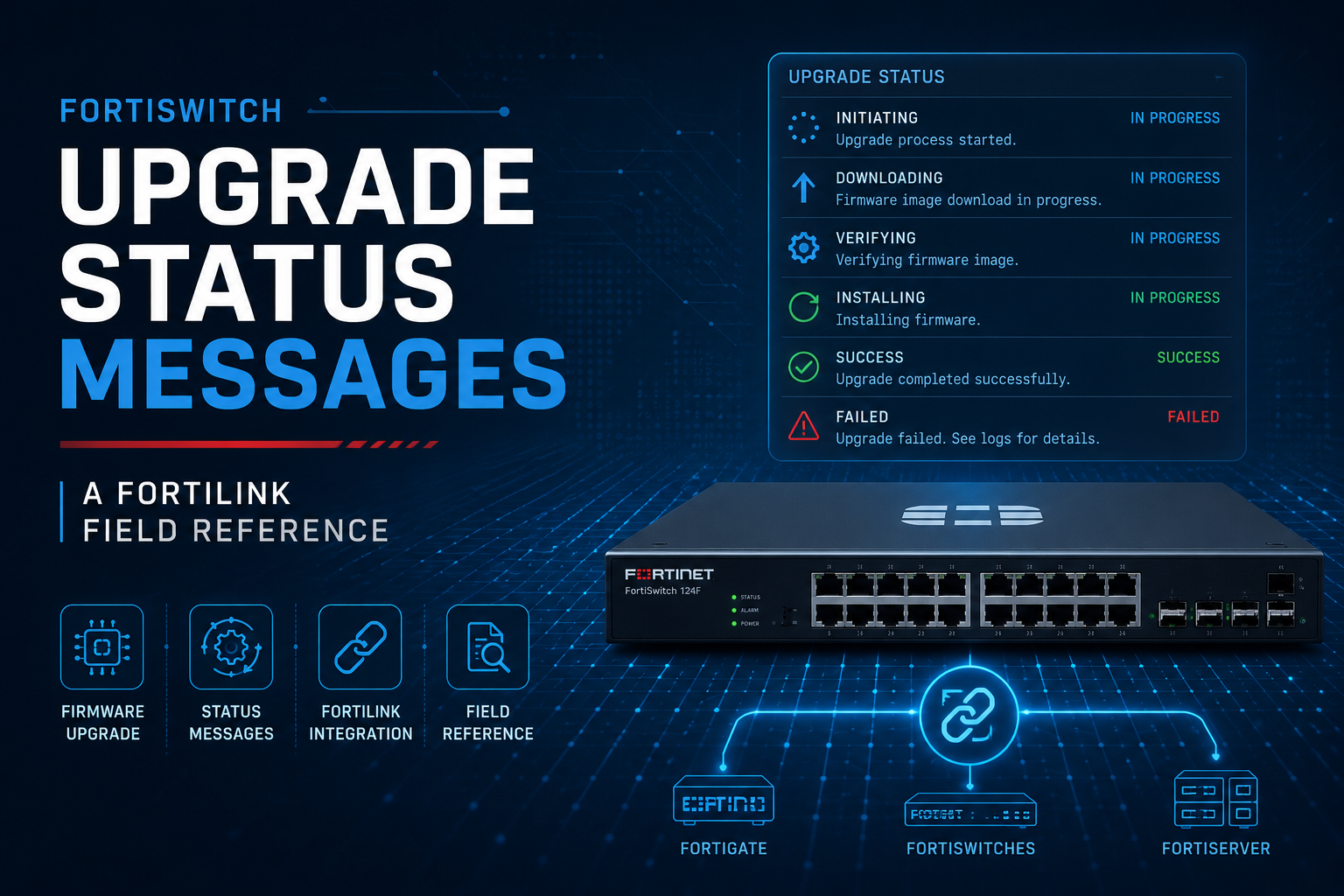
FortiSwitch Upgrade Status Messages: A FortiLink Field Reference
You kick off a FortiSwitch firmware push from the FortiGate switch controller, and the status column just sits there. Is it downloading, is it stuck, is it about to reboot on you in the middle of a maintenance window. The FortiGate does tell you what is happening, but it tells you across two CLI commands and a GUI panel, using strings that are not documented together anywhere. Here is what each one actually means.
Where the status actually lives
There are three places to look, and each one answers a slightly different question.
- execute switch-controller get-upgrade-status on the FortiGate, which answers “what stage of the firmware push is this switch in right now.”
- execute switch-controller get-conn-status on the FortiGate, which answers “is this switch even reachable, and is an upgrade flag set on it.”
- The GUI, under WiFi & Switch Controller > Managed FortiSwitch for day to day status and System > Firmware & Registration > Fabric Devices for the upgrade progress tray and pass or fail result.
get-upgrade-status: the Status and Next-boot fields
This is the command to run first. It lists every managed switch with its running version, current Status, and Next-boot field.
# execute switch-controller get-upgrade-status
Device            Running-version                       Status    Next-boot
=============================================================================
VDOM : root
S224DN3X17000XXX  S224DN-v7.4.5-build2662 (GA)          (0/0/0)   N/A (Idle)
S108FP5918008XXX  S108FP-v7.4.5-build2662 (GA)          (0/0/0)   Upgrading
The values that actually show up in Status and Next-boot:
| String | What it means |
|---|---|
| (Idle) / N/A (Idle) | No upgrade pending or running. Normal resting state. |
| Upgrading | Image transfer and apply is in progress. Normal, but it can also get stuck here if the switch loses contact with the FortiGate mid transfer. |
| Prepping for delayed restart triggered … please wait for switch to reboot in a moment | The new image is already staged and the switch is queued for a delayed or scheduled reboot to apply it. |
| Delayed restart operation is requested for FortiSwitch [serial] | Confirmation line printed back when you trigger a delayed or grouped restart, not an ongoing status but worth recognizing in the output. |
get-conn-status: reading the flags
This command is less about upgrade stage and more about whether the switch is even in a state to complete one. The FLAG column is the part people skip past, and it is the part that tells you whether an upgrade or config sync is actually in flight.
# execute switch-controller get-conn-status
Managed-devices in current vdom root:
FortiLink interface : fortilink
SWITCH-ID          VERSION        STATUS          FLAG  ADDRESS      NAME
S248DN3X170002XXX  v7.4.5 (2662)  Authorized/Up   U     169.254.1.6  -
S248EPTF180018XXX  v7.4.5 (2662)  Authorized/Up   S     169.254.1.5  -

Flags: C=config sync, U=upgrading, S=staged, D=delayed reboot pending,
       E=config sync error, 2=L2, 3=L3, V=VXLAN, T=tunnel, X=External
Managed-Switches: 2 (UP: 2  DOWN: 0)
| Flag | Meaning |
|---|---|
| U | Upgrading, an image push is actively running against this switch. |
| S | Staged, the image has been delivered and is waiting on a reboot to apply. |
| D | Delayed reboot pending, tied to a scheduled or grouped restart. |
| C | Config sync in progress, not firmware, but shows up in the same window and gets confused with it. |
| E | Config sync error, the push failed and the switch is out of sync with the template. |
| 2 / 3 / V / T / X | Topology flags (L2, L3, VXLAN, tunnel, external), unrelated to upgrade state but shown in the same field. |
What shows up in the GUI
The GUI mirrors the CLI states but with less precision, which is exactly why it is worth knowing both.
- Managed FortiSwitch list: a gray or warning icon with status Unauthorized means the switch has not been approved yet, no upgrade will proceed until it is.
- Authorized/Up or Authorized/Down reflects the same connection state as the STATUS column in get-conn-status.
- Kicking off an upgrade from System > Firmware & Registration pops a progress tray in the bottom right corner of the GUI for the duration of the push.
- Under Fabric Devices, a failed push shows as Upgrade Failed or Upgrade Incomplete, both of which point to the same underlying problem: the switch dropped out of contact before the FortiGate could confirm the new image was running.
When Upgrading does not mean upgrading
If get-upgrade-status has been parked on Upgrading well past the time a normal image transfer takes, do not assume a corrupt image. The far more common cause is that the FortiLink connection between the FortiGate and that switch dropped mid transfer, and the FortiGate has no way to tell the difference between “still working” and “lost the switch.”
Check the FortiLink physical port state on the switch side before doing anything more invasive:
config switch physical-port
    edit port17
        set status down
    next
end
Bring the port back up, then re-run get-upgrade-status from the FortiGate to see whether the switch re-establishes contact and resumes on its own before you consider a factory reset or console recovery.
Quick reference
| Where | Signal | Reads as |
|---|---|---|
| CLI | (Idle) | Normal, nothing pending |
| CLI | Upgrading | In progress, or stuck if it lingers |
| CLI | Prepping for delayed restart | Staged, waiting on reboot |
| CLI flag | U | Upgrade actively running |
| CLI flag | S | Staged, waiting on reboot |
| GUI | Upgrade Failed / Incomplete | Lost contact before confirmation |
Recent posts
-

-

DNS is one of those technologies that quietly underpins... Full Story
-

BGP issues on FortiGate firewalls usually trace back to... Full Story
-

Every time your laptop talks to your router, a... Full Story
-

If you've spent any time configuring NAT on a... Full Story
-

If you have spent any time configuring firewall policies... Full Story
-

High availability on FortiGate is one of those features... Full Story
-

If you've configured SD-WAN on a FortiGate, you've almost... Full Story
-

FortiLink is the management protocol that turns a FortiSwitch... Full Story
-

FortiSwitches are pretty rock solid from Mean Time Between... Full Story
-

This is a quicky tip. Have you ever gone... Full Story
-

DNS is one of those quiet pieces of internet... Full Story
-

This article is an updated version of the previous... Full Story
-

You will add ns2 as a secondary (slave) BIND9... Full Story
-

In the process of deploying my lab, I needed... Full Story
-

RFC 8805, used to be known as Self-Correcting IP... Full Story
-

Years back, I wrote an article about certificate pinning. ... Full Story
-

FortiGates have the ability to send alerts to Microsoft... Full Story
-

In this post, I am going to walk through... Full Story
-

Troubleshooting VoIP on a FortiGate can feel like trying... Full Story
-

Prior to FortiOS 7.0, there were three commands to... Full Story
-

In this post, I am going to go over... Full Story
-

What we are going to do: We are going... Full Story
-

Choosing between FGCP (FortiGate Clustering Protocol) and FGSP (FortiGate... Full Story
-

Creating a VLAN on macOS (The "Pro" Move) A... Full Story
-

This blog post explores the logic behind how macOS... Full Story
-

Pretty Fly for a Wi-Fi Tell My Wi-Fi Love... Full Story
-

Part of my daily gig is creating BoMs (Bill-of-Materials)... Full Story
-

ICMP introduces several security risks, but careful filtering, rate... Full Story
-

The command diag debug application dhcps -1 enables full... Full Story
-

In the world of FortiOS, execute tac report is... Full Story
-

LLDP; What is it The Link Layer Discovery Protocol... Full Story
-

What it actually does When you run diagnose fdsm... Full Story
-

Monkey Bites are bite-sized, high-impact security insights designed for... Full Story
-

I have run macOS in macOS with Parallels but... Full Story
-

Don't be confused with my other FortiNAC posts where... Full Story
-

This is the third session in a multi-part article... Full Story
-

Today I was configuring key-based authentication on a FortiGate... Full Story
-

Netcat, often called the "Swiss Army knife" of networking,... Full Story
-

At its core, IEEE 802.1X is a network layer... Full Story
-

In case you did not see the previous FortiNAC... Full Story
-

This is our 5th session where we are going... Full Story
-

Now that we have Wireshark installed and somewhat configured,... Full Story
-

The Philosophy of Packet Analysis Troubleshooting isn't about looking... Full Story
-

InfoSecMonkey Threat Response October 24, 2026 | No fluff.... Full Story
-

InfoSecMonkey Threat Response October 24, 2026 | No fluff.... Full Story
-

Plus what you actually get with FortiCare Essential, Premium... Full Story