
If you've spent any time configuring user authentication on... Full Story
By Manny Fernandez
September 21, 2026
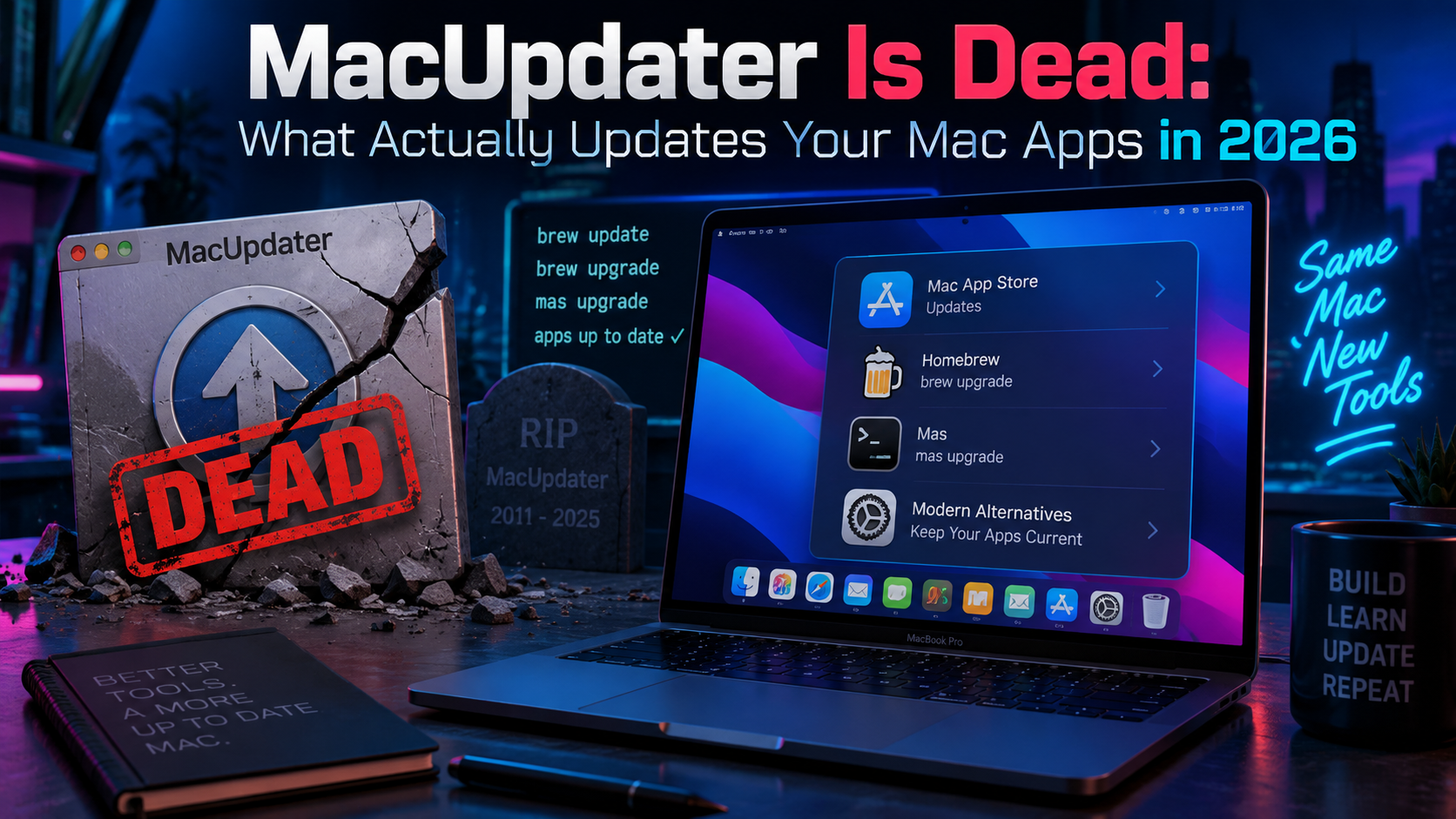
MacUpdater Is Dead: What Actually Updates Your Mac Apps in 2026
For eight years, MacUpdater was the closest thing macOS had to a universal patch manager. Scan the Mac, compare installed versions against a maintained database of thousands of apps, click once, done. As of January 1, 2026, that database went dark. CoreCode could not make the economics work on a one time license model, could not find a buyer, and shut down the backend. The app still opens. It just cannot tell you what is out of date anymore.
If you manage more than one Mac, or you just do not want an unpatched app sitting around for six months until you happen to notice a CVE writeup, that gap is worth closing. Here is what is actually filling it.
The problem MacUpdater was solving
macOS has no single package manager the way Linux distros do. App Store apps update through the Store. Everything else updates itself if the developer wired up a framework like Sparkle, or it does not update at all until you open it and get a prompt, or until you never notice. Homebrew casks, GitHub-released tools, and Electron apps all have their own update stories, and none of them talk to each other.
That fragmentation is a patch management problem, not just an annoyance. An out of date app is an unpatched app, and “unpatched” is exactly the word a vulnerability scanner uses.
Latest: free, open source, and the veteran of the group
Latest (GPL-3.0, on GitHub as mangerlahn/Latest) has been around since 2017. It checks two sources: the Mac App Store and apps built on the Sparkle update framework. That covers a large share of the ecosystem, but not Homebrew casks, not GitHub Releases, not Electron apps that skip Sparkle.
It is a menu bar app with Touch Bar support, shows release notes for what changed, and updates in place.
The tradeoff of free and open source with a single maintainer: reliability varies by release. Recent user reports describe missed updates and an auto-update loop that does not actually finish the install. Worth keeping around as a second opinion, not as your only patch tool.
brew install --cask latestupdater: the CLI-first tool that is actually shipping
Since MacUpdater’s shutdown, an open source project called updater (MIT license, developer lu-zhengda) has become the one moving fastest. It shipped point releases roughly every couple of weeks between March and July 2026, reaching v0.17.0.
What sets it apart is that it is CLI and TUI first, with a menu bar app as a thin wrapper over the same engine underneath. That means it scripts:
updater doctor                     # check environment and dependencies
updater scan                       # discover installed apps and sources
updater check                      # see what has updates
updater update --all --dry-run     # preview exactly what would happen
updater update --all # apply itSource coverage is the widest of the three tools here: Sparkle, Homebrew casks and formulae, the Mac App Store via mas, GitHub Releases, generic Electron apps via their latest-mac.yml manifest, a Homebrew-info fallback, and it will point you at System Settings for macOS itself.
The detail worth calling out for a security-minded reader: for Sparkle apps, updater does not install whatever the appcast happens to serve. It verifies the update is notarized and that the Developer Team identifier matches the already-installed app before doing a direct install. Anything that fails that check just opens the download page instead of running unattended. That is the right default for a tool whose whole job is running new binaries on your Mac.
brew install --cask lu-zhengda/tap/updaterThat pulls in mas as a cask dependency automatically, drops the CLI on your PATH, and installs Updater.app to /Applications.
Updatest: paid, polished, and security-forward
Updatest is the newest of the three, built by an independent developer and explicitly positioned as a MacUpdater replacement. It unifies Homebrew, the Mac App Store, Sparkle, Electron, and GitHub Releases into one native dashboard.
Two things set it apart from the free options. First, it surfaces code signing, notarization, and Gatekeeper status for each app before you update it, not just a version number. Second, it has a guided workflow for adopting manually installed apps into Homebrew (brew install --cask --adopt), so your update story converges on one system over time instead of staying scattered across sources.
Everything processes locally by default. There is an opt-in “Updatest Network” that shares anonymous bundle IDs and version numbers across users to catch updates for apps with unreliable feeds, opt-in, not on by default.
It requires macOS 15 or later, launched at a $9.99 introductory price in January 2026, and is free to install and scan; a license is needed to update more than a handful of apps.
brew install --cask updatestHow they compare
| Latest | updater | Updatest | |
|---|---|---|---|
| Cost | Free | Free | Paid (~$10 to start), free trial scan |
| License | Open source (GPL-3.0) | Open source (MIT) | Proprietary |
| Interface | Menu bar GUI | CLI, TUI, and menu bar | Native GUI |
| Sources covered | App Store, Sparkle | Sparkle, Homebrew (cask + formula), App Store, GitHub Releases, Electron, macOS system | Homebrew, App Store, Sparkle, Electron, GitHub Releases |
| Scriptable | No | Yes: doctor, scan, check, update –dry-run | No |
| Security verification | Basic version comparison | Notarization and Developer Team match on Sparkle installs | Code signing, notarization, and Gatekeeper status shown per app |
| Best for | A free second opinion | Admins, automation, widest coverage | A polished GUI with visible security detail |
The security angle
An auto-updater installs and runs new binaries on your Mac, unattended, based on a network response. That deserves the same scrutiny as any other link in your software supply chain.
A few practical rules: favor tools that verify code signing and notarization before installing rather than trusting a version string alone. Both updater and Updatest do this; Latest does not document doing so. Use --dry-run where it is offered before committing to a batch update. Keep Homebrew and mas themselves current too, since both are now load-bearing dependencies for how these tools work.
None of these three replace an MDM-driven patch policy for the apps that matter most on a managed fleet. What they do well is cover the long tail an MDM was never going to track: Homebrew casks, indie Sparkle apps, and GitHub-released tools that live entirely outside App Store and MDM visibility.
Verdict
Want free and do not mind an occasional miss: install Latest, but do not treat it as your only patch source.
Want one tool that covers everything and can be scripted or put on a cron schedule: updater is the current best answer, and it is the one actually shipping right now.
Want a native GUI with visible security detail and do not mind paying: Updatest.
Realistically, running updater in the background alongside whichever GUI you prefer costs nothing and covers the gaps either way.
Recent posts
-

-

DNS is one of those technologies that quietly underpins... Full Story
-

BGP issues on FortiGate firewalls usually trace back to... Full Story
-

Every time your laptop talks to your router, a... Full Story
-

If you've spent any time configuring NAT on a... Full Story
-

If you have spent any time configuring firewall policies... Full Story
-

High availability on FortiGate is one of those features... Full Story
-

If you've configured SD-WAN on a FortiGate, you've almost... Full Story
-

FortiLink is the management protocol that turns a FortiSwitch... Full Story
-

FortiSwitches are pretty rock solid from Mean Time Between... Full Story
-

This is a quicky tip. Have you ever gone... Full Story
-

DNS is one of those quiet pieces of internet... Full Story
-

This article is an updated version of the previous... Full Story
-

You will add ns2 as a secondary (slave) BIND9... Full Story
-

In the process of deploying my lab, I needed... Full Story
-

RFC 8805, used to be known as Self-Correcting IP... Full Story
-

Years back, I wrote an article about certificate pinning. ... Full Story
-

FortiGates have the ability to send alerts to Microsoft... Full Story
-

In this post, I am going to walk through... Full Story
-

Troubleshooting VoIP on a FortiGate can feel like trying... Full Story
-

Prior to FortiOS 7.0, there were three commands to... Full Story
-

In this post, I am going to go over... Full Story
-

What we are going to do: We are going... Full Story
-

Choosing between FGCP (FortiGate Clustering Protocol) and FGSP (FortiGate... Full Story
-

Creating a VLAN on macOS (The "Pro" Move) A... Full Story
-

This blog post explores the logic behind how macOS... Full Story
-

Pretty Fly for a Wi-Fi Tell My Wi-Fi Love... Full Story
-

Part of my daily gig is creating BoMs (Bill-of-Materials)... Full Story
-

ICMP introduces several security risks, but careful filtering, rate... Full Story
-

The command diag debug application dhcps -1 enables full... Full Story
-

In the world of FortiOS, execute tac report is... Full Story
-

LLDP; What is it The Link Layer Discovery Protocol... Full Story
-

What it actually does When you run diagnose fdsm... Full Story
-

Monkey Bites are bite-sized, high-impact security insights designed for... Full Story
-

I have run macOS in macOS with Parallels but... Full Story
-

Don't be confused with my other FortiNAC posts where... Full Story
-

This is the third session in a multi-part article... Full Story
-

Today I was configuring key-based authentication on a FortiGate... Full Story
-

Netcat, often called the "Swiss Army knife" of networking,... Full Story
-

At its core, IEEE 802.1X is a network layer... Full Story
-

In case you did not see the previous FortiNAC... Full Story
-

This is our 5th session where we are going... Full Story
-

Now that we have Wireshark installed and somewhat configured,... Full Story
-

The Philosophy of Packet Analysis Troubleshooting isn't about looking... Full Story
-

INFOSECMONKEY | CVE BRIEF | NO FLUFF. JUST THE... Full Story
-

APT CVE-2026-109518: How a Download Retry Lets an Attacker... Full Story
-

Managing Windows Firewall from the Command Line: netsh, PowerShell... Full Story