
If you've spent any time configuring user authentication on... Full Story
By Manny Fernandez
March 21, 2026
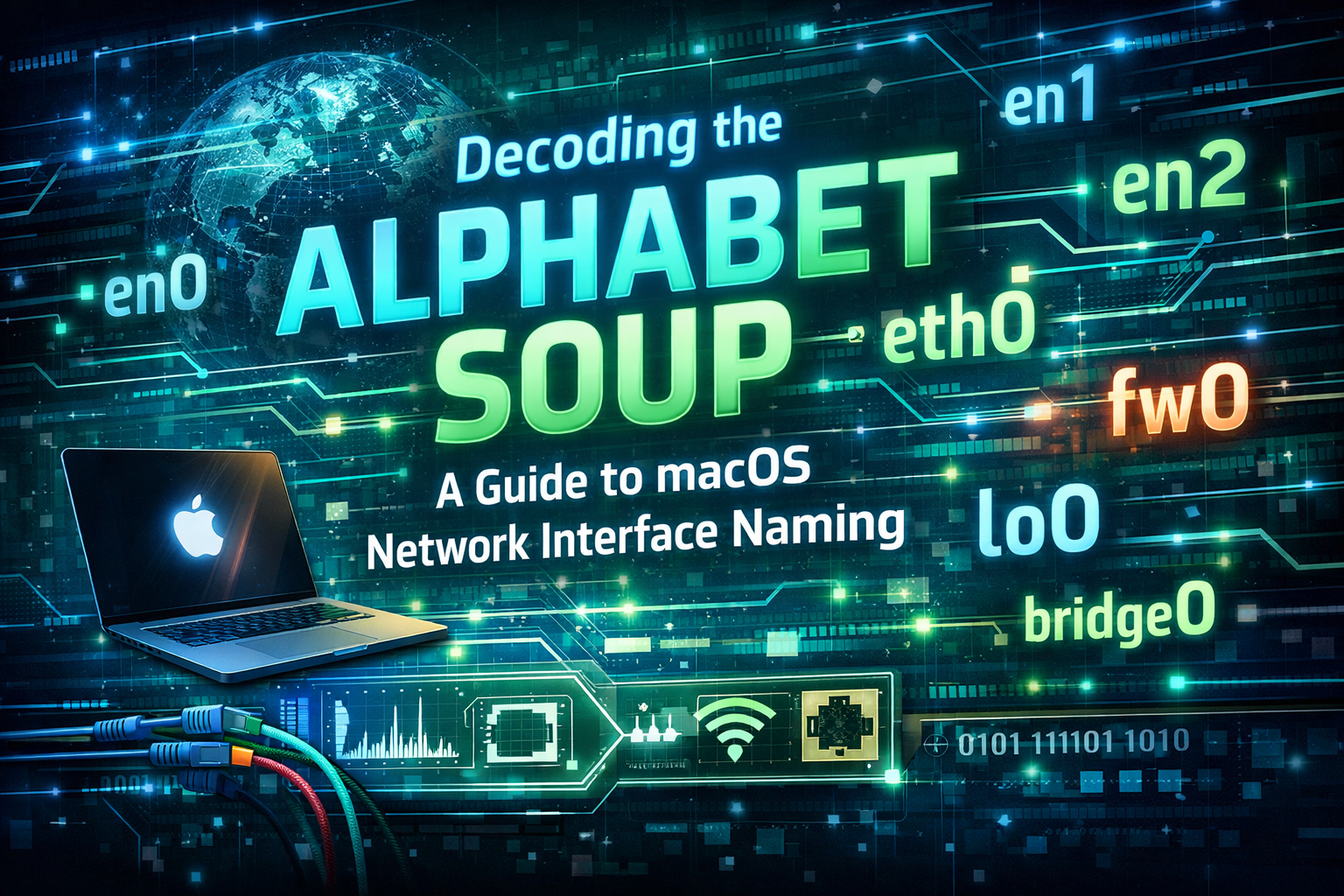
Decoding the Alphabet Soup: A Guide to macOS Network Interface Naming
This blog post explores the logic behind how macOS names its network interfaces, how it has changed over the years, and how you can take control of it using the command line. I did a similar post about Netplan on Linux interface naming if you want to check that out. If you’ve ever typed ifconfig into a Mac Terminal, you’ve likely been greeted by a wall of text featuring names like en0, lo0, and the mysterious awdl0. Unlike Linux, which often uses descriptive names like eth0 or wlan0 (or the newer predictable naming like enp3s0), macOS follows a convention rooted deeply in its Unix heritage.
The Historical Roots: From NeXTSTEP to Tahoe
macOS is built on Darwin, which is a hybrid of the Mach microkernel and the FreeBSD operating system. Darwin is the basis for macOS, watchOS, iOS, & tvOS. Because of this, macOS inherits the BSD style of interface naming.
-
The “
en” Legacy – In the early days of networking,enstood for Standard Ethernet. On the original Macintosh computers with built-in Ethernet,en0was always the physicalRJ45port. -
The Wi-Fi Takeover – As Apple moved toward a wireless-first world, the naming convention stayed, but the hardware shifted. On modern MacBooks that lack a built-in Ethernet port,
en0is almost always the Wi-Fi card. -
The Expansion: With the introduction of Thunderbolt and USB-C, additional physical interfaces are simply incremented:
en1,en2, etc., regardless of whether they are a Thunderbolt-to-Ethernet adapter or a virtual interface.
Common Interface Types You’ll See
Beyond the standard Ethernet/Wi-Fi (enX), here is what the others actually do:
| Name | Type | Description |
lo0 |
Loopback | The internal “localhost” (127.0.0.1). Used for local testing. |
awdl0 |
Apple Wireless Direct Link | Used for AirDrop, AirPlay, and Sidecar. |
utunX |
User Tunnel | Typically created by VPN clients (like WireGuard or Tailscale). |
bridge0 |
Bridge | A virtual switch, often used for Thunderbolt Bridge or VM networking. |
p2p0 |
Peer-to-Peer | Historically used for Wi-Fi Direct features. |
Nuances & “Gotchas”
-
Order Matters – macOS assigns
ennumbers based on the order the drivers are initialized during boot. If you use a lot of external dongles,en3today might been4tomorrow if you plug them in differently. - Service Order vs. BSD Name – In
System Settings>Network, you can change the “Service Order” (which interface the Mac prefers for internet). However, changing this does not rename the interface inifconfig.en0remainsen0even if it’s at the bottom of the priority list. -
The “
Phantom” Interfaces – You might see dozens ofutunoranpiinterfaces. These are often internal Apple protocols (like Apple Network Protocol Interface) used for communication between the CPU and the Secure Enclave or the Liquid Glass UI components.
Command Line Tools to Check Your Setup
Don’t rely solely on ifconfig; macOS has specialized tools that provide “friendly” names.
-
networksetup -listallhardwareports: This is the best way to map a BSD name (likeen0) to its physical hardware (like “Wi-Fi”). -
scutil --nwi: Shows the “Network Information” and tells you which interface is currently the “primary” one being used for the default gateway. -
ifconfig -v en0: Provides a more verbose output for a specific interface, including its status and supported media types.
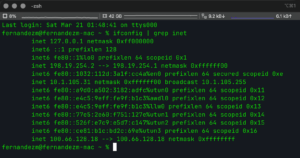
I use TextExpander which allows you to enter an abreviated command and it expands it into something more useful. So if I go to my command line, and type ; and getip It runs
ifconfig | grep inet
Recent posts
-

-

DNS is one of those technologies that quietly underpins... Full Story
-

BGP issues on FortiGate firewalls usually trace back to... Full Story
-

Every time your laptop talks to your router, a... Full Story
-

If you've spent any time configuring NAT on a... Full Story
-

If you have spent any time configuring firewall policies... Full Story
-

High availability on FortiGate is one of those features... Full Story
-

If you've configured SD-WAN on a FortiGate, you've almost... Full Story
-

FortiLink is the management protocol that turns a FortiSwitch... Full Story
-

FortiSwitches are pretty rock solid from Mean Time Between... Full Story
-

This is a quicky tip. Have you ever gone... Full Story
-

DNS is one of those quiet pieces of internet... Full Story
-

This article is an updated version of the previous... Full Story
-

You will add ns2 as a secondary (slave) BIND9... Full Story
-

In the process of deploying my lab, I needed... Full Story
-

RFC 8805, used to be known as Self-Correcting IP... Full Story
-

Years back, I wrote an article about certificate pinning. ... Full Story
-

FortiGates have the ability to send alerts to Microsoft... Full Story
-

In this post, I am going to walk through... Full Story
-

Troubleshooting VoIP on a FortiGate can feel like trying... Full Story
-

Prior to FortiOS 7.0, there were three commands to... Full Story
-

In this post, I am going to go over... Full Story
-

What we are going to do: We are going... Full Story
-

Choosing between FGCP (FortiGate Clustering Protocol) and FGSP (FortiGate... Full Story
-

Creating a VLAN on macOS (The "Pro" Move) A... Full Story
-

This blog post explores the logic behind how macOS... Full Story
-

Pretty Fly for a Wi-Fi Tell My Wi-Fi Love... Full Story
-

Part of my daily gig is creating BoMs (Bill-of-Materials)... Full Story
-

ICMP introduces several security risks, but careful filtering, rate... Full Story
-

The command diag debug application dhcps -1 enables full... Full Story
-

In the world of FortiOS, execute tac report is... Full Story
-

LLDP; What is it The Link Layer Discovery Protocol... Full Story
-

What it actually does When you run diagnose fdsm... Full Story
-

Monkey Bites are bite-sized, high-impact security insights designed for... Full Story
-

I have run macOS in macOS with Parallels but... Full Story
-

Don't be confused with my other FortiNAC posts where... Full Story
-

This is the third session in a multi-part article... Full Story
-

Today I was configuring key-based authentication on a FortiGate... Full Story
-

Netcat, often called the "Swiss Army knife" of networking,... Full Story
-

At its core, IEEE 802.1X is a network layer... Full Story
-

In case you did not see the previous FortiNAC... Full Story
-

This is our 5th session where we are going... Full Story
-

Now that we have Wireshark installed and somewhat configured,... Full Story
-

The Philosophy of Packet Analysis Troubleshooting isn't about looking... Full Story
-

Stand up TRex on Ubuntu, wire it through a... Full Story
-

1. Executive Summary Objective: Get a working, persistent nftables... Full Story
-

Executive Summary Objective: Identify every cleartext and unauthenticated legacy... Full Story