
If you've spent any time configuring user authentication on... Full Story
By Manny Fernandez
July 20, 2026
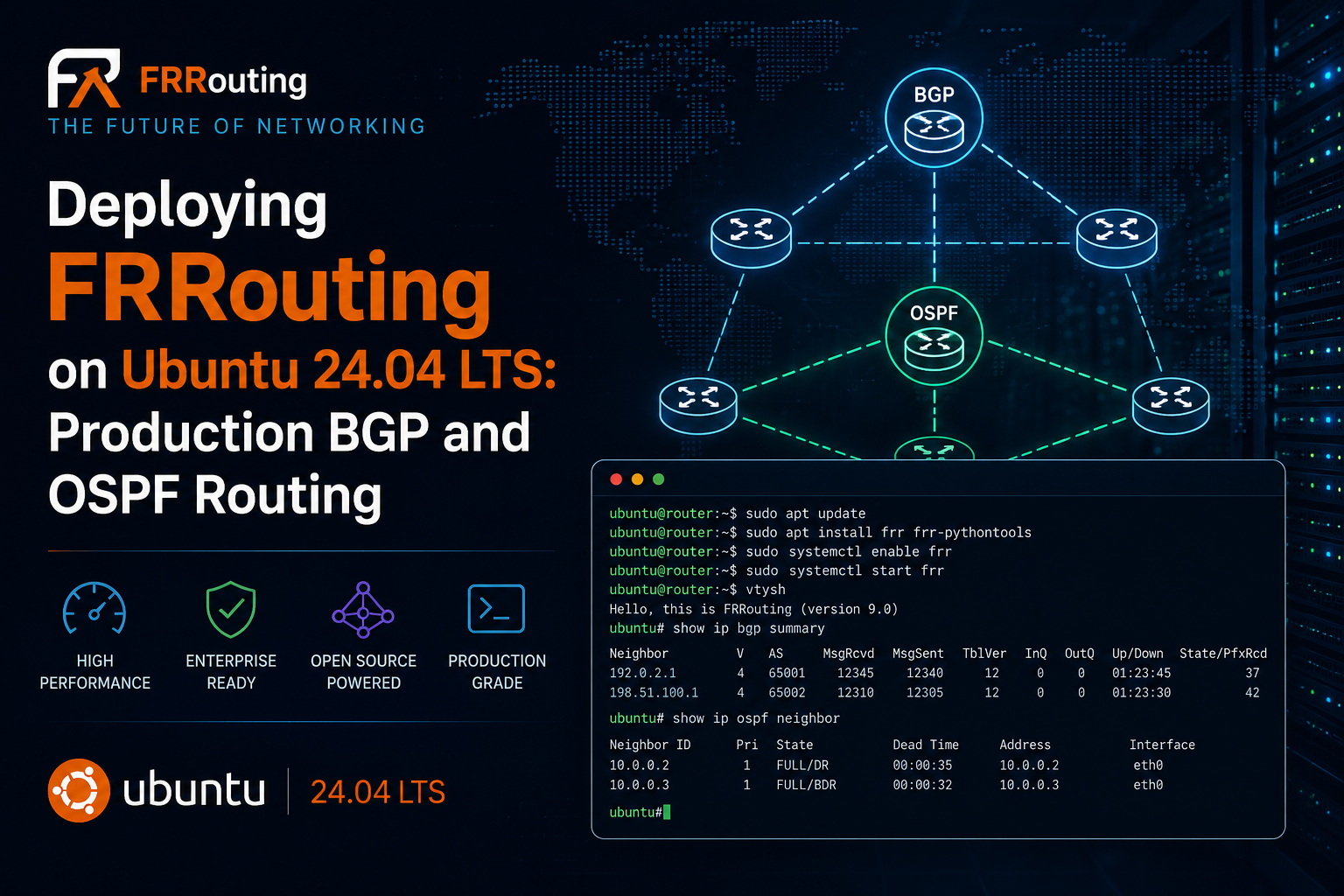
Deploying FRRouting on Ubuntu 24.04 LTS: Production BGP and OSPF Routing
1. Executive Summary
Objective. This guide turns a stock Ubuntu 24.04 LTS host into a fully functional software router using FRRouting (FRR). You will build a small but production-shaped fabric: an OSPF backbone between two routers and an eBGP session to an upstream provider, complete with route filtering, verification, and the diagnostics you actually need when a session refuses to come up.
Why it matters. FRR is the same routing stack that ships inside data-center switches and cloud gateways. Running it on commodity Linux gives you a real BGP and OSPF speaker for lab validation, route reflection, edge routing, or host-based routing at a fraction of the cost of dedicated hardware.
Target audience. Network Engineers, Systems Engineers, and Linux-focused DevOps or SRE practitioners who are comfortable at a shell and understand routing fundamentals but have not yet run FRR in anger.
2. Prerequisites and Architecture
Assumed Knowledge
- Comfortable with the Linux CLI,
sudo, and editing files withnanoorvim. - Working knowledge of IP addressing, subnetting, and static routing.
- Conceptual understanding of OSPF areas and BGP autonomous systems, neighbors, and prefixes.
Environment and Lab Requirements
- Two Ubuntu 24.04 LTS instances (bare metal, KVM/Proxmox, EVE-NG, or cloud VMs). Minimum 2 vCPU and 2 GB RAM per node is plenty for a lab.
- Three virtual NICs per router in this topology: management, core link, and (on R1) the provider uplink. Adjust to your hypervisor naming.
- Root or
sudoon each host, plus outbound internet for package installation. - Software versions: Ubuntu ships FRR 8.4.4 in the universe repository (maintained by Canonical with security backports). The official FRR repository currently offers 10.5.x, the latest stable branch. Both paths are covered in Phase 2.
Component Table
| Component | Role | Interfaces and IPs | ASN / Router-ID |
|---|---|---|---|
| R1 (frr-core-01) | FRR router: OSPF + eBGP edge | ens18 mgmt 10.10.0.11/24 ens19 core 10.0.12.1/30 ens20 uplink 203.0.113.2/30 lo 10.255.0.1/32 |
AS 65001 RID 10.255.0.1 |
| R2 (frr-core-02) | FRR router: OSPF core | ens18 mgmt 10.10.0.12/24 ens19 core 10.0.12.2/30 lo 10.255.0.2/32 |
AS 65001 RID 10.255.0.2 |
| Upstream (edge) | Provider eBGP peer | 203.0.113.1/30 | AS 64512 |
All addresses use RFC 5737 and RFC 1918 documentation ranges. Substitute your own. OSPF runs in area 0 across the R1 to R2 core link; loopbacks are advertised as router identifiers and reachable service addresses.
3. Step-by-Step Implementation Workflow
Phase 1: Prepare the Host
Goal. Get the base OS current, set a stable hostname, apply static addressing, and enable kernel IP forwarding so the box can route packets between interfaces.
Action. Update packages and set the hostname (repeat per node, substituting the name).
Action. Apply static interface addressing with netplan. Create the file below on R1 (adjust for R2, which has no uplink NIC).
Action. Secure the netplan file (24.04 warns about world-readable configs) and apply it.
Action. Enable IPv4 and IPv6 forwarding with a sysctl drop-in so the setting survives reboots.
GUI Verification. There is no web interface at this stage. FRR is CLI-first. Confirm addressing and forwarding from the shell:
Phase 2: Install FRRouting
Goal. Install the FRR suite and its Python tooling. Pick one of the two paths below and use it on both routers.
Action, Option A (Ubuntu universe, FRR 8.4.4). Simplest path, maintained by Canonical with security backports for the life of 24.04 LTS.
Action, Option B (official FRR repo, 10.5.x). Use this when you need current features (mgmtd, newer BGP/EVPN/SRv6 work) or the latest fixes. Add the signed repository, then install.
Which one? For most production edge or lab work, Option B (10.5.x) is the better long-term choice because the FRR project fixes bugs there first. Choose Option A if your compliance posture requires that every package come from the Canonical archive.
GUI Verification. Confirm the version and that the service unit is present.
Phase 3: Enable the Routing Daemons
Goal. FRR ships with every protocol daemon disabled except zebra. You must explicitly turn on the daemons you intend to run. This is the single most common reason a fresh FRR install appears to do nothing.
Action. Edit /etc/frr/daemons and set the two daemons we need to yes, then restart FRR.
GUI Verification. Enter the integrated operator shell (vtysh) and confirm both daemons are live.
Phase 4: Add Loopbacks in FRR
Goal. Give each router a stable /32 loopback that serves as its router identifier and a reachable service address. Zebra can manage the address directly, keeping all routing state in one place.
Action. From the shell, drop into vtysh and configure the loopback (R1 shown, use 10.255.0.2/32 on R2).
Phase 5: Configure the OSPF Backbone
Goal. Bring up an OSPF adjacency across the R1 to R2 core link in area 0, and advertise each router’s loopback. We set passive-interface default so OSPF never leaks onto management or uplink segments, then selectively activate the one interface that should form a neighbor.
Action, R1.
Action, R2. Same pattern, with R2’s identifier and loopback.
Tip. Modern FRR also supports per-interface OSPF with ip ospf area 0 under interface ens19 instead of network statements. Either works. Network statements are used here because they keep the whole OSPF config in one block.
GUI Verification. Within seconds the neighbor should reach Full state.
Phase 6: Configure eBGP to the Upstream
Goal. Peer R1 with the provider in AS 64512 and originate a single summarized prefix (10.255.0.0/24) toward them, with inbound and outbound route-maps in place. FRR enforces a policy on eBGP sessions by default, so the route-maps are mandatory, not optional.
Action, R1. The discard (blackhole) route lets BGP originate the aggregate cleanly. Real traffic still follows the more specific OSPF /32 routes.
Gotcha preview. Since FRR 7.4, bgp ebgp-requires-policy is on by default. Without both an inbound and outbound policy, an eBGP session comes up but exchanges zero prefixes. The route-maps above satisfy that requirement. See Troubleshooting item 2.
GUI Verification. Confirm the session and prefix counts.
Phase 7: Persist and Enable on Boot
Goal. Make the running config survive a reboot. With integrated config (the default on modern FRR), write memory saves everything into /etc/frr/frr.conf.
Action. Save and confirm the service is enabled on both routers.
4. Verification and Validation
Run these from either router. They confirm the control plane (adjacencies and prefixes) and the data plane (reachability) independently.
What success looks like:
show ip ospf neighborlists the peer in state Full (for example Full/DR or Full/BDR). Anything stuck in Init, ExStart, or Exchange means trouble. See item 1.show ip route ospfshows the remote loopback as an O route via the core link.show ip bgp summaryshows the neighbor with an uptime under the State/PfxRcd column instead of a state word. A numeric value there means the session is Established and prefixes are flowing.- The
advertised-routesoutput contains 10.255.0.0/24, confirming your outbound policy is originating the aggregate. - The ping succeeds with 0 percent loss, proving end-to-end forwarding over the OSPF core.
5. Troubleshooting and Gotchas
1. OSPF neighbor stuck in ExStart or Exchange (MTU mismatch)
The classic OSPF failure. Adjacency reaches ExStart or Exchange and never advances to Full. The usual cause is an MTU mismatch between the two interfaces, common when one side rides a tunnel or a hypervisor with a smaller frame size.
Resolution. Make the MTUs match on both interfaces (fix it in netplan and re-apply), or, if you cannot, tell OSPF to ignore the mismatch on that link:
2. eBGP Established but zero prefixes exchanged (policy required)
The session shows Established, yet PfxRcd and PfxSnt stay at 0. On modern FRR this is almost always the ebgp-requires-policy default doing its job: an eBGP neighbor with no inbound or outbound policy is allowed to peer but not to move routes.
Resolution. Attach an inbound and outbound route-map, exactly as in Phase 6. Keep the policy in production and filter deliberately. Only in a throwaway lab should you consider disabling the guard entirely with no bgp ebgp-requires-policy under the BGP process. After any policy change, refresh the session:
3. BGP session stuck in Active or Connect (no path or blocked port 179)
If the neighbor never reaches Established and cycles through Active or Connect, the TCP session to the peer is not forming. The three usual suspects are no IP reachability to the peer, a firewall blocking TCP 179, or a mismatched remote AS.
Resolution. Fix the specific cause: correct the uplink addressing or routing if the ping fails; allow BGP if ufw is active; or correct the remote-as to match the peer. To open port 179 when ufw is enabled:
Bonus gotcha: the config vanished after a reboot.
Two causes. First, you configured in vtysh but never ran write memory, so nothing was saved to /etc/frr/frr.conf. Second, the relevant daemon is set to no in /etc/frr/daemons, so the process never starts and its saved config is ignored. Confirm both, then reboot to validate.
Recent posts
-

-

DNS is one of those technologies that quietly underpins... Full Story
-

BGP issues on FortiGate firewalls usually trace back to... Full Story
-

Every time your laptop talks to your router, a... Full Story
-

If you've spent any time configuring NAT on a... Full Story
-

If you have spent any time configuring firewall policies... Full Story
-

High availability on FortiGate is one of those features... Full Story
-

If you've configured SD-WAN on a FortiGate, you've almost... Full Story
-

FortiLink is the management protocol that turns a FortiSwitch... Full Story
-

FortiSwitches are pretty rock solid from Mean Time Between... Full Story
-

This is a quicky tip. Have you ever gone... Full Story
-

DNS is one of those quiet pieces of internet... Full Story
-

This article is an updated version of the previous... Full Story
-

You will add ns2 as a secondary (slave) BIND9... Full Story
-

In the process of deploying my lab, I needed... Full Story
-

RFC 8805, used to be known as Self-Correcting IP... Full Story
-

Years back, I wrote an article about certificate pinning. ... Full Story
-

FortiGates have the ability to send alerts to Microsoft... Full Story
-

In this post, I am going to walk through... Full Story
-

Troubleshooting VoIP on a FortiGate can feel like trying... Full Story
-

Prior to FortiOS 7.0, there were three commands to... Full Story
-

In this post, I am going to go over... Full Story
-

What we are going to do: We are going... Full Story
-

Choosing between FGCP (FortiGate Clustering Protocol) and FGSP (FortiGate... Full Story
-

Creating a VLAN on macOS (The "Pro" Move) A... Full Story
-

This blog post explores the logic behind how macOS... Full Story
-

Pretty Fly for a Wi-Fi Tell My Wi-Fi Love... Full Story
-

Part of my daily gig is creating BoMs (Bill-of-Materials)... Full Story
-

ICMP introduces several security risks, but careful filtering, rate... Full Story
-

The command diag debug application dhcps -1 enables full... Full Story
-

In the world of FortiOS, execute tac report is... Full Story
-

LLDP; What is it The Link Layer Discovery Protocol... Full Story
-

What it actually does When you run diagnose fdsm... Full Story
-

Monkey Bites are bite-sized, high-impact security insights designed for... Full Story
-

I have run macOS in macOS with Parallels but... Full Story
-

Don't be confused with my other FortiNAC posts where... Full Story
-

This is the third session in a multi-part article... Full Story
-

Today I was configuring key-based authentication on a FortiGate... Full Story
-

Netcat, often called the "Swiss Army knife" of networking,... Full Story
-

At its core, IEEE 802.1X is a network layer... Full Story
-

In case you did not see the previous FortiNAC... Full Story
-

This is our 5th session where we are going... Full Story
-

Now that we have Wireshark installed and somewhat configured,... Full Story
-

The Philosophy of Packet Analysis Troubleshooting isn't about looking... Full Story
-

Here is a quick article on running lldp on... Full Story
-

If you have ever stared at a Terminal window... Full Story
-

The Problem This Solves FortiGate matches policies referencing a... Full Story