
If you've spent any time configuring user authentication on... Full Story
By Manny Fernandez
July 21, 2026
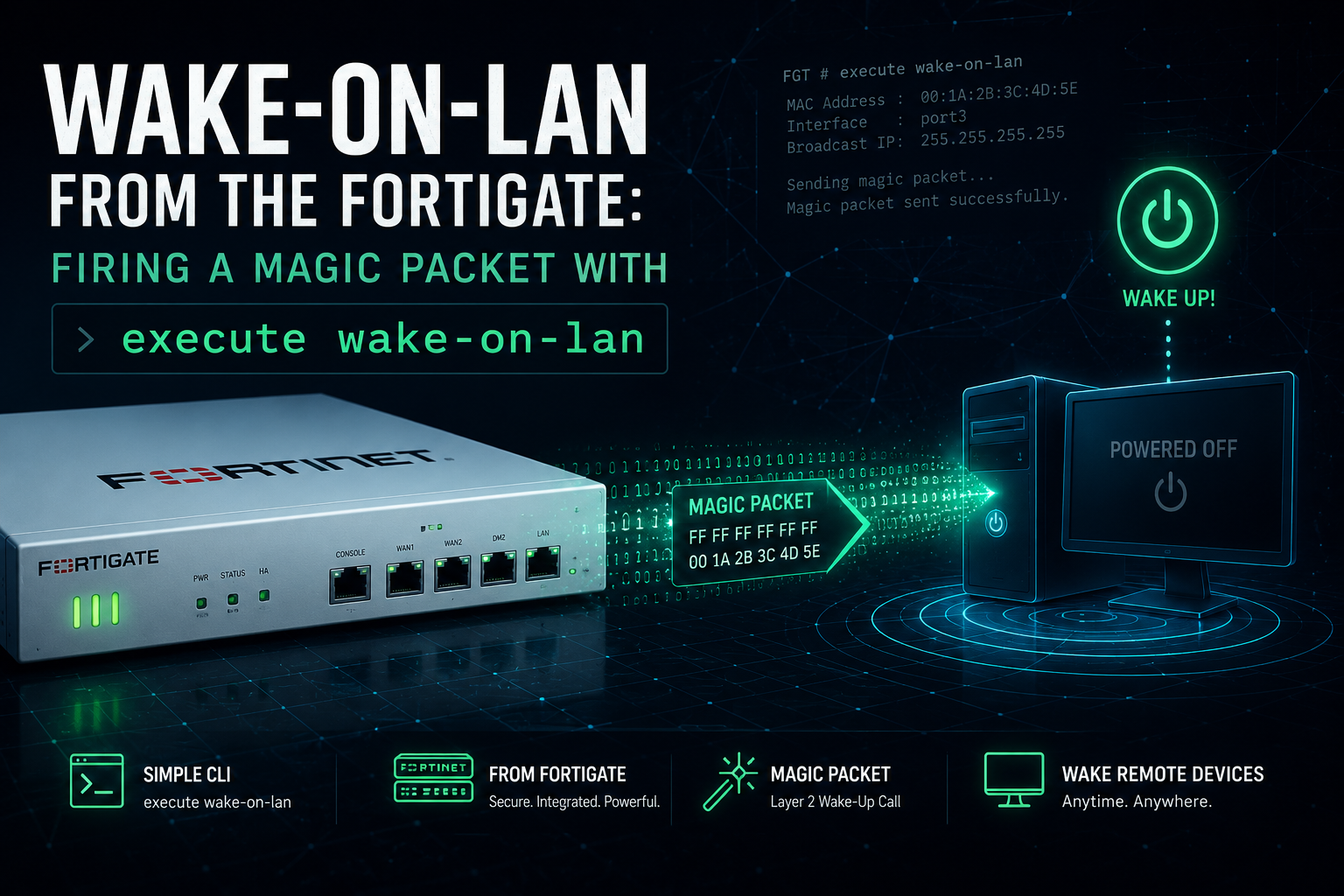
Wake-on-LAN from the FortiGate: Firing a Magic Packet with execute wake-on-lan
You need to power on a box that is sitting dark on a remote segment. A lab host, a NAS, a workstation queued for a patch window, a server someone shut down by hand. There is no dedicated Wake-on-LAN relay on that VLAN, and you would rather not drive to the site. Good news: the FortiGate can build and send the magic packet itself, straight out of the interface that faces the sleeping device. No agent, no helper box, no third-party app. One CLI command.
This post covers the command, the parameters that actually matter, the endpoint settings that make or break it, and how to prove the packet left the box.
What a magic packet actually is
A Wake-on-LAN “magic packet” is a specific byte pattern the target NIC watches for while the rest of the machine is asleep. The frame starts with six bytes of FF, then repeats the target’s 6-byte MAC address sixteen times in a row. That payload usually rides inside a UDP datagram on port 7 or 9, though it can also be sent as a raw Layer 2 frame.
Two properties drive everything that follows:
- The frame is a Layer 2 broadcast. The destination MAC is
FF:FF:FF:FF:FF:FF, so it floods the local segment and reaches a NIC that has no IP bound yet. - Broadcasts do not route. A magic packet dies at the first Layer 3 boundary. That single fact is why so many WoL attempts fail across VLANs, and it is exactly the problem the FortiGate solves by originating the packet on the target’s own segment.
The key move: point the command at the interface that lives on the sleeping device’s segment. The FortiGate emits the broadcast locally on that VLAN, so there is no routing problem to solve. That is the whole trick.
The command
FortiOS ships a dedicated execute command for this. The full syntax:
execute wake-on-lan <interface> <host-mac> <protocol> <port> <ip> <password>Here is what each field does:
| Field | What to put there |
|---|---|
| <interface> | The egress interface that sits on the target’s segment. A physical port, a hardware/software switch, or a VLAN subinterface. This decides which broadcast domain hears the packet. |
| <host-mac> | The MAC address of the device you want to wake, in colon notation (for example aa:bb:cc:11:22:33). |
| <protocol> | Selects the transport. Value 2 sends the magic packet over UDP, which is the common choice and works with virtually every NIC. The alternate value sends a raw Layer 2 WoL frame instead of wrapping it in UDP. |
| <port> | UDP destination port. Use 9 (discard) or 7 (echo). Both are the standard WoL ports and either is fine. |
| <ip> | Destination IP for the UDP wrapper. Use the target subnet’s broadcast address (for example 10.10.20.255) so the datagram maps to the Layer 2 broadcast. |
| <password> | Optional SecureOn password. Only needed if the NIC is configured to require one. Leave it off otherwise. |
A working example
Say the sleeping host has MAC aa:bb:cc:11:22:33, it lives on the segment behind the interface named lan, and that segment is 10.10.20.0/24. Send the packet over UDP to port 9, addressed to the subnet broadcast:
execute wake-on-lan lan aa:bb:cc:11:22:33 2 9 10.10.20.255That is the entire operation. The FortiGate assembles the magic packet and floods it onto the lan segment, and any NIC on that segment listening for its own MAC pattern powers the machine up. On many FortiOS builds the trailing parameters can be omitted to accept UDP defaults, but specifying them explicitly removes all ambiguity and is the version to keep in your runbook.
Do not have the MAC handy? If the host holds a DHCP reservation, its MAC is already sitting in config system dhcp server under the reserved address list, and it will also show in the device inventory. No need to go hunting.
The endpoint is where this really fails
The FortiGate side is easy. Nine times out of ten, the reason a box will not wake is on the device itself. Before you blame the firewall, confirm all of the following on the target:
- Firmware: Wake-on-LAN (sometimes labeled “Power On By PCIe/PCI”, “Resume By LAN”, or “WOL”) is enabled in the BIOS/UEFI.
- NIC power management (Windows): in the adapter properties, allow the device to wake the computer, and set it to wake on the magic packet only. Waking on any pattern invites random reboots.
- Fast Startup (Windows): turn it off. Fast Startup puts the machine into a hybrid shutdown state that frequently powers the NIC all the way down, and the magic packet lands on a dead ear.
- Wired, not wireless: WoL is a wired-Ethernet feature on the vast majority of hardware. Do not expect it over Wi-Fi.
- Link stays up at low power: some NICs and switches negotiate the link down when the host sleeps. If the port light goes dark on shutdown, the NIC is not listening.
Prove the packet left the box
If the host stays dark, the first question is whether the FortiGate actually put a broadcast on the wire. Run the built-in sniffer on the same egress interface and watch for the frame:
diagnose sniffer packet lan 'udp and port 9' 6 4Verbosity 6 prints the full frame including the Ethernet header, and the count of 4 keeps the capture short. Fire the wake command from a second session while the sniffer runs. In the output you want to see the destination MAC as all ff:ff:ff:ff:ff:ff and a UDP payload that opens with the six FF bytes followed by the repeated target MAC. If you see that, the FortiGate did its job and the problem is on the endpoint or the switch path. If you see nothing, recheck the interface name and confirm you picked the interface that faces the device.
Crossing segments the clean way
Because a magic packet is a broadcast, relaying one from a management host on another VLAN through the FortiGate is a fight. The FortiGate will not forward Ethernet broadcasts across a Layer 3 boundary, so the usual workarounds involve directed broadcasts and a static ARP entry that maps an unused host IP to the target’s MAC. It can be made to work, but it is fragile and easy to get wrong.
You almost never need any of that. The command originates the packet wherever you tell it to. If the target lives on VLAN 30, point the command at the VLAN 30 interface and the FortiGate emits the broadcast right there:
execute wake-on-lan vlan30 aa:bb:cc:44:55:66 2 9 172.16.30.255The FortiGate is already attached to every VLAN you gateway. Let it be the WoL source on each one and the routing problem disappears entirely.
Scripting and scheduling
Because this is an execute command, you can wrap it in an auto-script and drive it from automation. That opens up scheduled wake-ups (boot a lab pool every weekday morning) or event-driven wakes (a stitch that powers a host on when a condition fires). A minimal auto-script stub:
config system auto-script
    edit "wake-lab-host"
        set interval 0
        set repeat 1
        set start auto
        set script "execute wake-on-lan lan aa:bb:cc:11:22:33 2 9 10.10.20.255"
    next
end
With interval 0 and repeat 1 the script runs once at boot, which is handy after a planned FortiGate reboot brings a site back. Set an interval to turn it into a recurring wake, or trigger the same execute line from an automation stitch action when you want it event-driven rather than timed.
Fast troubleshooting
| Symptom | Likely cause | Fix |
|---|---|---|
| Nothing shows on the sniffer | Wrong egress interface or a typo in the name | Confirm the interface faces the device and matches the config exactly |
| Packet is on the wire, host stays dark | Fast Startup on, or NIC wake disabled | Disable Fast Startup, enable wake on magic packet in the adapter settings |
| Works on the same VLAN, not across | Trying to route a broadcast across Layer 3 | Originate from the target VLAN interface instead of relaying |
| Machine wakes on its own at odd times | NIC set to wake on any pattern | Restrict wake to the magic packet only |
| Never wakes, even locally | WoL off in firmware, or a Wi-Fi-only NIC | Enable WoL in BIOS/UEFI and use a wired connection |
Bottom line
The FortiGate is already sitting on every segment you care about, which makes it the ideal place to originate a Wake-on-LAN packet. Skip the relay boxes and the broadcast-routing gymnastics. Pick the interface that faces the sleeping device, feed execute wake-on-lan the MAC and the subnet broadcast, and confirm the frame with the sniffer. If the box still will not come up after that, the FortiGate is off the hook and the endpoint has some settings to answer for.
Recent posts
-

-

DNS is one of those technologies that quietly underpins... Full Story
-

BGP issues on FortiGate firewalls usually trace back to... Full Story
-

Every time your laptop talks to your router, a... Full Story
-

If you've spent any time configuring NAT on a... Full Story
-

If you have spent any time configuring firewall policies... Full Story
-

High availability on FortiGate is one of those features... Full Story
-

If you've configured SD-WAN on a FortiGate, you've almost... Full Story
-

FortiLink is the management protocol that turns a FortiSwitch... Full Story
-

FortiSwitches are pretty rock solid from Mean Time Between... Full Story
-

This is a quicky tip. Have you ever gone... Full Story
-

DNS is one of those quiet pieces of internet... Full Story
-

This article is an updated version of the previous... Full Story
-

You will add ns2 as a secondary (slave) BIND9... Full Story
-

In the process of deploying my lab, I needed... Full Story
-

RFC 8805, used to be known as Self-Correcting IP... Full Story
-

Years back, I wrote an article about certificate pinning. ... Full Story
-

FortiGates have the ability to send alerts to Microsoft... Full Story
-

In this post, I am going to walk through... Full Story
-

Troubleshooting VoIP on a FortiGate can feel like trying... Full Story
-

Prior to FortiOS 7.0, there were three commands to... Full Story
-

In this post, I am going to go over... Full Story
-

What we are going to do: We are going... Full Story
-

Choosing between FGCP (FortiGate Clustering Protocol) and FGSP (FortiGate... Full Story
-

Creating a VLAN on macOS (The "Pro" Move) A... Full Story
-

This blog post explores the logic behind how macOS... Full Story
-

Pretty Fly for a Wi-Fi Tell My Wi-Fi Love... Full Story
-

Part of my daily gig is creating BoMs (Bill-of-Materials)... Full Story
-

ICMP introduces several security risks, but careful filtering, rate... Full Story
-

The command diag debug application dhcps -1 enables full... Full Story
-

In the world of FortiOS, execute tac report is... Full Story
-

LLDP; What is it The Link Layer Discovery Protocol... Full Story
-

What it actually does When you run diagnose fdsm... Full Story
-

Monkey Bites are bite-sized, high-impact security insights designed for... Full Story
-

I have run macOS in macOS with Parallels but... Full Story
-

Don't be confused with my other FortiNAC posts where... Full Story
-

This is the third session in a multi-part article... Full Story
-

Today I was configuring key-based authentication on a FortiGate... Full Story
-

Netcat, often called the "Swiss Army knife" of networking,... Full Story
-

At its core, IEEE 802.1X is a network layer... Full Story
-

In case you did not see the previous FortiNAC... Full Story
-

This is our 5th session where we are going... Full Story
-

Now that we have Wireshark installed and somewhat configured,... Full Story
-

The Philosophy of Packet Analysis Troubleshooting isn't about looking... Full Story
-

Executive Summary Objective: Get you from zero to writing... Full Story
-

NAND cells, the flash translation layer, SLC caching, TRIM,... Full Story
-

Nmap Scripting Engine (NSE): From One-Liners to Your First... Full Story