
If you've spent any time configuring user authentication on... Full Story
By Manny Fernandez
August 27, 2026
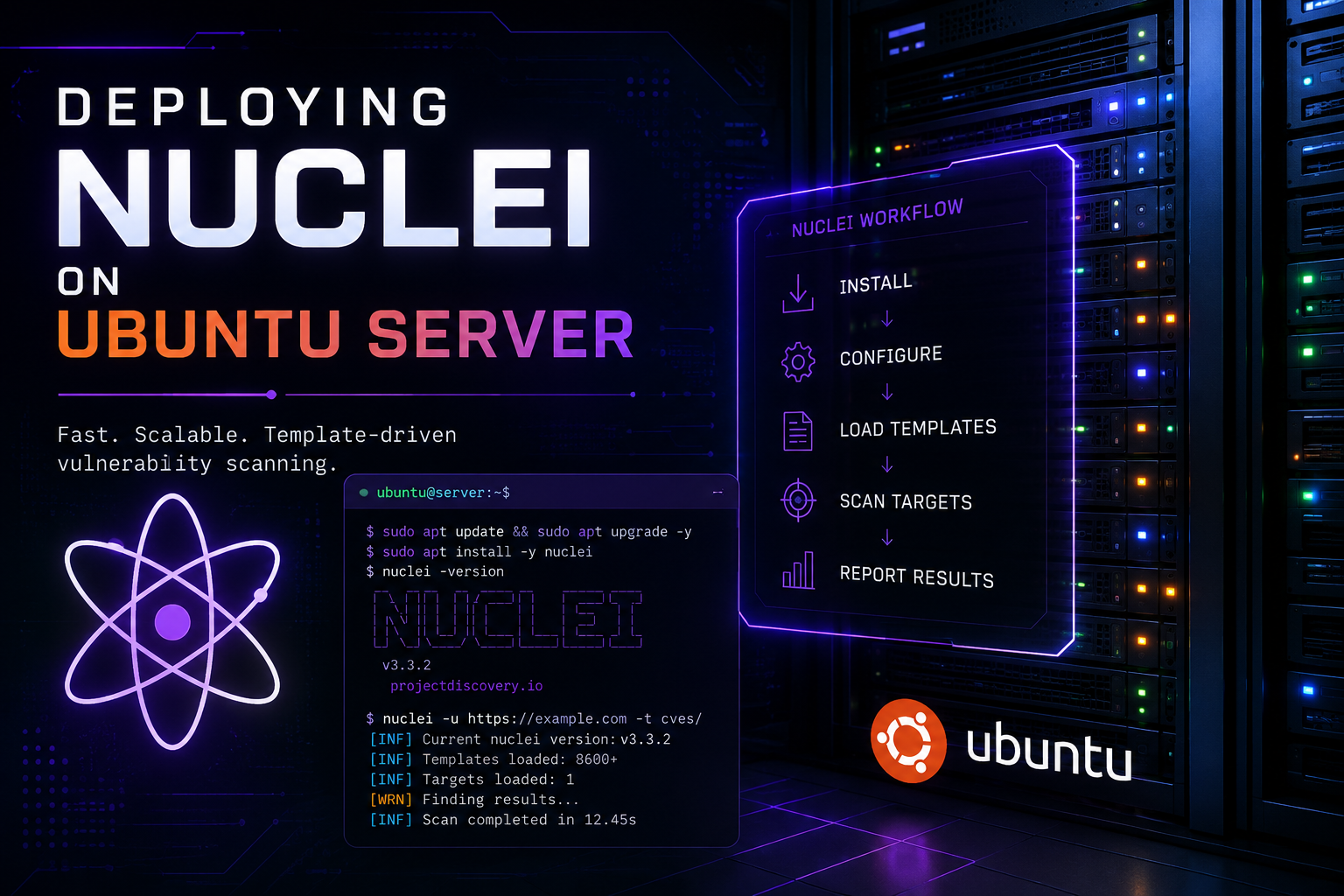
Deploying Nuclei on Ubuntu Server
Executive Summary
Objective
This guide walks through a clean, repeatable installation of ProjectDiscovery’s Nuclei vulnerability scanner on Ubuntu Server, covering OS preparation, binary installation, template management, and scheduled updates. Nuclei’s value comes almost entirely from its YAML template library staying current, so this guide builds automatic updates and least-privilege operation into the install from day one instead of bolting them on afterward.
Target Audience
Security engineers, vulnerability management analysts, penetration testers, and DevSecOps engineers standing up authorized scanning infrastructure on Linux.
Prerequisites & Architecture
Assumed Knowledge
- Comfortable with the Linux command line: apt package management, systemd units, file permissions, and basic shell scripting
- Basic HTTP/TCP concepts, since Nuclei’s templates probe protocols like HTTP, DNS, TCP, and TLS
- Familiarity with YAML is helpful for later template customization, though not required for installation
- A clear understanding that scanning any host you do not own or have written authorization to test falls outside the scope of this guide
Environment/Lab Requirements
- Ubuntu Server 22.04 LTS or 24.04 LTS (both are supported identically throughout this guide)
- 2 vCPU / 2 GB RAM / 10 GB free disk as a working minimum; scale RAM and concurrency up for large template sets or many concurrent targets
- Outbound HTTPS (443) reachability to github.com and objects.githubusercontent.com for release downloads and template updates
- A non-root account with sudo privileges for installation
- An authorized lab target to validate scans against, such as a VM or container you control
Component Table
| Component | Role | Example Address |
|---|---|---|
| Ubuntu Server 24.04 LTS | Host running the Nuclei scan engine | 10.0.10.10 |
| nuclei-svc (service account) | Low-privilege account running scheduled scans and updates | local account, no shell |
| Nuclei binary (v3.11.x) | Core scanning engine | /usr/local/bin/nuclei |
| nuclei-templates | Community-maintained YAML detection templates | ~/.config/nuclei-templates |
| Lab target, external-facing style | Authorized validation target | 198.18.10.5 |
| Lab target, internal host | Authorized validation target | 10.0.20.15 |
Step-by-Step Implementation Workflow
Phase 1: System Preparation
Goal
Bring the host to a clean, updated baseline with the utilities the installation and template pipeline depend on.
Action
Refresh the apt index, apply pending updates, and install curl, wget, unzip, git, ca-certificates, and jq.
Code
bash
sudo apt update && sudo apt -y upgrade
sudo apt -y install curl wget unzip git ca-certificates jq
GUI Verification
Ubuntu Server is headless, so there is no GUI step here. Confirm from the shell instead:
bash
apt list --upgradableA clean baseline returns no output, aside from any packages you have intentionally held back.
Phase 2: Install the Nuclei Binary
Goal
Get a working nuclei binary on the host without installing or maintaining a full Go toolchain.
Action
Query the GitHub API for the current release tag, download the matching Linux amd64 archive, extract it, and place the binary on the system PATH.
Code
bash
NUCLEI_API="https://api.github.com/repos/projectdiscovery/nuclei"
NUCLEI_TAG=$(curl -s "${NUCLEI_API}/releases/latest" \
  | grep -Po '"tag_name":\s*"\K[^"]+')
echo "Latest Nuclei release: ${NUCLEI_TAG}"

NUCLEI_REL="https://github.com/projectdiscovery/nuclei/releases/download"
NUCLEI_ZIP="${NUCLEI_REL}/${NUCLEI_TAG}/nuclei_${NUCLEI_TAG#v}_linux_amd64.zip"
wget -q "${NUCLEI_ZIP}" -O /tmp/nuclei.zip

sudo unzip -o /tmp/nuclei.zip -d /usr/local/bin nuclei
sudo chmod +x /usr/local/bin/nuclei
rm /tmp/nuclei.zip
GUI Verification
N/A. Confirm from the shell:
bash
which nuclei
nuclei -version
Alternate method: building with Go
If you need to compile from source or track pre-release commits, install Go 1.21 or newer first. The golang-go package in Ubuntu’s apt repositories on both 22.04 and 24.04 ships a version older than what Nuclei requires, so pull the official tarball instead of using apt:
bash
GO_TAG=$(curl -s "https://go.dev/VERSION?m=text" | head -n1)
wget -q "https://go.dev/dl/${GO_TAG}.linux-amd64.tar.gz" -O /tmp/go.tar.gz
sudo rm -rf /usr/local/go
sudo tar -C /usr/local -xzf /tmp/go.tar.gz
echo 'export PATH=$PATH:/usr/local/go/bin:$HOME/go/bin' \
  | sudo tee /etc/profile.d/go.sh
source /etc/profile.d/go.sh
go version
Then build and install Nuclei itself:
bash
go install -v github.com/projectdiscovery/nuclei/v3/cmd/nuclei@latest
sudo mv "$HOME/go/bin/nuclei" /usr/local/bin/nuclei
Phase 3: Initialize Configuration and Download Templates
Goal
Create Nuclei’s configuration file and pull down the community template set the engine relies on for every detection.
Action
Run the update-templates flag once. This creates ~/.config/nuclei/config.yaml on first run and populates the templates directory referenced inside it.
Code
bash
nuclei -update-templates
nuclei -tv
cat ~/.config/nuclei/config.yaml
GUI Verification
N/A. Confirm the templates directory Nuclei is actually using:
bash
grep nuclei-templates-directory ~/.config/nuclei/config.yamlPhase 4: Harden and Automate the Deployment
Goal
Run scans under a dedicated low-privilege account and keep templates current automatically instead of relying on someone remembering to update them.
Action
Create a service account, schedule template updates with a systemd timer, and set conservative rate-limit defaults so scans do not overwhelm targets or trip IPS and WAF alerting.
Code: service account
bash
sudo useradd -r -m -d /opt/nuclei -s /usr/sbin/nologin nuclei-svc
sudo -u nuclei-svc nuclei -update-templates
Code: systemd service and timer
ini
# /etc/systemd/system/nuclei-template-update.service
[Unit]
Description=Update Nuclei community templates

[Service]
Type=oneshot
User=nuclei-svc
ExecStart=/usr/local/bin/nuclei -update-templates

# /etc/systemd/system/nuclei-template-update.timer
[Unit]
Description=Daily Nuclei template update

[Timer]
OnCalendar=daily
Persistent=true

[Install]
WantedBy=timers.target
bash
sudo systemctl daemon-reload
sudo systemctl enable --now nuclei-template-update.timer
Code: config.yaml rate-limit baseline (edit /opt/nuclei/.config/nuclei/config.yaml)
yaml
rate-limit: 150
bulk-size: 25
concurrency: 25
GUI Verification
N/A. Confirm the timer is registered and scheduled:
bash
systemctl list-timers nuclei-template-update.timerVerification & Validation
Run these checks in order. Each should complete cleanly before you move to the next.
1. Confirm the engine and its working directories
bash
nuclei -versionSuccess looks like a banner followed by lines similar to:
output
[INF] Nuclei Engine Version: v3.11.0
[INF] Nuclei Config Directory: /home/youruser/.config/nuclei
[INF] Nuclei Cache Directory: /home/youruser/.cache/nuclei
[INF] PDCP Directory: /home/youruser/.pdcp
2. Confirm the template set loaded correctly
bash
nuclei -tvSuccess is a non-zero template count paired with a version string, for example “Nuclei Templates Version: v10.x.x”.
3. Run the built-in health check
bash
nuclei -hcSuccess is every check reporting OK, with no failed connectivity or permission checks.
4. Run an authorized scan against your lab target
bash
nuclei -u https://198.18.10.5Success is a completed run: a banner, a scan-in-progress indicator, zero or more finding lines in the format [template-id] [protocol] [severity] target, and a clean return to the shell prompt. Confirm the exit code:
bash
echo $?A 0 confirms the scan completed without a fatal engine error. A finding count of zero is still a successful validation if the lab target is hardened; the point of this step is confirming Nuclei can reach the target, load templates, and complete a run end to end.
Troubleshooting & Gotchas
1. “go install” fails with “go.mod requires go >= 1.21”
Ubuntu’s apt install golang-go package on both 22.04 and 24.04 ships a Go release older than what Nuclei’s go.mod requires.
Diagnostic
bash
go versionResolution
Remove the apt-provided Go and install the official tarball from the Alternate Method in Phase 2, or skip Go entirely and use the pre-built binary method that is the primary path in Phase 2.
2. “nuclei: command not found” after a “go install”
This means $HOME/go/bin is not on the current shell’s PATH.
Diagnostic
bash
echo $PATHResolution
Add export PATH=$PATH:$HOME/go/bin to ~/.bashrc or /etc/profile.d/go.sh, then source it and retry.
3. “nuclei -update-templates” reports zero templates or times out
This is almost always an outbound connectivity problem: a firewall blocking port 443, or a corporate proxy intercepting TLS.
Diagnostic
bash
curl -Iv https://github.com
curl -Iv https://objects.githubusercontent.com
Resolution
If a proxy is in play, export HTTPS_PROXY/HTTP_PROXY, or pass -proxy http://<proxy_host>:<proxy_port> on the Nuclei command line. If a perimeter firewall is blocking egress, open outbound 443 to github.com and objects.githubusercontent.com.
4. Custom JavaScript-protocol templates are silently skipped
Starting with Nuclei v3.11.0, templates using the javascript: protocol must be digitally signed or the engine skips them during load, including when referenced from a workflow.
Diagnostic
Run the specific template with -validate or -debug and look for a skip or signature warning in the output.
Resolution
Sign the template with your team’s signing key before deploying it, or confirm you only need official community templates, which already ship pre-signed by ProjectDiscovery.
Recent posts
-

-

DNS is one of those technologies that quietly underpins... Full Story
-

BGP issues on FortiGate firewalls usually trace back to... Full Story
-

Every time your laptop talks to your router, a... Full Story
-

If you've spent any time configuring NAT on a... Full Story
-

If you have spent any time configuring firewall policies... Full Story
-

High availability on FortiGate is one of those features... Full Story
-

If you've configured SD-WAN on a FortiGate, you've almost... Full Story
-

FortiLink is the management protocol that turns a FortiSwitch... Full Story
-

FortiSwitches are pretty rock solid from Mean Time Between... Full Story
-

This is a quicky tip. Have you ever gone... Full Story
-

DNS is one of those quiet pieces of internet... Full Story
-

This article is an updated version of the previous... Full Story
-

You will add ns2 as a secondary (slave) BIND9... Full Story
-

In the process of deploying my lab, I needed... Full Story
-

RFC 8805, used to be known as Self-Correcting IP... Full Story
-

Years back, I wrote an article about certificate pinning. ... Full Story
-

FortiGates have the ability to send alerts to Microsoft... Full Story
-

In this post, I am going to walk through... Full Story
-

Troubleshooting VoIP on a FortiGate can feel like trying... Full Story
-

Prior to FortiOS 7.0, there were three commands to... Full Story
-

In this post, I am going to go over... Full Story
-

What we are going to do: We are going... Full Story
-

Choosing between FGCP (FortiGate Clustering Protocol) and FGSP (FortiGate... Full Story
-

Creating a VLAN on macOS (The "Pro" Move) A... Full Story
-

This blog post explores the logic behind how macOS... Full Story
-

Pretty Fly for a Wi-Fi Tell My Wi-Fi Love... Full Story
-

Part of my daily gig is creating BoMs (Bill-of-Materials)... Full Story
-

ICMP introduces several security risks, but careful filtering, rate... Full Story
-

The command diag debug application dhcps -1 enables full... Full Story
-

In the world of FortiOS, execute tac report is... Full Story
-

LLDP; What is it The Link Layer Discovery Protocol... Full Story
-

What it actually does When you run diagnose fdsm... Full Story
-

Monkey Bites are bite-sized, high-impact security insights designed for... Full Story
-

I have run macOS in macOS with Parallels but... Full Story
-

Don't be confused with my other FortiNAC posts where... Full Story
-

This is the third session in a multi-part article... Full Story
-

Today I was configuring key-based authentication on a FortiGate... Full Story
-

Netcat, often called the "Swiss Army knife" of networking,... Full Story
-

At its core, IEEE 802.1X is a network layer... Full Story
-

In case you did not see the previous FortiNAC... Full Story
-

This is our 5th session where we are going... Full Story
-

Now that we have Wireshark installed and somewhat configured,... Full Story
-

The Philosophy of Packet Analysis Troubleshooting isn't about looking... Full Story
-

Nmap Scripting Engine (NSE): From One-Liners to Your First... Full Story
-

Stand up TRex on Ubuntu, wire it through a... Full Story
-

1. Executive Summary Objective: Get a working, persistent nftables... Full Story