
If you've spent any time configuring user authentication on... Full Story
By Manny Fernandez
May 16, 2026
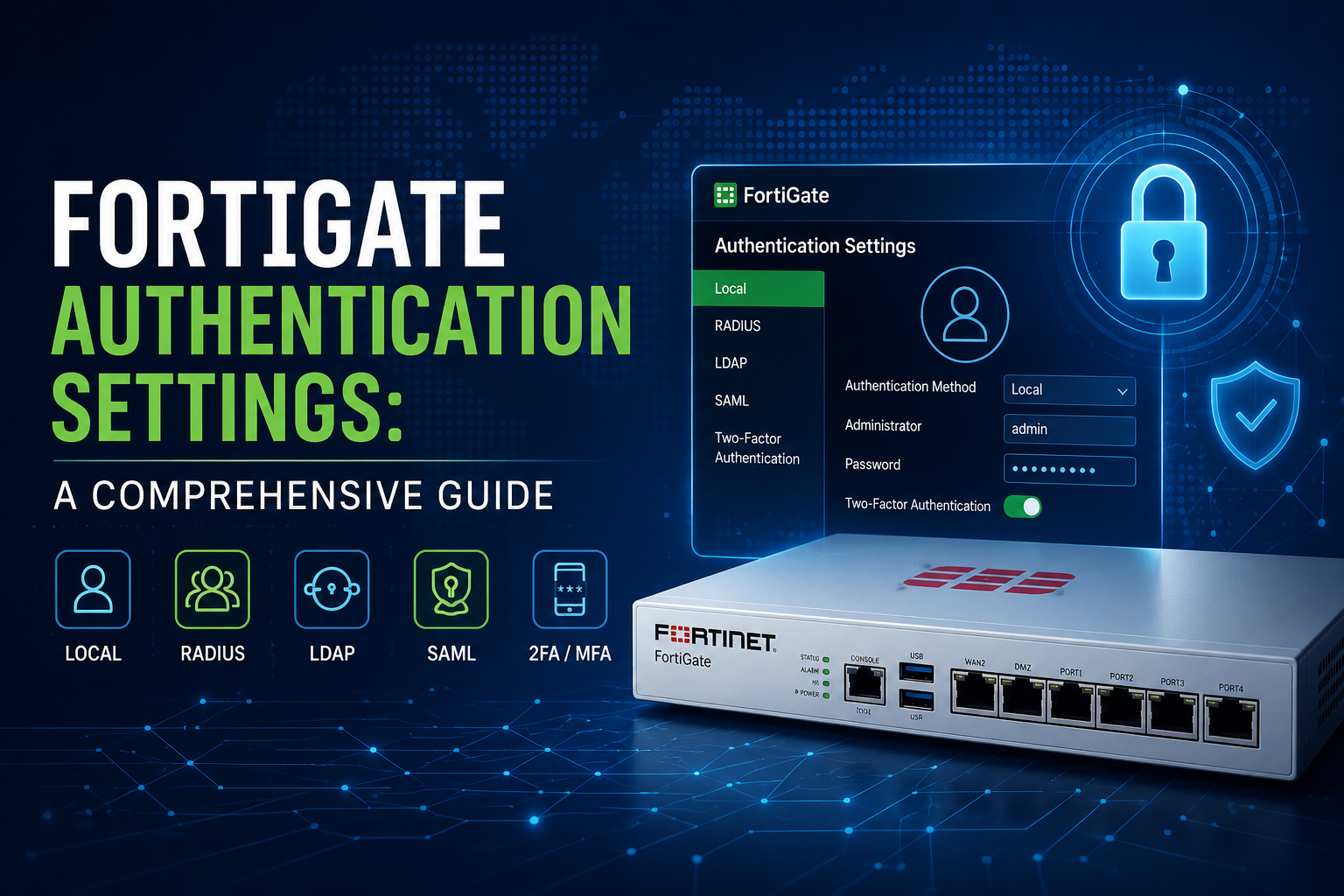
FortiGate Authentication Settings: A Comprehensive Guide
Authentication in FortiGate is the mechanism by which the firewall verifies the identity of users, devices, or administrators before granting access to network resources, VPNs, or the firewall itself. Rather than relying solely on IP addresses (which can be spoofed or shared), authentication ties network policies to verified identities, enabling user-based access control, accountability, and reporting.
What Authentication Is Used For
FortiGate authentication serves several distinct purposes depending on where it’s applied. Administrative authentication controls who can log into the FortiGate GUI, CLI, or API to manage the device. Firewall policy authentication requires users to identify themselves before traffic matching a policy is allowed through, which is common in environments where you want to log user activity or apply different rules to different user groups. VPN authentication verifies remote users connecting via SSL VPN or IPsec VPN. Captive portal authentication intercepts web traffic and forces users to log in via a browser before granting internet access, often used in guest networks. Finally, single sign-on (SSO) integrations like FSSO (Fortinet Single Sign-On) allow the firewall to learn user identities passively from Active Directory logins without prompting users again.
Authentication Methods and Sources
FortiGate supports a wide range of authentication backends, and understanding which to use is the first configuration decision. Local users are accounts created directly on the FortiGate itself, which works for small deployments but doesn’t scale. LDAP integration lets the FortiGate query Active Directory or other directory services to validate credentials, which is the most common enterprise approach. RADIUS is widely used for centralized authentication, particularly with NPS servers, Cisco ISE, or FortiAuthenticator, and it’s required for certain features like dynamic VLAN assignment or returning group attributes. TACACS+ is typically reserved for administrator authentication, especially in shops with Cisco infrastructure. SAML authentication has become increasingly important for SSL VPN and admin login, allowing integration with Azure AD/Entra ID, Okta, and other identity providers. Certificate-based authentication uses PKI for very strong identity verification, common in IPsec VPN deployments. FSSO comes in several flavors (DC Agent, Collector Agent, polling mode, and agentless) and provides transparent user identification by monitoring Active Directory logon events.
How to Configure Authentication
The general workflow begins with defining the authentication source. To configure an LDAP server, navigate to User & Authentication > LDAP Servers, click Create New, and provide the server IP or FQDN, the Common Name Identifier (typically sAMAccountName for AD), the Distinguished Name (such as dc=company,dc=local), the bind type (Regular bind with service account credentials is standard), and credentials for the bind account. Always click Test Connectivity and Test User Credentials before saving—this catches the majority of configuration errors immediately.
For RADIUS, go to User & Authentication > RADIUS Servers, enter the server IP, the shared secret (which must match exactly on both sides), and the authentication method (PAP, CHAP, MS-CHAP, or MS-CHAP-v2). MS-CHAP-v2 is generally preferred when working with Microsoft NPS.
Once authentication servers are defined, you create user groups under User & Authentication > User Groups. A firewall user group can contain local users, remote server matches (where you specify which LDAP/RADIUS groups map to this FortiGate group), or both. The group type matters: Firewall groups are used in policies and VPNs, while Fortinet Single Sign-On groups are populated dynamically by FSSO.
To require authentication on a firewall policy, edit the policy and in the Source field add the user group alongside the source address. FortiGate will intercept HTTP/HTTPS traffic matching the policy and present a login page, then cache the authentication for the configured timeout period. For non-web protocols, users must first authenticate via a separate web session unless you’re using FSSO or transparent authentication mechanisms.
For administrator authentication via a remote server, go to System > Administrators, create a new admin, choose “Match a user on a remote server group,” and select the appropriate group. Crucially, always maintain at least one local super_admin account as a fallback.
When to Use Each Method
Choose local authentication only for very small deployments, lab environments, or break-glass accounts. Use LDAP when you need to validate against Active Directory credentials and your use case is primarily authentication rather than rich policy attributes. Use RADIUS when you need group information returned to the FortiGate, when you’re authenticating SSL VPN users with MFA via FortiAuthenticator or Duo, or when integrating with NAC solutions. Use FSSO when you want transparent authentication for internal users already logged into Windows domains, which provides the best user experience but requires AD infrastructure. Use SAML when integrating with cloud identity providers, especially for SSL VPN with conditional access policies, or when your organization has standardized on a particular IdP. Use certificate authentication when security requirements are high and you have PKI infrastructure to support it.
Important Gotchas and Pitfalls
Several issues catch administrators repeatedly. The authentication timeout setting under config user setting defaults to five minutes of idle time, which frustrates users who get logged out constantly; adjust auth-timeout and consider whether you want idle-based or hard timeout behavior (auth-timeout-type can be set to idle-timeout, hard-timeout, or new-session).
Policy ordering matters significantly with authentication. If a user’s traffic matches a policy without authentication above the authenticated policy, they’ll never be prompted, and the authenticated policy will appear broken. FortiGate evaluates policies top-down, and authentication requirements don’t override that order.
HTTPS interception for the captive portal can fail when users first hit an HTTPS site, because the FortiGate must present its own certificate to redirect them, triggering browser warnings. Install the FortiGate’s CA certificate on client devices or use an externally-trusted certificate on the captive portal to avoid this.
LDAP over StartTLS or LDAPS requires that the FortiGate trust the domain controller’s certificate. If your AD uses a self-signed or internal CA certificate, you must import that CA into the FortiGate under System > Certificates, or authentication will fail silently or with cryptic errors.
FSSO Collector Agent deployments often fail due to firewall rules between the agent and domain controllers (DCOM/WMI traffic) or between the agent and the FortiGate (TCP 8000 by default). The agent must have sufficient permissions to read security event logs on every domain controller you want to monitor, and missing one DC means missing logins from users who authenticate there.
RADIUS shared secrets are case-sensitive and have length limits; a copy-paste error here is a very common cause of “authentication fails but server seems reachable” tickets. Use diagnose test authserver radius <server> <method> <user> <password> from the CLI to test directly.
Group matching with LDAP can be tricky because FortiGate must perform a group membership lookup, which requires the bind account to have appropriate read permissions, and nested group memberships may or may not resolve depending on your LDAP filter configuration. Test with diagnose test authserver ldap <server> <user> <password> to see what groups come back.
When using SAML for SSL VPN, clock skew between the FortiGate and the IdP will break authentication with confusing errors. Ensure NTP is configured and the FortiGate’s time is accurate.
Finally, two-factor authentication via FortiToken, email, or SMS adds substantial security but introduces failure modes: tokens drift out of sync, email delivery can be delayed, and SMS depends on the FortiGuard messaging service or a third-party gateway. Always provide an MFA bypass mechanism for administrators in case of emergency, ideally a physical token stored securely.
Useful CLI Commands for Troubleshooting
The CLI offers diagnostics the GUI doesn’t expose. Use diagnose debug application fnbamd -1 followed by diagnose debug enable to see authentication transactions in real time across all backends. diagnose firewall auth list shows currently authenticated users, and diagnose firewall auth clear removes a stuck session. For FSSO specifically, diagnose debug authd fsso list displays learned user-to-IP mappings, and execute fsso refresh forces a re-read from the collector agent.
If you’d like, I can dive deeper into a specific area—SSL VPN with SAML, FSSO architecture decisions, or troubleshooting a particular authentication failure scenario you’re encountering.
Recent posts
-

-

DNS is one of those technologies that quietly underpins... Full Story
-

BGP issues on FortiGate firewalls usually trace back to... Full Story
-

Every time your laptop talks to your router, a... Full Story
-

If you've spent any time configuring NAT on a... Full Story
-

If you have spent any time configuring firewall policies... Full Story
-

High availability on FortiGate is one of those features... Full Story
-

If you've configured SD-WAN on a FortiGate, you've almost... Full Story
-

FortiLink is the management protocol that turns a FortiSwitch... Full Story
-

FortiSwitches are pretty rock solid from Mean Time Between... Full Story
-

This is a quicky tip. Have you ever gone... Full Story
-

DNS is one of those quiet pieces of internet... Full Story
-

This article is an updated version of the previous... Full Story
-

You will add ns2 as a secondary (slave) BIND9... Full Story
-

In the process of deploying my lab, I needed... Full Story
-

RFC 8805, used to be known as Self-Correcting IP... Full Story
-

Years back, I wrote an article about certificate pinning. ... Full Story
-

FortiGates have the ability to send alerts to Microsoft... Full Story
-

In this post, I am going to walk through... Full Story
-

Troubleshooting VoIP on a FortiGate can feel like trying... Full Story
-

Prior to FortiOS 7.0, there were three commands to... Full Story
-

In this post, I am going to go over... Full Story
-

What we are going to do: We are going... Full Story
-

Choosing between FGCP (FortiGate Clustering Protocol) and FGSP (FortiGate... Full Story
-

Creating a VLAN on macOS (The "Pro" Move) A... Full Story
-

This blog post explores the logic behind how macOS... Full Story
-

Pretty Fly for a Wi-Fi Tell My Wi-Fi Love... Full Story
-

Part of my daily gig is creating BoMs (Bill-of-Materials)... Full Story
-

ICMP introduces several security risks, but careful filtering, rate... Full Story
-

The command diag debug application dhcps -1 enables full... Full Story
-

In the world of FortiOS, execute tac report is... Full Story
-

LLDP; What is it The Link Layer Discovery Protocol... Full Story
-

What it actually does When you run diagnose fdsm... Full Story
-

Monkey Bites are bite-sized, high-impact security insights designed for... Full Story
-

I have run macOS in macOS with Parallels but... Full Story
-

Don't be confused with my other FortiNAC posts where... Full Story
-

This is the third session in a multi-part article... Full Story
-

Today I was configuring key-based authentication on a FortiGate... Full Story
-

Netcat, often called the "Swiss Army knife" of networking,... Full Story
-

At its core, IEEE 802.1X is a network layer... Full Story
-

In case you did not see the previous FortiNAC... Full Story
-

This is our 5th session where we are going... Full Story
-

Now that we have Wireshark installed and somewhat configured,... Full Story
-

The Philosophy of Packet Analysis Troubleshooting isn't about looking... Full Story
-

InfoSecMonkey Threat Response October 24, 2026 | No fluff.... Full Story
-

InfoSecMonkey Threat Response October 24, 2026 | No fluff.... Full Story
-

Plus what you actually get with FortiCare Essential, Premium... Full Story