
If you've spent any time configuring user authentication on... Full Story
By Manny Fernandez
July 1, 2026
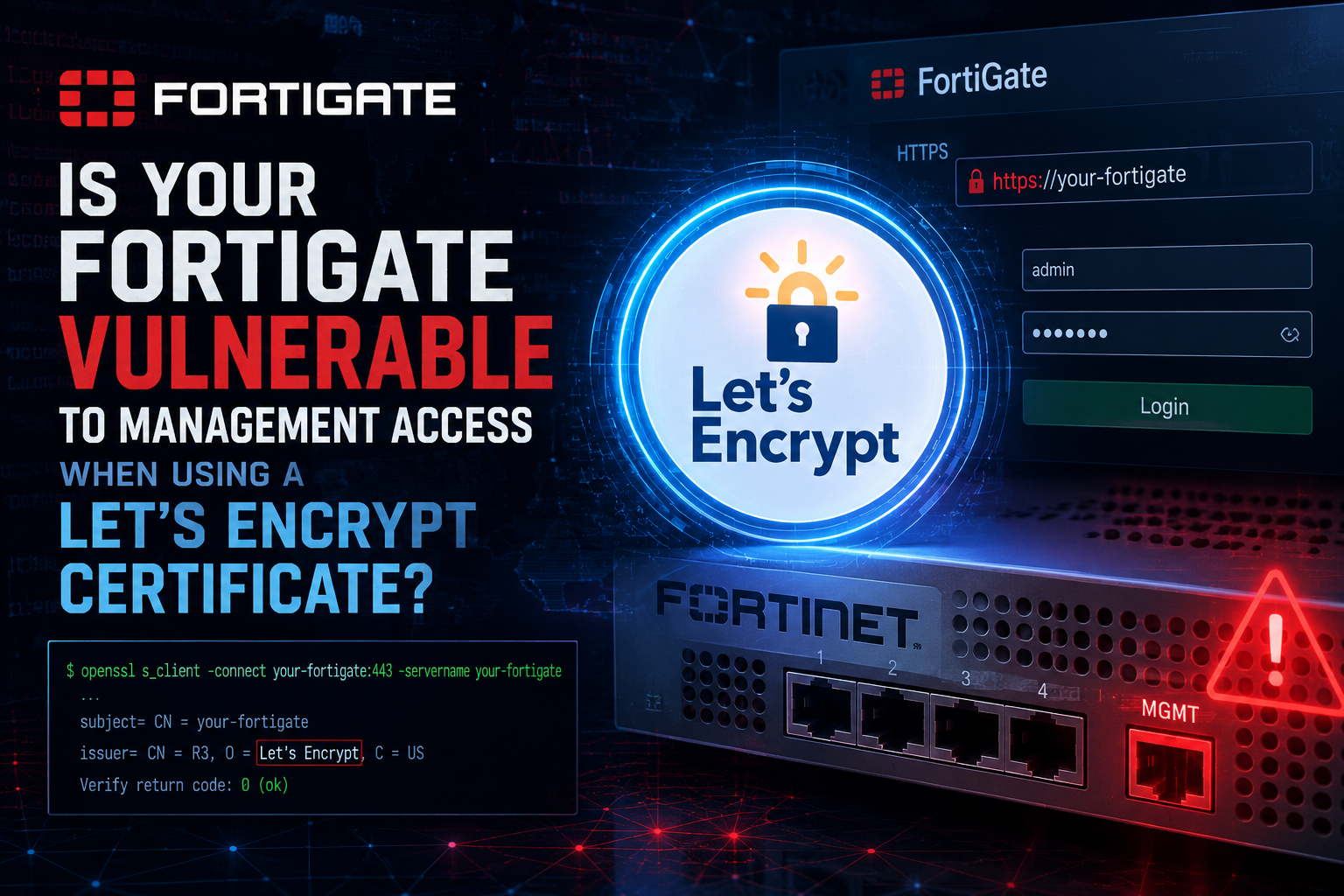
Is your FortiGate vulnerable to Management Access when using a Let’s Encrypt Certificate
The underlying assumption that Let’s Encrypt requires you to expose your FortiGate’s management console or administrative GUI via plain HTTP (TCP port 80) to the internet is a common misconception.
Here is exactly how FortiOS securely handles the Automated Certificate Management Environment (ACME) process without exposing your administrative management panel.
1. Automated ACME Deamon Isolation
When you configure an interface as the ACME interface on a FortiGate, FortiOS spawns a specific internal ACME daemon (acmed) to handle inbound validation tokens.
-
This daemon listens specifically for Let’s Encrypt validation requests.
-
It does not expose the
HTTPS/HTTPadministrative GUI (sshd,httpsd) or your SSL-VPN portal on port80. -
Anyone attempting to navigate to
http://<your-fortigate-ip>/will not be greeted by a login prompt; the request will simply be intercepted by the ACME client to process the challenge payload or dropped if it doesn’t match a valid verification path.
2. Let’s Encrypt Validation Methods in FortiOS
Let’s Encrypt requires proof of domain ownership. Depending on your configuration, FortiOS supports two validation paths—meaning TCP port 80 doesn’t even need to be open in all scenarios.
| Challenge Type | Inbound Port Required | How it Works on FortiGate |
HTTP-01 |
TCP Port 80 |
Let’s Encrypt looks for a specific token at http://<FQDN>/.well-known/acme-challenge/. The FortiGate captures only this path. It does not grant admin panel access. |
TLS-ALPN-01 |
TCP Port 443 |
If your FortiGate is listening for SSL-VPN or HTTPS traffic on port 443, it can negotiate the challenge securely inside a TLS handshake using a specific application-layer protocol negotiation. Port 80 can remain completely blocked. |
3. Best Practices for Hardening
While the feature is secure by design, you can implement extra layers of security to limit exposure:
-
Use a Dedicated Port for Admin Management: Never expose your actual administrative GUI to the WAN interface. Best practice dictates changing the default HTTPS management port (e.g., to a custom port like
8443) and disabling administrative access (set allowaccess http https) on your WAN interface entirely. -
Leverage Local-In Policies: If you are using the
HTTP-01challenge on port80, you can configure a Local-In Policy to restrict what traffic reaches the firewall’s control plane. While Let’s Encrypt does not publish official static IP ranges, you can use automated scripts or specific geographical/threat-feed blocks to drop unauthorized scanning on port80. -
Shift to
TLS-ALPN-01: If you use port 443 on the external interface for SSL-VPN, let FortiOS use the TLS-ALPN-01 challenge. This allows renewals to happen cleanly over HTTPS without needing port80open at all.
Summary: The ACME process handles verification through isolated hooks inside FortiOS. It does not bridge a connection to the administrative plane or web server daemon managing firewall settings, keeping your admin access secure.
Configuring TLS-ALPN-01
In FortiOS, TLS-ALPN-01 is actually the default challenge type used when you provision a Let’s Encrypt certificate.Because it operates over HTTPS (TCP port 443), you do not need to open or expose TCP port 80 on your WAN interface.
To configure and deploy it successfully, follow this step-by-step breakdown using either the GUI or the CLI.
Prerequisites
Before starting, ensure that:
-
You have a public FQDN (Fully Qualified Domain Name) pointing directly to your FortiGate’s WAN IP address.
-
TCP Port
443is accessible on that WAN interface from the public internet.-
Note: If you are running an SSL-VPN portal or an HTTPS administrative interface on port
443, the internal ACME daemon (acmed) will securely hook into the TLS handshake process automatically to handle the specialacme-tls/1protocol negotiation without disrupting your existing services. -
If you use a custom port for SSL-VPN (like
10443) and port 443 is completely closed/blocked on the interface, the TLS-ALPN-01 challenge will fail.
-
Option 1: Graphical User Interface (GUI)
-
Go to System > Certificates.
-
Click Create/Import > Certificate.
-
Select Use Let’s Encrypt.
-
Configure the following fields:
-
Certificate name: Give it a local identifier (e.g.,
WAN_LE_Cert). -
Domain: Enter your public FQDN (e.g.,
vpn.yourdomain.com). -
Email: Provide a valid administrator email address (used by Let’s Encrypt for expiration warnings if automation fails).
-
-
Click Create.
-
A slide-out panel will prompt you to choose the ACME Interface. Select your internet-facing interface (e.g.,
wan1). -
Click OK.
The FortiGate will automatically default to the TLS-ALPN-01 challenge on port 443. The certificate status will show as Pending while negotiating with Let’s Encrypt, and then switch to Valid.
Option 2: Command Line Interface (CLI)
If you prefer to configure it via the CLI, or need to verify that the challenge type hasn’t been manually forced to HTTP, use the following commands:
Step 1: Configure the ACME Certificate
Code snippet
config system certificate local
    edit "WAN_LE_Cert"
        set enroll-protocol acme
        set acme-ca-url "https://acme-v02.api.letsencrypt.org/directory"
        set acme-domain "vpn.yourdomain.com"
        set acme-email "admin@yourdomain.com"
        set interface "wan1"
    next
end
Step 2: Verify the Challenge Type (Optional)
By default, the setting acme-challenge-type is set to tls-alpn-01. You can explicitly check or enforce this in the CLI if it was previously altered:
Code snippet
config system certificate local
    edit "WAN_LE_Cert"
        set acme-challenge-type tls-alpn-01
    next
end
Step 3: Apply the Certificate to Your Services
Once the local certificate shifts from a pending status to active, update your specific services to leverage the new publicly trusted certificate.
Troubleshooting the TLS-ALPN-01 Handshake
If the certificate stays in a Pending status or fails to renew, you can run a real-time debug on the ACME daemon to see exactly where the handshake is dropping:
Code snippet
diagnose debug application acmed -1
diagnose debug enable
Common Pitfalls with TLS-ALPN-01:
-
Cloudflare/CDNs: If your FQDN goes through Cloudflare proxied mode (Orange Cloud), Cloudflare intercepts the TLS connection. Because Cloudflare’s edge servers do not know how to answer the specific
acme-tls/1ALPN negotiation intended for your FortiGate, the validation will fail. Ensure the DNS record is set to DNS Only (Grey Clouded). -
Upstream Firewalls/ISPs: Ensure there is no upstream router or ISP access-list blocking port
443traffic before it hits the FortiGate’s WAN interface.
What Let’s Encrypt does and doesn’t cost you
The cert adds no exploitable surface on its own. It has two real side effects. First, Certificate Transparency disclosure: every LE cert lands in public CT logs, so the FQDN on your WAN cert is discoverable via crt.sh the moment it’s issued. If you named it something like fortigate.company.com or fw.company.com, you’ve handed passive recon a targeting label that says “FortiGate here.” Use a non-descriptive hostname, or a wildcard obtained via DNS-01, to avoid advertising the device’s role. Second, ACME HTTP-01 needs inbound TCP/80 on the WAN during issuance and renewal, and FortiOS’s native ACME client is HTTP-01 based, so the box answers the challenge on port 80. Confirm that listener isn’t reachable beyond the renewal window, and check whether your build supports DNS-01, which removes the inbound port 80 requirement entirely. The 90-day lifecycle is an availability concern, not a security one.
Recent posts
-

-

DNS is one of those technologies that quietly underpins... Full Story
-

BGP issues on FortiGate firewalls usually trace back to... Full Story
-

Every time your laptop talks to your router, a... Full Story
-

If you've spent any time configuring NAT on a... Full Story
-

If you have spent any time configuring firewall policies... Full Story
-

High availability on FortiGate is one of those features... Full Story
-

If you've configured SD-WAN on a FortiGate, you've almost... Full Story
-

FortiLink is the management protocol that turns a FortiSwitch... Full Story
-

FortiSwitches are pretty rock solid from Mean Time Between... Full Story
-

This is a quicky tip. Have you ever gone... Full Story
-

DNS is one of those quiet pieces of internet... Full Story
-

This article is an updated version of the previous... Full Story
-

You will add ns2 as a secondary (slave) BIND9... Full Story
-

In the process of deploying my lab, I needed... Full Story
-

RFC 8805, used to be known as Self-Correcting IP... Full Story
-

Years back, I wrote an article about certificate pinning. ... Full Story
-

FortiGates have the ability to send alerts to Microsoft... Full Story
-

In this post, I am going to walk through... Full Story
-

Troubleshooting VoIP on a FortiGate can feel like trying... Full Story
-

Prior to FortiOS 7.0, there were three commands to... Full Story
-

In this post, I am going to go over... Full Story
-

What we are going to do: We are going... Full Story
-

Choosing between FGCP (FortiGate Clustering Protocol) and FGSP (FortiGate... Full Story
-

Creating a VLAN on macOS (The "Pro" Move) A... Full Story
-

This blog post explores the logic behind how macOS... Full Story
-

Pretty Fly for a Wi-Fi Tell My Wi-Fi Love... Full Story
-

Part of my daily gig is creating BoMs (Bill-of-Materials)... Full Story
-

ICMP introduces several security risks, but careful filtering, rate... Full Story
-

The command diag debug application dhcps -1 enables full... Full Story
-

In the world of FortiOS, execute tac report is... Full Story
-

LLDP; What is it The Link Layer Discovery Protocol... Full Story
-

What it actually does When you run diagnose fdsm... Full Story
-

Monkey Bites are bite-sized, high-impact security insights designed for... Full Story
-

I have run macOS in macOS with Parallels but... Full Story
-

Don't be confused with my other FortiNAC posts where... Full Story
-

This is the third session in a multi-part article... Full Story
-

Today I was configuring key-based authentication on a FortiGate... Full Story
-

Netcat, often called the "Swiss Army knife" of networking,... Full Story
-

At its core, IEEE 802.1X is a network layer... Full Story
-

In case you did not see the previous FortiNAC... Full Story
-

This is our 5th session where we are going... Full Story
-

Now that we have Wireshark installed and somewhat configured,... Full Story
-

The Philosophy of Packet Analysis Troubleshooting isn't about looking... Full Story
-

Executive Summary Objective: Get you from zero to writing... Full Story
-

NAND cells, the flash translation layer, SLC caching, TRIM,... Full Story
-

Nmap Scripting Engine (NSE): From One-Liners to Your First... Full Story