
If you've spent any time configuring user authentication on... Full Story
By Manny Fernandez
May 16, 2026
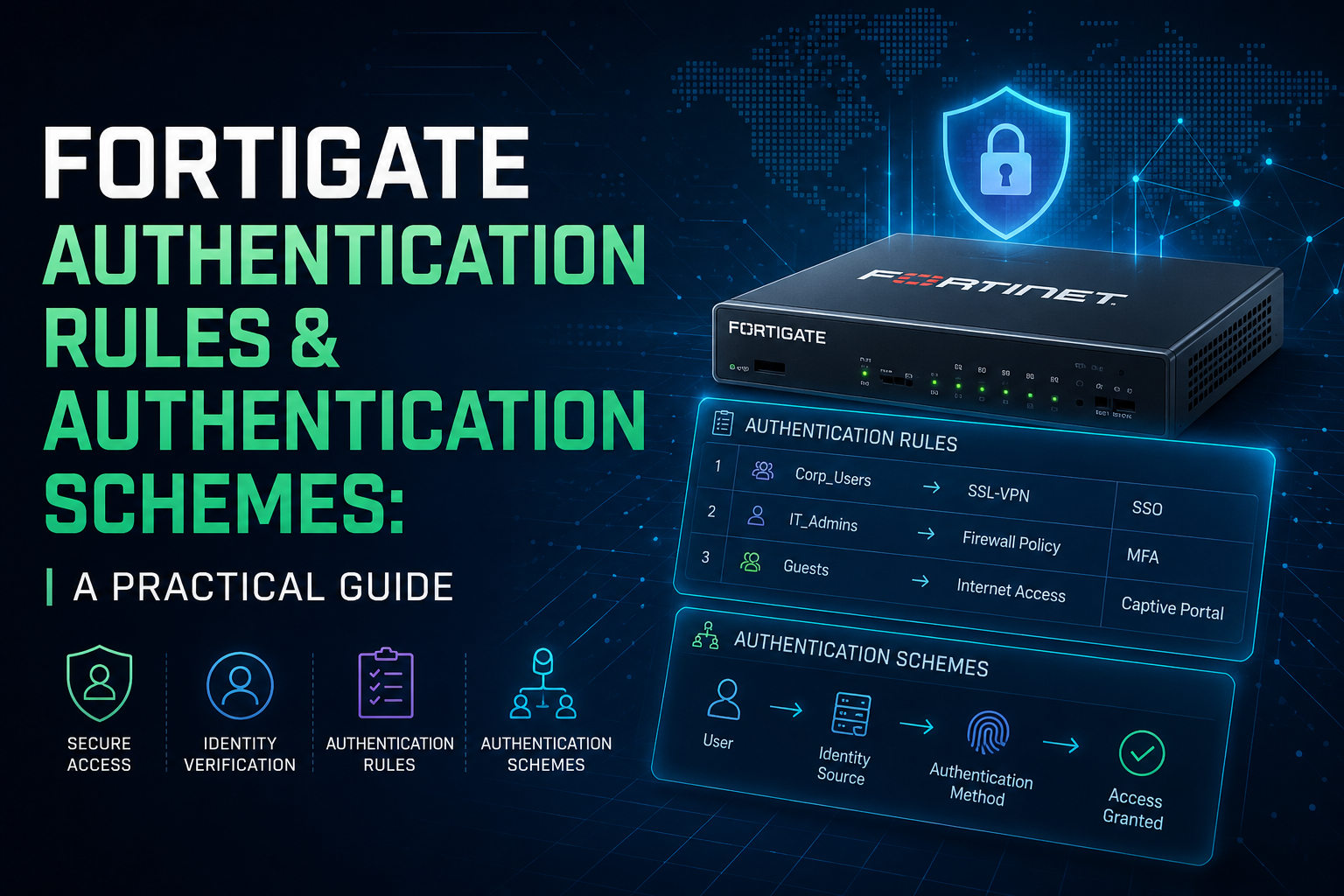
FortiGate Authentication Rules and Authentication Schemes: A Practical Guide
If you’ve spent any time configuring user authentication on a FortiGate, you’ve probably run into the pairing of Authentication Schemes and Authentication Rules. They sound similar, they live next to each other in the CLI, and they’re often configured together, but they do very different jobs. Understanding the split is the key to building authentication flows that actually behave the way you expect.
This post walks through what each one is, when to reach for them, and how they slot into a working firewall policy.
The Two-Part Model: Scheme vs. Rule
FortiOS separates how you authenticate from when you authenticate. That separation is deliberate and it’s the heart of the whole feature.
- An Authentication Scheme defines the method. It specifies what protocol the FortiGate uses to challenge the user (Basic, Digest, NTLM, Kerberos, SAML, form-based, certificate, etc.) and which user or group source backs it.
- An Authentication Rule defines the trigger. It identifies which traffic, coming from which sources, going to which destinations, should be matched and pushed through a given scheme.
You can think of schemes as reusable building blocks and rules as the dispatcher that decides which block applies to which traffic. One scheme can be referenced by many rules; one rule points to exactly one active scheme, with an optional fallback for SSO.
Authentication Schemes
A scheme is configured under config authentication scheme. At minimum, it specifies a method and the user database or server group it talks to.
Common methods you’ll configure:
- Basic: HTTP Basic auth prompt, validated against local users, LDAP, RADIUS, or TACACS+. Simple, broadly compatible, but credentials are only as protected as the transport.
- Digest: Challenge-response over HTTP. Better than Basic on plain HTTP, but rarely used today since HTTPS interception handles most of the same concerns.
- NTLM: Transparent auth against an Active Directory domain via a collector agent or FSSO. Works well with domain-joined Windows clients on a corporate network.
- Negotiate (Kerberos): Preferred over NTLM where you can use it. Requires a keytab on the FortiGate and proper SPN configuration in AD, but gives you true single sign-on without the legacy baggage of NTLM.
- Form: Captive-portal style HTML login page. The fallback when transparent methods aren’t available, and the typical choice for guest Wi-Fi or BYOD.
- SAML: Federated auth against an identity provider like Azure AD, Okta, or ADFS. The right choice when you want MFA, conditional access, and centralized identity to flow through to firewall policy.
- Certificate (PKI): Client certificate authentication. Useful for machine-to-machine flows or environments with an existing PKI.
A typical scheme definition looks like this:
config authentication scheme
    edit "Corp-Kerberos"
        set method negotiate
        set negotiate-ntlm enable
        set kerberos-keytab "CORP-KEYTAB"
    next
    edit "Guest-Portal"
        set method form
        set user-database "local"
    next
end
The scheme itself doesn’t decide who gets challenged. It just sits there, ready to be used.
Authentication Rules
A rule is configured under config authentication rule. It says: for traffic matching these conditions, use this scheme.
The matching criteria you can apply include:
- Source addresses (and address groups, including dynamic FSSO-resolved ones)
- Destination addresses
- Source interfaces
- Protocol, which matters because web filtering authentication and general firewall authentication can use different schemes
- IP-based vs. session-based authentication scope
- Active and SSO authentication methods, since a rule can specify both a primary active scheme and a fallback SSO scheme
A rule configuration commonly looks like:
config authentication rule
    edit "Corp-Users-Web"
        set srcintf "internal"
        set srcaddr "Corp-Subnets"
        set dstaddr "all"
        set protocol http
        set active-auth-method "Corp-Kerberos"
        set sso-auth-method "FSSO-Scheme"
    next
    edit "Guest-Portal-Rule"
        set srcintf "guest-wifi"
        set srcaddr "Guest-Range"
        set dstaddr "all"
        set protocol http
        set active-auth-method "Guest-Portal"
    next
end
Rules are evaluated top-down, and the first match wins. Order matters, so the more specific rules belong above the broader ones.
When Do You Actually Need Them?
This is the question that trips people up, because the firewall policy itself has its own users and groups fields. So why introduce a separate rules layer?
You need authentication rules and schemes when any of the following are true:
You want active authentication on a firewall policy. When a policy references a user group and that group isn’t satisfied by passive sources like FSSO, the FortiGate falls back to active authentication. The rules and schemes tell it how to prompt the user. Without them, the FortiGate has no way to challenge the user and the policy simply won’t match.
You’re mixing authentication methods on the same box. Corporate users on Kerberos, contractors on RADIUS, guests on a captive portal: each of those flows is a separate scheme, with rules deciding who gets which experience based on source subnet or interface.
You need SSO with an active fallback. A very common pattern: FSSO is your primary identification method (silent, no prompt), but if FSSO doesn’t have a mapping for the user, you fall back to a form-based or Kerberos challenge. That dual configuration lives on the rule, not the policy.
You’re authenticating non-firewall traffic flows. Explicit web proxy, transparent web proxy, and ZTNA all consume the same scheme/rule infrastructure. If you’re moving to explicit proxy, you’ll be living in this part of the config.
You generally don’t need to build out authentication rules if your only goal is purely passive FSSO and your policies just match on FSSO-derived groups. In that case, the user is identified before the policy is evaluated, and no challenge ever needs to happen.
How It All Fits Together in the Config
The end-to-end flow looks like this when active authentication is involved:
- Traffic hits a firewall policy that references a user group.
- The FortiGate checks whether the user is already identified (FSSO, prior auth, etc.).
- If not, the authentication ruleset is evaluated against the traffic.
- The matching rule selects an authentication scheme.
- The scheme prompts the user with the configured method and validates against the configured backend.
- On success, the user is associated with the session and the firewall policy match completes.
A complete working example with Kerberos for corporate users and a captive portal for guests, both on the same FortiGate, would include:
- Two authentication schemes:
Corp-KerberosandGuest-Portal. - Two authentication rules: one matching the corporate source subnet and pointing to the Kerberos scheme, one matching the guest VLAN and pointing to the portal scheme.
- Two firewall policies: one allowing corporate users out to the internet (referencing a corporate group), one allowing guest users out (referencing a guest group), each tied to the appropriate source interface.
The firewall policies don’t reference the schemes or rules directly. They just demand a user, and the rules-and-schemes layer figures out how to produce one.
A Few Things Worth Knowing
Some practical notes from working with this in the field:
- Rule order matters and isn’t always obvious. A broad “match all internal” rule above a specific guest rule will swallow guest traffic and send it to the wrong scheme. Always verify with
diagnose debug authdoutput when behavior is surprising. - HTTPS interception is usually required for active auth on HTTPS. Without SSL deep inspection (or at least certificate inspection that can serve the auth page), you can’t prompt the user on encrypted traffic. This is the single most common reason captive portals “don’t work.”
- Kerberos keytabs are case-sensitive and time-sensitive. SPN mismatches and clock skew with the domain controller are the two failure modes you’ll see over and over.
- One scheme, many rules is the right pattern. Resist the temptation to build a scheme per rule. Schemes are designed to be reusable.
Closing Thoughts
The scheme/rule split feels like extra plumbing the first time you encounter it, but it pays off as soon as your environment grows past a single authentication method. Schemes give you reusable, well-defined methods. Rules give you fine-grained control over which traffic uses which method. Together they decouple authentication policy from firewall policy in a way that scales cleanly from a small branch office to a large enterprise edge.
If you’re building out authentication on FortiOS for the first time, start by listing the user populations you need to handle and the method each one will use. Each entry on that list becomes a scheme. Then sketch out which subnets or interfaces each population lives on, and that becomes your rules. Once those two layers are clean, your firewall policies become much simpler, because they go back to doing what they do best: deciding who can talk to what.
Recent posts
-

-

DNS is one of those technologies that quietly underpins... Full Story
-

BGP issues on FortiGate firewalls usually trace back to... Full Story
-

Every time your laptop talks to your router, a... Full Story
-

If you've spent any time configuring NAT on a... Full Story
-

If you have spent any time configuring firewall policies... Full Story
-

High availability on FortiGate is one of those features... Full Story
-

If you've configured SD-WAN on a FortiGate, you've almost... Full Story
-

FortiLink is the management protocol that turns a FortiSwitch... Full Story
-

FortiSwitches are pretty rock solid from Mean Time Between... Full Story
-

This is a quicky tip. Have you ever gone... Full Story
-

DNS is one of those quiet pieces of internet... Full Story
-

This article is an updated version of the previous... Full Story
-

You will add ns2 as a secondary (slave) BIND9... Full Story
-

In the process of deploying my lab, I needed... Full Story
-

RFC 8805, used to be known as Self-Correcting IP... Full Story
-

Years back, I wrote an article about certificate pinning. ... Full Story
-

FortiGates have the ability to send alerts to Microsoft... Full Story
-

In this post, I am going to walk through... Full Story
-

Troubleshooting VoIP on a FortiGate can feel like trying... Full Story
-

Prior to FortiOS 7.0, there were three commands to... Full Story
-

In this post, I am going to go over... Full Story
-

What we are going to do: We are going... Full Story
-

Choosing between FGCP (FortiGate Clustering Protocol) and FGSP (FortiGate... Full Story
-

Creating a VLAN on macOS (The "Pro" Move) A... Full Story
-

This blog post explores the logic behind how macOS... Full Story
-

Pretty Fly for a Wi-Fi Tell My Wi-Fi Love... Full Story
-

Part of my daily gig is creating BoMs (Bill-of-Materials)... Full Story
-

ICMP introduces several security risks, but careful filtering, rate... Full Story
-

The command diag debug application dhcps -1 enables full... Full Story
-

In the world of FortiOS, execute tac report is... Full Story
-

LLDP; What is it The Link Layer Discovery Protocol... Full Story
-

What it actually does When you run diagnose fdsm... Full Story
-

Monkey Bites are bite-sized, high-impact security insights designed for... Full Story
-

I have run macOS in macOS with Parallels but... Full Story
-

Don't be confused with my other FortiNAC posts where... Full Story
-

This is the third session in a multi-part article... Full Story
-

Today I was configuring key-based authentication on a FortiGate... Full Story
-

Netcat, often called the "Swiss Army knife" of networking,... Full Story
-

At its core, IEEE 802.1X is a network layer... Full Story
-

In case you did not see the previous FortiNAC... Full Story
-

This is our 5th session where we are going... Full Story
-

Now that we have Wireshark installed and somewhat configured,... Full Story
-

The Philosophy of Packet Analysis Troubleshooting isn't about looking... Full Story
-

Here is a quick article on running lldp on... Full Story
-

If you have ever stared at a Terminal window... Full Story
-

The Problem This Solves FortiGate matches policies referencing a... Full Story