
If you've spent any time configuring user authentication on... Full Story
By Manny Fernandez
September 21, 2026
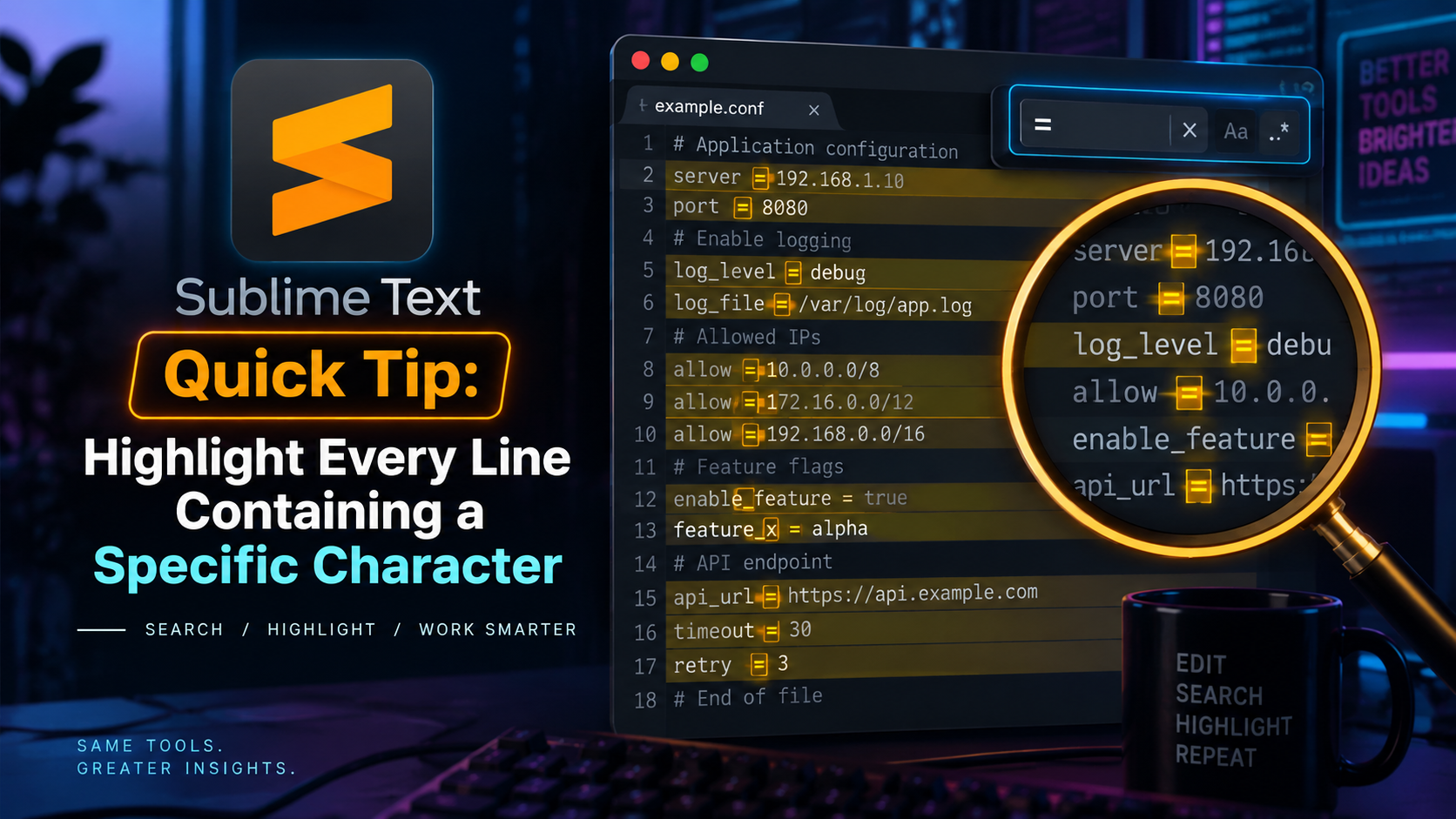
Sublime Text Quick Tip: Highlight Every Line Containing a Specific Character
Say you want to spot every line in a config or log file that contains a #, a !, or any other character. Sublime Text doesn’t ship a dedicated “highlight lines with this character” command, but you get it for free by combining regex search with Find All: since the match itself is the whole line, selecting the match highlights the whole line.
The Core Move
- Open the Find panel.
- Turn on regular expressions.
- Search for
^.*X.*$, swappingXfor your character (escape it with a backslash if it’s a regex-special character like.,*,$, or?). - Click Find All (or use its shortcut) instead of pressing Enter.
Because the regex matches the entire line, not just the character, Find All turns every matching line into a selection, which Sublime highlights edge to edge. Same result you’d get from Cmd/Ctrl-clicking each line by hand, just instant.
Shortcuts by Platform
| Action | Windows / Linux | macOS |
|---|---|---|
| Open Find panel | Ctrl+F | Cmd+F |
| Toggle regex | Alt+R | Cmd+Option+R |
| Find All | Alt+Enter | Option+Enter |
If you’d rather not memorize the regex toggle, just click the .* icon on the right side of the Find bar. It’s identical on both platforms.
Example
To highlight every line containing a #:
^.*#.*$To highlight every line containing a literal period:
^.*\..*$Bonus: Make It Stick
A Find All selection disappears the moment you click elsewhere. If you want a marker that survives normal editing, bookmark the selection instead of just leaving it selected:
- Do the Find All from above.
- Press
Ctrl+F2(Windows/Linux) orCmd+F2(macOS).
Every selected line gets a bookmark dot in the gutter, and you can hop between them afterward with F2 / Shift+F2, no regex re-typing needed.
That’s it. Not a plugin, not a setting, just Find All doing double duty as a line highlighter.
Recent posts
-

-

DNS is one of those technologies that quietly underpins... Full Story
-

BGP issues on FortiGate firewalls usually trace back to... Full Story
-

Every time your laptop talks to your router, a... Full Story
-

If you've spent any time configuring NAT on a... Full Story
-

If you have spent any time configuring firewall policies... Full Story
-

High availability on FortiGate is one of those features... Full Story
-

If you've configured SD-WAN on a FortiGate, you've almost... Full Story
-

FortiLink is the management protocol that turns a FortiSwitch... Full Story
-

FortiSwitches are pretty rock solid from Mean Time Between... Full Story
-

This is a quicky tip. Have you ever gone... Full Story
-

DNS is one of those quiet pieces of internet... Full Story
-

This article is an updated version of the previous... Full Story
-

You will add ns2 as a secondary (slave) BIND9... Full Story
-

In the process of deploying my lab, I needed... Full Story
-

RFC 8805, used to be known as Self-Correcting IP... Full Story
-

Years back, I wrote an article about certificate pinning. ... Full Story
-

FortiGates have the ability to send alerts to Microsoft... Full Story
-

In this post, I am going to walk through... Full Story
-

Troubleshooting VoIP on a FortiGate can feel like trying... Full Story
-

Prior to FortiOS 7.0, there were three commands to... Full Story
-

In this post, I am going to go over... Full Story
-

What we are going to do: We are going... Full Story
-

Choosing between FGCP (FortiGate Clustering Protocol) and FGSP (FortiGate... Full Story
-

Creating a VLAN on macOS (The "Pro" Move) A... Full Story
-

This blog post explores the logic behind how macOS... Full Story
-

Pretty Fly for a Wi-Fi Tell My Wi-Fi Love... Full Story
-

Part of my daily gig is creating BoMs (Bill-of-Materials)... Full Story
-

ICMP introduces several security risks, but careful filtering, rate... Full Story
-

The command diag debug application dhcps -1 enables full... Full Story
-

In the world of FortiOS, execute tac report is... Full Story
-

LLDP; What is it The Link Layer Discovery Protocol... Full Story
-

What it actually does When you run diagnose fdsm... Full Story
-

Monkey Bites are bite-sized, high-impact security insights designed for... Full Story
-

I have run macOS in macOS with Parallels but... Full Story
-

Don't be confused with my other FortiNAC posts where... Full Story
-

This is the third session in a multi-part article... Full Story
-

Today I was configuring key-based authentication on a FortiGate... Full Story
-

Netcat, often called the "Swiss Army knife" of networking,... Full Story
-

At its core, IEEE 802.1X is a network layer... Full Story
-

In case you did not see the previous FortiNAC... Full Story
-

This is our 5th session where we are going... Full Story
-

Now that we have Wireshark installed and somewhat configured,... Full Story
-

The Philosophy of Packet Analysis Troubleshooting isn't about looking... Full Story
-

INFOSECMONKEY | CVE BRIEF | NO FLUFF. JUST THE... Full Story
-

APT CVE-2026-109518: How a Download Retry Lets an Attacker... Full Story
-

Managing Windows Firewall from the Command Line: netsh, PowerShell... Full Story