
If you've spent any time configuring user authentication on... Full Story
By Manny Fernandez
June 4, 2026
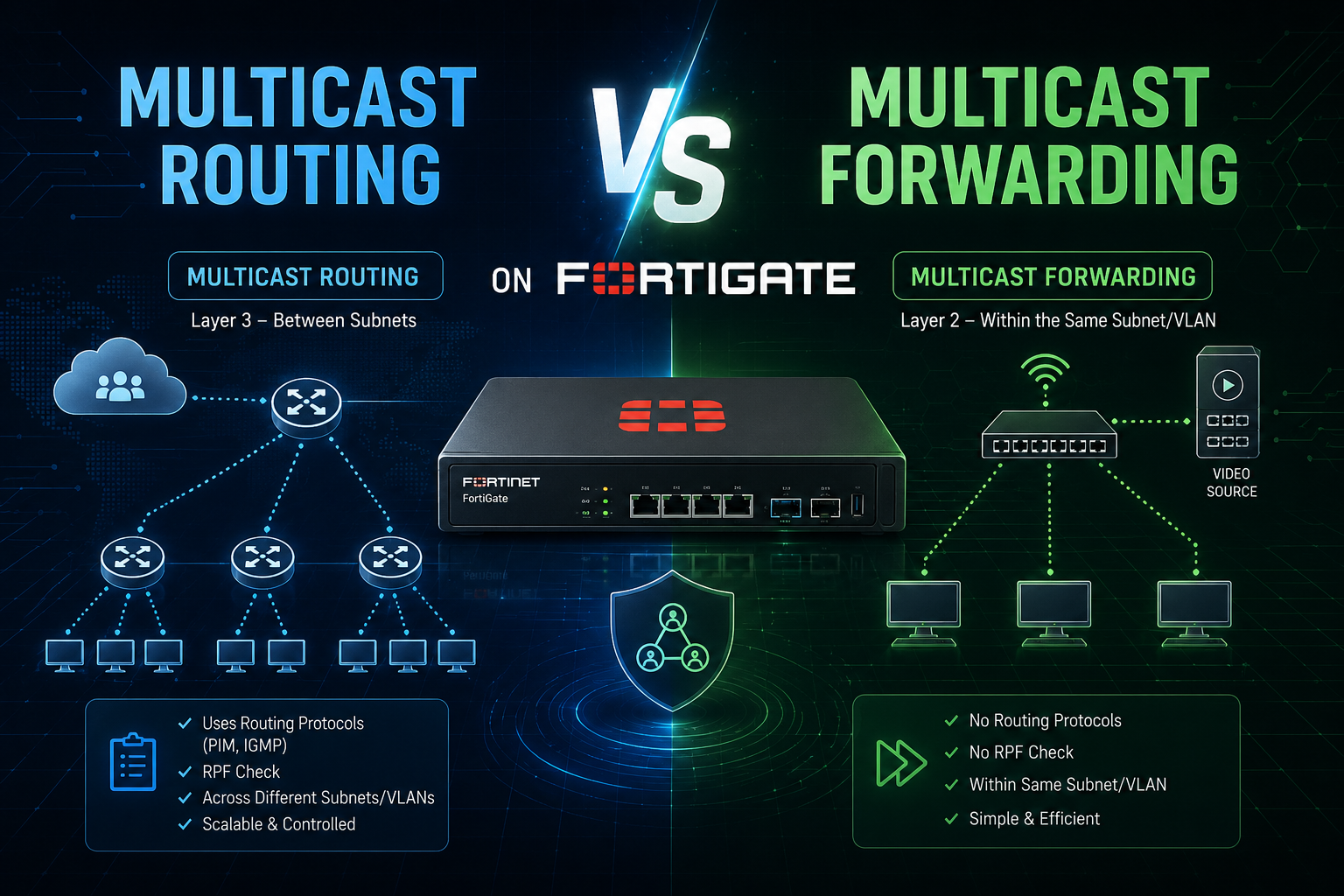
Multicast Routing vs Multicast Forwarding on FortiGate
These are two distinct mechanisms on FortiOS, and conflating them is a common source of “my multicast isn’t working” tickets. Here is the breakdown.
Multicast Routing (PIM-based, Layer 3)
Multicast routing handles the dynamic distribution of multicast traffic across different subnets using a multicast routing protocol, primarily PIM (Protocol Independent Multicast).
Key characteristics:
- Enabled globally with
config router multicastandset multicast-routing enable. - Uses PIM Sparse Mode (
PIM-SM) or Sparse-Dense Mode to build distribution trees based on group membership. - Relies on IGMP (typically
IGMPv2/v3) to learn receiver interest on downstream interfaces. - Requires a Rendezvous Point (
RP) for PIM-SM. The FortiGate can act as the RP or point to an external one via static RP or bootstrap router (BSR). - Builds and maintains state in the multicast routing table, viewable with
get router info multicast tableanddiagnose ip multicast. - Forwarding decisions are dynamic and adapt as receivers join and leave groups.
Use this when multicast sources and receivers live on different subnets/interfaces and you need the FortiGate to participate intelligently in the multicast topology.
Multicast Forwarding (Static, Policy-based)
Multicast forwarding is a simpler, static mechanism. The FortiGate forwards specified multicast traffic between interfaces based on explicitly configured multicast policies, without running a routing protocol.
Key characteristics:
- Configured under
config firewall multicast-policy. - You define source/destination interfaces, source/destination address ranges (the multicast group), protocol, and action (accept/deny).
- No
PIM, noRP, no dynamic tree building. The FortiGate simply relays matching multicast frames between the interfaces you specify. - Supports NAT of the multicast source address via
set snat enableandset snat-ip, which standard multicast routing does not do. - A multicast policy is required to permit multicast traffic through the firewall even when multicast routing is enabled. By default, the policy list will deny multicast traffic if no matching accept policy exists.
Use this for straightforward “push this group from interface A to interface B” scenarios, lab/streaming setups, or when you need source NAT on multicast streams.
The Critical Interaction
The point that trips people up: enabling multicast routing alone is not enough. Multicast traffic must still be permitted by a multicast firewall policy (config firewall multicast-policy) to traverse the FortiGate. PIM builds the path; the multicast policy authorizes the traffic across that path. You generally need both for inter-subnet multicast to actually flow.
By contrast, pure static multicast forwarding can work with just the multicast policy and no PIM at all, provided the topology is simple enough that dynamic tree building is unnecessary.
Quick Comparison
| Aspect | Multicast Routing | Multicast Forwarding |
|---|---|---|
| Mechanism | PIM-SM / Sparse-Dense | Static policy relay |
| Config context | config router multicast |
config firewall multicast-policy |
| Dynamic tree building | Yes | No |
| RP / IGMP / PIM needed | Yes | No |
| Source NAT support | No | Yes (snat) |
| Best for | Multi-subnet, dynamic membership | Simple A-to-B relay, NAT scenarios |
| Policy still required? | Yes (must permit traffic) | Yes (it is the mechanism) |
Bottom line: routing decides the path dynamically using protocols; forwarding statically relays defined groups between interfaces. In most real FortiGate deployments doing inter-VLAN multicast, you configure both: PIM for the path and a multicast policy to allow the traffic.
Recent posts
-

-

DNS is one of those technologies that quietly underpins... Full Story
-

BGP issues on FortiGate firewalls usually trace back to... Full Story
-

Every time your laptop talks to your router, a... Full Story
-

If you've spent any time configuring NAT on a... Full Story
-

If you have spent any time configuring firewall policies... Full Story
-

High availability on FortiGate is one of those features... Full Story
-

If you've configured SD-WAN on a FortiGate, you've almost... Full Story
-

FortiLink is the management protocol that turns a FortiSwitch... Full Story
-

FortiSwitches are pretty rock solid from Mean Time Between... Full Story
-

This is a quicky tip. Have you ever gone... Full Story
-

DNS is one of those quiet pieces of internet... Full Story
-

This article is an updated version of the previous... Full Story
-

You will add ns2 as a secondary (slave) BIND9... Full Story
-

In the process of deploying my lab, I needed... Full Story
-

RFC 8805, used to be known as Self-Correcting IP... Full Story
-

Years back, I wrote an article about certificate pinning. ... Full Story
-

FortiGates have the ability to send alerts to Microsoft... Full Story
-

In this post, I am going to walk through... Full Story
-

Troubleshooting VoIP on a FortiGate can feel like trying... Full Story
-

Prior to FortiOS 7.0, there were three commands to... Full Story
-

In this post, I am going to go over... Full Story
-

What we are going to do: We are going... Full Story
-

Choosing between FGCP (FortiGate Clustering Protocol) and FGSP (FortiGate... Full Story
-

Creating a VLAN on macOS (The "Pro" Move) A... Full Story
-

This blog post explores the logic behind how macOS... Full Story
-

Pretty Fly for a Wi-Fi Tell My Wi-Fi Love... Full Story
-

Part of my daily gig is creating BoMs (Bill-of-Materials)... Full Story
-

ICMP introduces several security risks, but careful filtering, rate... Full Story
-

The command diag debug application dhcps -1 enables full... Full Story
-

In the world of FortiOS, execute tac report is... Full Story
-

LLDP; What is it The Link Layer Discovery Protocol... Full Story
-

What it actually does When you run diagnose fdsm... Full Story
-

Monkey Bites are bite-sized, high-impact security insights designed for... Full Story
-

I have run macOS in macOS with Parallels but... Full Story
-

Don't be confused with my other FortiNAC posts where... Full Story
-

This is the third session in a multi-part article... Full Story
-

Today I was configuring key-based authentication on a FortiGate... Full Story
-

Netcat, often called the "Swiss Army knife" of networking,... Full Story
-

At its core, IEEE 802.1X is a network layer... Full Story
-

In case you did not see the previous FortiNAC... Full Story
-

This is our 5th session where we are going... Full Story
-

Now that we have Wireshark installed and somewhat configured,... Full Story
-

The Philosophy of Packet Analysis Troubleshooting isn't about looking... Full Story
-

InfoSecMonkey Threat Response October 24, 2026 | No fluff.... Full Story
-

InfoSecMonkey Threat Response October 24, 2026 | No fluff.... Full Story
-

Plus what you actually get with FortiCare Essential, Premium... Full Story