
If you've spent any time configuring user authentication on... Full Story
By Manny Fernandez
May 22, 2026
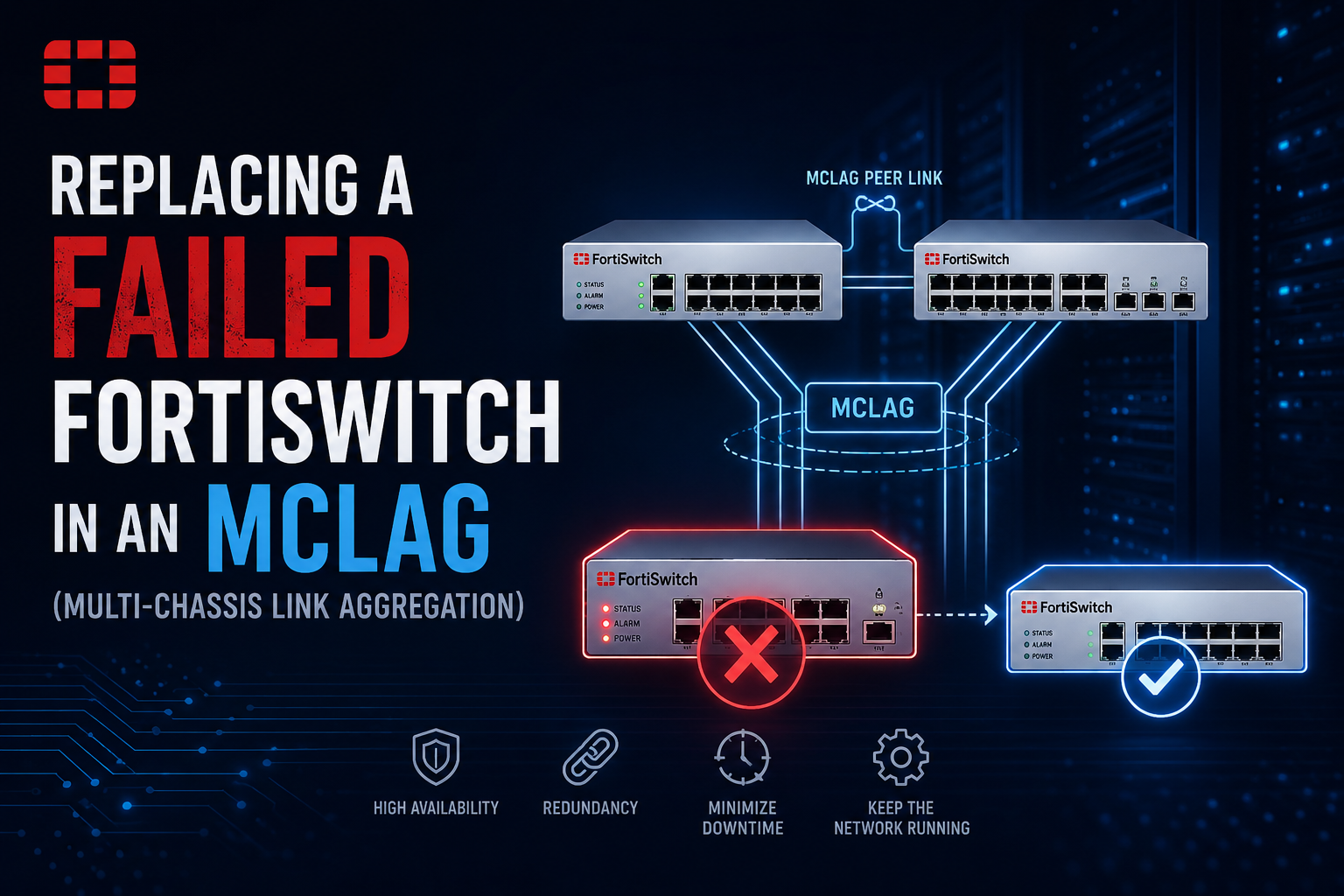
Replacing a failed FortiSwitch in an Multi-Chassis Link Aggregation (MCLAG)
Replacing a failed FortiSwitch in an Multi-Chassis Link Aggregation (MCLAG) pair requires a bit of care to prevent network loops and ensure the FortiGate correctly maps the old configuration to the new hardware.
The most efficient and reliable method leverages FortiOS’s replace-device command. For non MCLAP, FortiSwitch replacements, see the article I wrote earlier. Here is the step-by-step workflow to swap out the unit safely.
Phase 1: Isolation & Preparation
You should label your cables if possible. You can purchase these or similar cheap labels and label your cables. If all ports are on the same VLAN, maybe not that important.
Before connecting anything to your live production network, isolate the replacement switch to stage it correctly.
Phase 2: Configuration Remapping
This is where the magic happens. Instead of rebuilding your VLANs, trunk groups, and port assignments, you will map the existing configuration directly to the new serial number.
From the FortiGate `CLI, execute the following command:
execute replace-device fortiswitch <FAILED_SWITCH_SERIAL> <REPLACEMENT_SWITCH_SERIAL>
What this does: The FortiGate retains every single port setting, VLAN assignment, and policy associated with the old switch ID and seamlessly updates its database with the new serial number.
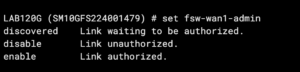
Next, authorize the new switch on the FortiGate:
config switch-controller managed-switch
    edit <REPLACEMENT_SWITCH_SERIAL>
        set fsw-wan1-admin enable
    end
Phase 3: Physical Reconnection & Validation
When reintroducing an MCLAG peer, always bring up the infrastructure links first to establish stability before letting client traffic down the links.
-
Step 1: Connect the Inter-Chassis Links (ICL) and FortiLink Uplinks OnlyConnect the dedicated ICL ports to the surviving peer switch, and connect your uplinks to the FortiGate.
-
Step 2: Allow Configuration SyncWait a few minutes. The replacement switch will form its FortiLink management connection to the FortiGate and pull down its complete assigned configuration profile.
-
Step 3: Verify MCLAG StateBefore connecting access ports or downstream trunks, verify that the dual-homed sync state is completely healthy. Run these commands on the FortiGate:
diagnose switch mclag icl
diagnose switch mclag peer-consistency-check
Ensure the ICL trunk status reports as Up and that there are no peer-consistency mismatches between the two switches.
Step 4: Reconnect Downlinks. Once the control plane and ICL are confirmed clean and stable, patch the remaining production downlinks into the replacement switch.
Recent posts
-

-

DNS is one of those technologies that quietly underpins... Full Story
-

BGP issues on FortiGate firewalls usually trace back to... Full Story
-

Every time your laptop talks to your router, a... Full Story
-

If you've spent any time configuring NAT on a... Full Story
-

If you have spent any time configuring firewall policies... Full Story
-

High availability on FortiGate is one of those features... Full Story
-

If you've configured SD-WAN on a FortiGate, you've almost... Full Story
-

FortiLink is the management protocol that turns a FortiSwitch... Full Story
-

FortiSwitches are pretty rock solid from Mean Time Between... Full Story
-

This is a quicky tip. Have you ever gone... Full Story
-

DNS is one of those quiet pieces of internet... Full Story
-

This article is an updated version of the previous... Full Story
-

You will add ns2 as a secondary (slave) BIND9... Full Story
-

In the process of deploying my lab, I needed... Full Story
-

RFC 8805, used to be known as Self-Correcting IP... Full Story
-

Years back, I wrote an article about certificate pinning. ... Full Story
-

FortiGates have the ability to send alerts to Microsoft... Full Story
-

In this post, I am going to walk through... Full Story
-

Troubleshooting VoIP on a FortiGate can feel like trying... Full Story
-

Prior to FortiOS 7.0, there were three commands to... Full Story
-

In this post, I am going to go over... Full Story
-

What we are going to do: We are going... Full Story
-

Choosing between FGCP (FortiGate Clustering Protocol) and FGSP (FortiGate... Full Story
-

Creating a VLAN on macOS (The "Pro" Move) A... Full Story
-

This blog post explores the logic behind how macOS... Full Story
-

Pretty Fly for a Wi-Fi Tell My Wi-Fi Love... Full Story
-

Part of my daily gig is creating BoMs (Bill-of-Materials)... Full Story
-

ICMP introduces several security risks, but careful filtering, rate... Full Story
-

The command diag debug application dhcps -1 enables full... Full Story
-

In the world of FortiOS, execute tac report is... Full Story
-

LLDP; What is it The Link Layer Discovery Protocol... Full Story
-

What it actually does When you run diagnose fdsm... Full Story
-

Monkey Bites are bite-sized, high-impact security insights designed for... Full Story
-

I have run macOS in macOS with Parallels but... Full Story
-

Don't be confused with my other FortiNAC posts where... Full Story
-

This is the third session in a multi-part article... Full Story
-

Today I was configuring key-based authentication on a FortiGate... Full Story
-

Netcat, often called the "Swiss Army knife" of networking,... Full Story
-

At its core, IEEE 802.1X is a network layer... Full Story
-

In case you did not see the previous FortiNAC... Full Story
-

This is our 5th session where we are going... Full Story
-

Now that we have Wireshark installed and somewhat configured,... Full Story
-

The Philosophy of Packet Analysis Troubleshooting isn't about looking... Full Story
-

Executive Summary Objective: Get you from zero to writing... Full Story
-

NAND cells, the flash translation layer, SLC caching, TRIM,... Full Story
-

Nmap Scripting Engine (NSE): From One-Liners to Your First... Full Story